If you are running a content-rich WordPress site and want smarter SEO improvements, internal link building should be one of your top strategies. It is one of those things that many site owners know matters but struggle to implement consistently, especially as content grows.
We usually manually add internal links to my content. We open old posts in one tab and new ones in another, and try to remember what might make sense to connect. It is tedious and easy to forget.
We have since then discovered tools that automate and suggest internal links, and specifically Link Whisper, which helps you get started with internal link building without spending a cent.
In this post, we explore how internal links work, why they matter, what Link Whisper Free offers, and how the premium version of the Link Whisper plugin can take your SEO game to the next level.
What Is Internal Link Building and Why Does It Matter
Before we dive into tools, let’s clarify what internal link building is.
Internal link building is the practice of linking from one page on your site to another. These links help both people and search engines understand the structure of your website, discover new pages, and navigate through related content.
Unlike external links that point to other websites, internal links stay inside your own domain. They help:
- Boost page discoverability so Google can crawl more pages efficiently.
- Distribute authority (or “link juice”) across your site instead of letting it all sit on the homepage or top posts.
- Improve user experience by guiding readers to related or helpful content.
- Increase engagement and time on site, which can indirectly boost SEO.
Search engines like Google and Bing have all confirmed that internal links are an important ranking signal and help with crawling and indexing.
So if you are not intentional about internal linking, you are probably leaving traffic on the table.
Introducing Link Whisper Free: A No-Cost Start to Internal Link Building
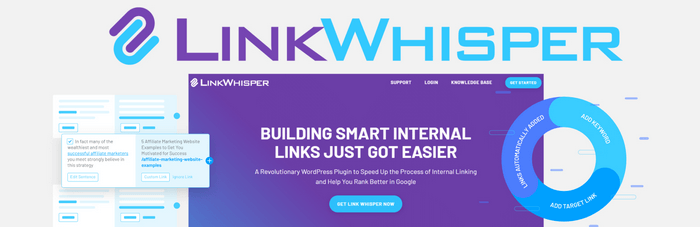
If internal link building sounds overwhelming, you are not alone. That is why Link Whisper Free was created to make internal linking smarter and simpler without paying anything.
What Link Whisper Free Does:
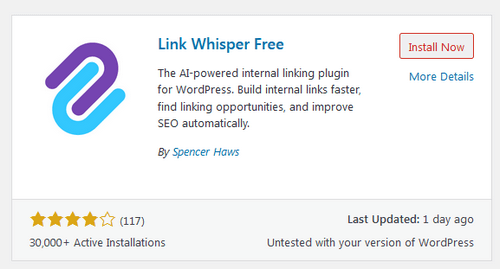
When you install the plugin, it runs in the background and starts suggesting internal links right in the WordPress editor. These suggestions are based on the actual content of the post you are working on, so they are contextual and relevant.
Here is what you can expect from the free version:
- Real-time internal link suggestions while you write or edit posts.
- In-post link reports that show inbound and outbound internal links.
- A quick way to insert suggested links without copying and pasting URLs.
- A snapshot of posts that may have few or no internal links (so you can fix orphan content).
This might sound simple, but for many bloggers, it cuts hours of manual work out of internal linking.
How Link Whisper Free Helps You:
You start seeing suggested links as you write new content. These are based on keywords and phrasing in your content, making them natural additions. You can easily choose which suggestions to accept, tweak the text, or decline if they do not fit.
This process helps you build internal links faster without losing focus on your writing. And because it is free, you can start benefiting from internal link building today, even on a low budget.
The Upside of Internal Link Building With Tools
Many site owners struggle with internal linking because it is hard to visualize link opportunities, especially across hundreds of posts.
Here is how a tool like Link Whisper Free can help:
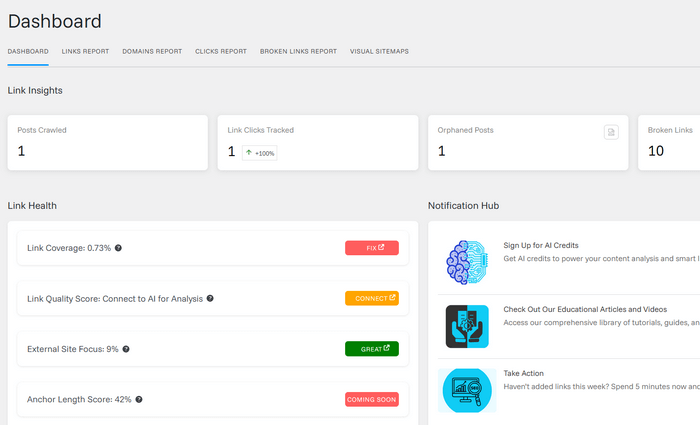
Smart Suggestions: Link Whisper Free scans your content for relevant connections, helping you spot link opportunities you might miss. It does not generate links randomly; it gives suggestions based on the content you are editing.
Orphan Page Awareness: It highlights posts that have few or no internal links pointing at them, called orphan pages. These pages are often overlooked by search engines and users alike, but fixing them can help SEO over time.
Saves Time: Without a linking tool, you need to manually open each post, search for keywords, and remember to insert links at the right places. A plugin automates most of this work and keeps your internal linking efforts consistent.
What the Free Version Doesn’t Do (But the Paid One Does)
While Link Whisper Free is a great way to begin internal linking, it has limitations compared to the full plugin available at the Link Whisper official site.
Some advanced features you don’t find in the free version are:
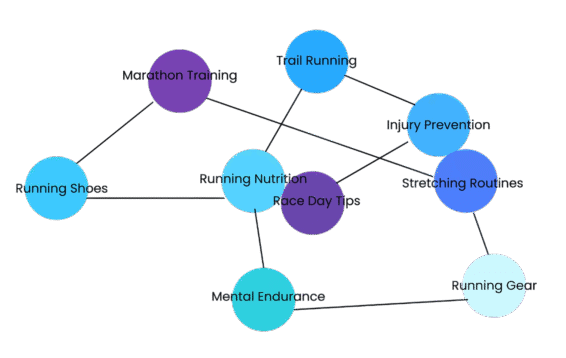
- Auto-linking rules that automatically link chosen keywords across your entire site.
- Bulk internal link creation and editing.
- Broken link detection and reporting.
- Custom keyword target linking.
- Reports that let you add/edit links directly from the dashboard.
These features remove even more of the manual steps and make internal link building scalable, especially for larger sites or agencies.
Which brings us to the premium version of Link Whisper.
Upgrading to Link Whisper: Internal Link Building on Steroids
Once you have gotten a taste of what internal linking with the free plugin can do, you may start thinking about expanding your capabilities. That’s where the premium Link Whisper plugin shines.
This premium plugin builds on everything the free version offers but adds powerful automation and reporting features that serious SEO practitioners love.
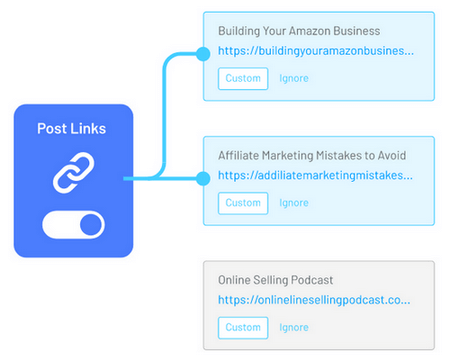
Smarter Link Suggestions: While the free plugin gives you relevant internal link ideas, the pro plugin takes it further by suggesting high-quality anchor text based on context and SEO best practices, reducing repetitive or unnatural links.
Auto-Linking Across Entire Site: One of the most transformational features in the paid version is the ability to set automatic linking rules.
You define keywords and assign target URLs, and the plugin will find and insert relevant internal links throughout your site, including retroactively across existing posts. This instantly scales your internal link strategy without manual editing.
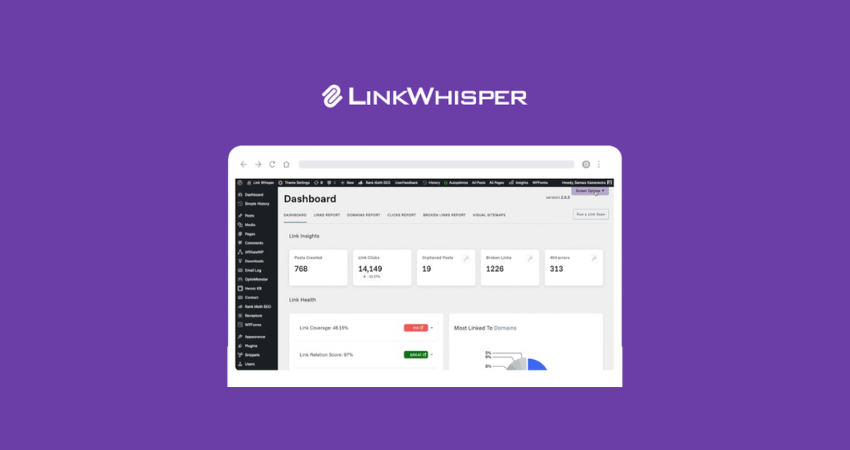
Detailed Reporting: The premium version provides deep link reports that show how many internal links each post has, how many links point to orphan pages, and where link gaps exist. These insights help you fix structural problems quickly.
Broken Link Detection: SEO suffers when users hit broken links or 404 pages. The full version enables you to identify and resolve these issues quickly, directly from the plugin dashboard, saving time and enhancing site quality.
Helping Your SEO Without Changing Your Writing Style
One of the best things about tools like Link Whisper is that they do not change your writing style. Instead, they help you connect your content more clearly and helpfully.
Some experienced bloggers have noted that while tools like Link Whisper help search engines, they still require review and oversight because suggestions are not always perfect or “ready to publish” without editing.
This reflects the balance between automation and human judgment that most SEO pros aim for today.
Tips for Internal Linking Success
Here are actionable tips based on both experience and SEO industry best practices:
Use Relevant Anchor Text: Make sure the text you use for internal links describes the page it is pointing to. This helps users and search engines understand what the linked content is about.
Prioritize Site Structure: Think of your content like a pyramid: cornerstone content goes at the top, supported by related posts below it. Link whispering helps you reinforce that structure.
Avoid Over-Linking: More internal links are not always better. Too many links can weaken the authority being passed and overwhelm readers.
Check for Orphan Pages: Use plugin reports to find posts with few internal links pointing to them, adding links to these can improve visibility.
Review Automation Rules Periodically: If you use auto-linking rules, check them periodically to ensure they still align with your content strategy and keywords.
Our Experience With Internal Link Building Tools
We started with manual internal linking. Hours were wasted finding opportunities, and even after we linked, we were still not confident we had covered all the gaps.
Once we installed Link Whisper Free, we began to see patterns and opportunities we had missed before, and it made internal linking manageable. That alone was worth the install.
When we tried the full Link Whisper plugin, it felt like leveling up. Automatic links, bulk actions, and reporting gave us control over site structure without living in the editor all day.
Plus, the internal link suggestions often aligned with our SEO strategy without forcing unnatural anchors.
Final Thoughts: Internal Link Building Is Worth the Effort
If you are serious about SEO and want a sustainable way to help search engines and readers navigate your content, internal link building should be part of your strategy.
Starting with the free Link Whisper plugin is an excellent way to begin. It gives you smart suggestions, simple reports, and a better understanding of how internal link building helps SEO, all at no cost.
When your site grows, and you want automation, bulk linking, and deep reports, the premium version of the Link Whisper plugin takes over with powerful features that make internal link building efficient and scalable.
Internal link building is not hard; it is just something many bloggers skip because it feels like a chore. Tools like Link Whisper make it practical and impactful.
Add it to your SEO toolkit and watch how well your content connects and performs.
Disclosure: We sometimes use affiliate links in our content. Some of the links in this post are “affiliate links.” It means if you click on the link and purchase the item, we will receive an affiliate commission. It helps our website keep running and allows us to offset our writing team’s cost. Thanks for your support.