Three-dimensional social media icons have become a practical design asset for modern websites, especially when used with restraint and a clear visual purpose. They can make social links more noticeable, support brand personality, and improve the perceived quality of a digital interface. However, the best 3D icons are not simply the most colorful or dramatic; they are the icons that remain readable, fast-loading, accessible, and consistent with the broader website design.
TLDR: The best 3D social media icons for modern website design are clean, recognizable, lightweight, and aligned with your brand identity. Use them where they add clarity or visual emphasis, not as decoration that competes with core content. Prioritize consistent lighting, accessible contrast, scalable formats, and fast performance. A professional icon set should look polished on desktop and mobile while preserving the instant recognition of each social platform.
Why 3D Social Media Icons Matter in Modern Web Design
Social media icons are small interface elements, but they carry significant responsibility. They guide users toward external brand channels, support credibility, and often appear in high-visibility areas such as headers, footers, contact pages, landing pages, and product pages. When these icons are presented in a refined 3D style, they can give a website a more contemporary, tactile, and premium appearance. Collaborative design efforts with a skilled Chicago web design agency allow businesses to seamlessly deploy these immersive visual trends, creating a highly engaging online experience that captures attention and elevates user interaction.
The rise of soft shadows, glass effects, neumorphism, and immersive product visuals has made three-dimensional UI elements more common. A well-designed 3D icon can feel more engaging than a flat symbol without becoming distracting. The key is balance. An icon should still communicate quickly. If the user has to study it to identify the platform, the design has failed its primary function.
What Defines a High-Quality 3D Social Media Icon?
The best 3D social media icons share several characteristics. They are visually attractive, but they are also technically reliable and strategically appropriate. A trustworthy icon set should be evaluated through both design and usability criteria.
- Recognizability: The icon must preserve the familiar shape, symbol, or visual identity of the platform.
- Consistent perspective: All icons in the set should share the same angle, depth, and lighting direction.
- Clean geometry: Rounded edges, polished surfaces, and simple forms usually work better than overly complex 3D models.
- Performance: Icons should be optimized so they do not slow down page loading.
- Responsive quality: The icons should remain sharp and usable on mobile screens, tablets, and high-resolution displays.
- Brand compatibility: The style should match the website’s tone, whether corporate, creative, luxury, playful, or technology-focused.
Best Styles of 3D Social Media Icons
There is no single best style for every website. The right choice depends on the brand, layout, audience, and level of visual complexity already present on the page. Below are the most useful styles for professional modern website design.
1. Minimal Soft 3D Icons
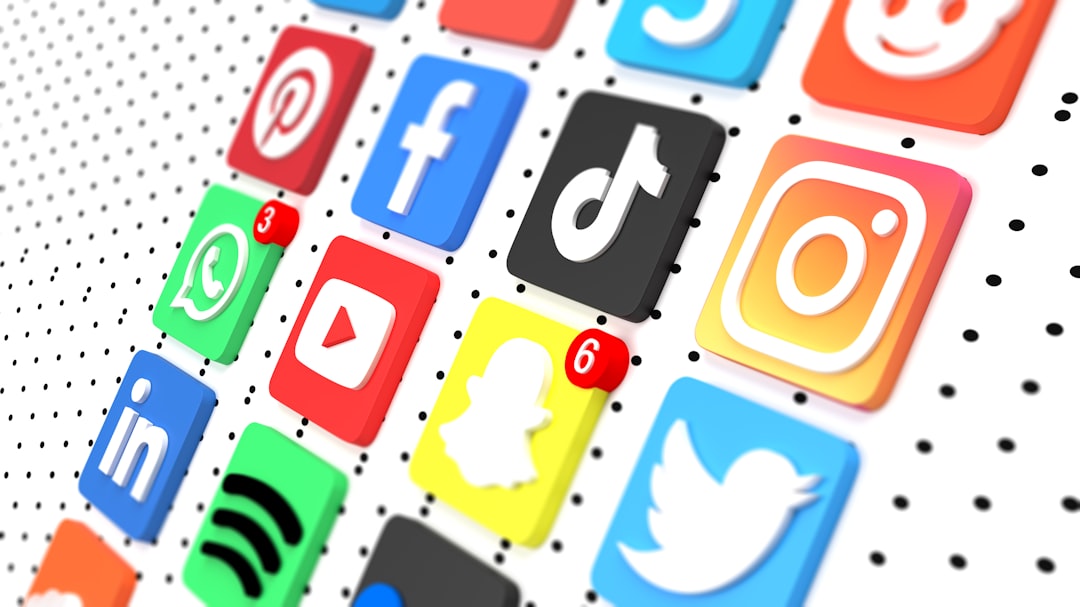
Minimal soft 3D icons are among the most versatile options. They usually feature rounded shapes, subtle shadows, gentle highlights, and simple platform symbols. This style works well for SaaS websites, portfolios, agencies, consultants, and corporate brands that want a modern look without appearing informal.
The advantage of this style is restraint. The depth effect adds visual interest, but the interface remains clean. These icons are especially effective on white, light gray, pastel, or softly gradient backgrounds. They also pair well with modern typography and card-based layouts.
2. Glossy 3D Icons
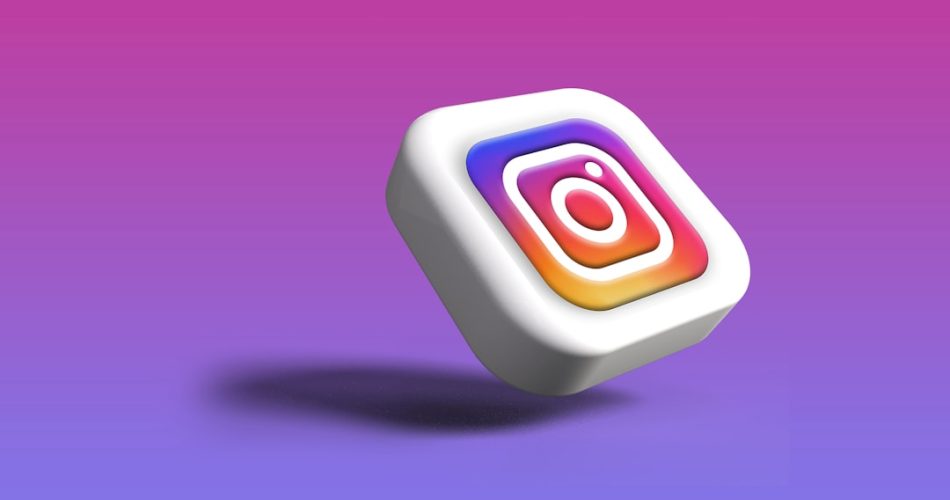
Glossy 3D social icons have reflective surfaces, stronger highlights, and a more polished appearance. They can feel premium and dynamic when used in the right context. This style is suitable for entertainment brands, apps, technology startups, gaming websites, and promotional landing pages.
However, glossy icons should be used carefully. Too much shine may create visual clutter or make the icons look dated if the rest of the site has a restrained design language. The strongest results come from glossy icons with controlled reflections, consistent shadows, and accurate platform colors.
3. Clay Style 3D Icons
Clay style icons use matte materials, rounded forms, and soft shadows. They often feel friendly, approachable, and contemporary. Because they avoid strong reflections, they can blend smoothly into many website layouts while still providing a sense of depth.
This style is a reliable choice for educational platforms, wellness brands, community websites, creator portfolios, and mobile app pages. Clay icons feel less corporate than flat icons but more refined than cartoon-like illustrations. Their tactile look can create warmth and trust when paired with thoughtful spacing and muted color palettes.
4. Glassmorphism 3D Icons
Glassmorphism-inspired icons use transparency, blur, highlights, and layered depth. They fit naturally into websites that already use frosted panels, gradient backgrounds, or futuristic interface elements. This style can be elegant and visually impressive, especially for technology, finance, artificial intelligence, and digital product websites.
The main concern is legibility. Transparent icons can lose contrast on busy backgrounds. If you choose glass-style icons, test them across all backgrounds where they will appear. Use subtle outlines, shadows, or solid inner symbols to keep them readable.
5. Isometric 3D Icons
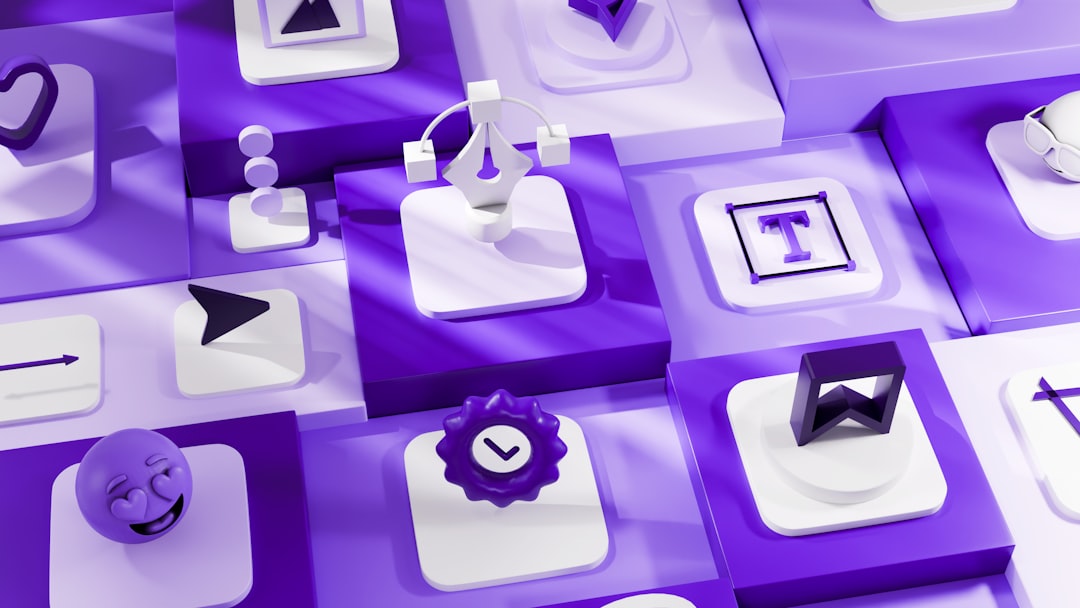
Isometric social media icons use an angled perspective that creates a structured, architectural appearance. They often work well for websites with more illustrative or technical design systems. Isometric icons can add depth while maintaining order and consistency.
This style is especially useful when the overall site includes isometric illustrations, 3D product diagrams, or dashboard visuals. For a serious business website, the isometric approach should remain simple. Avoid excessive details that make the icons difficult to recognize at small sizes.
Where to Use 3D Social Media Icons
Placement is just as important as style. Even the best 3D icons can weaken a page if they are positioned without purpose. Social icons should appear where users naturally expect them and where they support the customer journey.
- Website footer: This is the most common and reliable location. Users often look here for social links, contact details, and company information.
- Header or navigation area: Use this only if social engagement is a major goal. Keep icons small and unobtrusive.
- Contact page: Social icons can support trust and provide alternative ways to connect.
- About page: Icons can help users explore the brand’s public presence and activity.
- Landing pages: Place them carefully so they do not distract from primary conversion actions.
In general, 3D social icons should not compete with calls to action such as Buy Now, Book a Consultation, or Start Free Trial. They are supporting elements, not the main conversion mechanism.
Choosing the Right Icons for Your Brand
A trustworthy website design depends on consistency. Before selecting a 3D social media icon set, consider the larger visual system of the site. Ask whether the icons match the brand’s typography, color palette, interface components, photography, and overall tone.
For a law firm, financial consultant, or healthcare provider, overly playful icons may reduce credibility. In these cases, a subtle soft 3D or matte style is usually safer. For a creative studio, music platform, or content creator, more colorful and expressive icons may be appropriate. For a technology product, glassmorphism or minimal isometric icons can reinforce innovation.
It is also important to respect platform identity. Users recognize social platforms by their familiar symbols and colors. While some customization is acceptable, excessive alteration can create confusion. A professional 3D icon set should improve presentation without obscuring the original meaning.
Accessibility and Usability Considerations
3D icons should not sacrifice accessibility. Although they are visual elements, they still need to support users with different devices, abilities, and browsing conditions. Every social icon should include an accessible label, either through visible text or proper attributes in implementation. For example, a screen reader should communicate Visit our LinkedIn page, not simply button or icon.
Contrast is another serious consideration. A 3D icon may look attractive on a designer’s monitor but become unclear on a mobile screen in sunlight. Test the icons on light and dark backgrounds. Make sure the platform symbol stands out from the icon base. If necessary, add a subtle border, shadow, or background container.
Clickable areas should also be large enough. On mobile devices, small icons can lead to misclicks and frustration. Maintain adequate spacing between icons and use touch-friendly dimensions. A good visual design must also feel easy and dependable in real use.
Technical Formats and Performance
Modern websites must be fast. Large, uncompressed 3D assets can slow down loading times, especially on mobile connections. For this reason, icon format matters. Many 3D icons are delivered as PNG, WebP, SVG, or lightweight rendered assets. Each format has advantages.
- SVG: Excellent for scalability, often best for simpler vector-based 3D effects.
- WebP: Efficient for detailed raster icons with shadows, gradients, and realistic surfaces.
- PNG: Widely supported and useful for transparency, though file sizes may be larger.
- Lottie: Suitable for lightweight animated icons, but animation should be subtle and purposeful.
For most websites, static WebP or optimized SVG icons provide a strong balance between quality and performance. If you use animation, keep it minimal. A gentle hover effect can make the interface feel responsive, but constant motion may distract users and create accessibility concerns.
Design Mistakes to Avoid
Several common mistakes can make 3D social media icons look unprofessional. The first is mixing unrelated icon styles. A glossy Instagram icon beside a matte LinkedIn icon and a flat YouTube icon creates inconsistency. Always use a coordinated set.
The second mistake is using icons that are too large. Oversized social icons can draw attention away from primary content and make the page feel less refined. A third mistake is relying on excessive shadows. Strong shadows can make icons appear heavy, especially in footers or compact layouts.
Another issue is poor alignment. Social media icons should follow the same spacing and grid logic as other interface elements. If the icons appear slightly misaligned, users may not consciously identify the problem, but the overall design will feel less credible.
How to Evaluate an Icon Set Before Using It
Before adding any 3D icon set to a live website, review it systematically. A serious evaluation process helps avoid visual and technical problems after implementation.
- Check platform accuracy: Confirm that each symbol is current and recognizable.
- Review consistency: Compare lighting, perspective, size, corner radius, and shadow style.
- Test at small sizes: Icons should remain clear when displayed in a footer or mobile menu.
- Verify contrast: Test against all relevant website backgrounds.
- Optimize files: Compress assets without visible quality loss.
- Confirm accessibility: Add labels and ensure keyboard navigation works when icons are links.
Final Recommendation
The best 3D social media icons for modern website design are not defined by visual impact alone. They are defined by their ability to combine clarity, consistency, performance, and brand alignment. A subtle, well-crafted 3D icon set can improve a website’s visual quality and make social links more inviting. A poorly chosen set, however, can introduce clutter and reduce trust.
For most professional websites, minimal soft 3D icons or matte clay-style icons are the safest and most flexible choices. For more expressive brands, glossy, glassmorphism, or isometric icons may be effective when implemented carefully. Whatever style you choose, treat social media icons as part of the complete user experience. They should look modern, load quickly, remain accessible, and guide users confidently toward meaningful engagement with your brand.