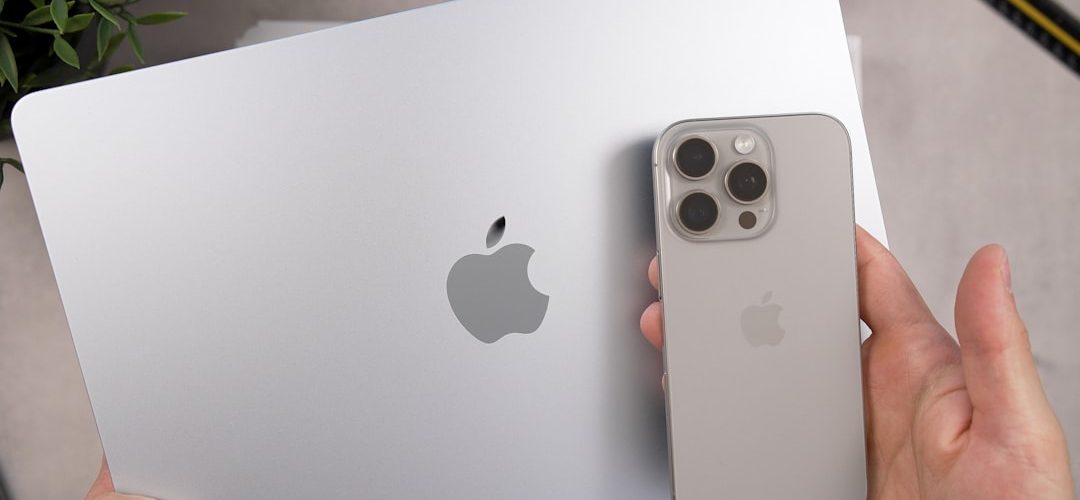
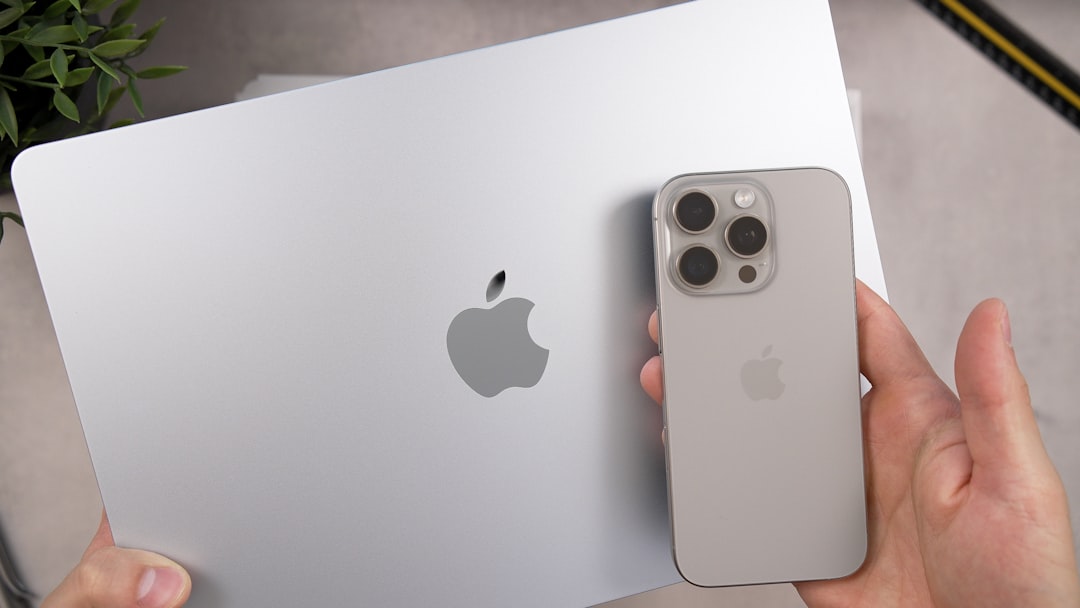
Apple’s most interesting new products are the M4 iPad Pro, the M2 iPad Air, Apple Pencil Pro, the updated Magic Keyboard, Apple Vision Pro, and the latest MacBook Air models. The strongest pick for most people is not the most expensive one. It is the device that removes friction from daily work without forcing a full setup change. Apple’s 2024 iPad Pro is just 5.1 mm thick in its 13 inch version, according to Apple’s announcement [source: Apple].
TLDR: The M4 iPad Pro is the headline product, but the M2 iPad Air is the smarter buy for many users. Apple Pencil Pro matters if you draw, annotate PDFs, or edit images every day. For example, a student who spends 70% of study time reading, marking notes, and joining calls will likely get more value from the iPad Air and Pencil Pro than from the top iPad Pro. Vision Pro is impressive, but it still feels like a first serious step, not a mass market device.
1. M4 iPad Pro: the most impressive device
The M4 iPad Pro is the product that shows where Apple wants high end tablets to go. It is thin, light, and built around the new Ultra Retina XDR display. The tandem OLED screen is the main reason to care. Blacks look deep. Text is sharp. Video work is easier to judge with confidence.
Performance is not the problem here. The M4 chip gives the iPad Pro more power than many users will need. Photo editing, 4K video work, music production, and large illustration files should all feel smooth. The issue is still software. Honestly, it feels like iPadOS is still holding the hardware back at times. Moving files between apps can take more taps than it should. Some pro workflows still feel easier on a Mac.
Still, this is the best choice for designers, video editors, illustrators, and users who want the best display Apple sells in a portable format. It is not the best choice if you mainly browse, stream, and email. That would be overpaying for power you may barely touch.
2. M2 iPad Air: the practical winner
The M2 iPad Air is less dramatic, but more sensible. It now comes in 11 inch and 13 inch sizes, which matters. The larger model gives users more screen space without pushing them into iPad Pro pricing.
For students, office users, and casual creators, this is likely the better option. The M2 chip is still fast. It handles notes, calls, reports, split screen work, basic image edits, and streaming with ease. Battery life remains strong enough for a normal day.
- Best for: students, teachers, managers, writers, and light creators.
- Skip it if: you need the best display or advanced video editing tools.
- Most useful add on: Apple Pencil Pro for notes and markup.
The Air is the boring recommendation, and that is not a bad thing. It does the job. It costs less. It avoids the feeling that you bought a sports car to drive two blocks.
3. Apple Pencil Pro: small changes that matter
Apple Pencil Pro may not look like a major upgrade at first. The value is in the controls. Squeeze gestures, barrel roll, and haptic feedback make it feel closer to a real tool than a plastic stylus.
Artists will see the benefit first. Rotating a brush or switching tools without breaking focus matters. PDF users also gain from it. Marking contracts, lecture slides, or reports becomes quicker and cleaner.
The annoying part is compatibility. Apple now has several Pencil models, and it is too easy to buy the wrong one. Expect to check your iPad model before ordering. That should not take five minutes, but it often does.
4. Magic Keyboard: better, but still expensive
The updated Magic Keyboard for iPad Pro gives the tablet a more laptop like feel. The function row is useful. The larger trackpad helps. The aluminum palm rest feels more serious than earlier versions.
It is a strong accessory for people who write daily or use the iPad as a travel computer. But the price is hard to ignore. Once you add a keyboard and Pencil to an iPad Pro, you are close to MacBook territory. At that point, ask one clear question: do you need touch and Pencil support more than desktop style software?
5. Apple Vision Pro: bold, costly, and early
Apple Vision Pro is the most unusual product in Apple’s current lineup. It is not just another screen. It places apps, photos, films, and work windows around the room. The eye and hand controls feel polished when they work well.
Its best use cases are clear:
- Private cinema: watching films on a huge virtual screen.
- Immersive photos and video: viewing spatial memories in a personal way.
- Focused work: using large virtual windows without multiple monitors.
The limits are also clear. It is expensive. It is not light enough for everyone. App support is still growing. Apple says Vision Pro uses two micro OLED displays with 23 million pixels [source: Apple]. That number sounds huge because it is. But comfort matters as much as pixels when a device sits on your face.
6. MacBook Air with M3: the safe laptop choice
The M3 MacBook Air is not flashy, but it is one of Apple’s safest buys. It is thin, quiet, and fast enough for most jobs. Writers, analysts, students, and small business owners will be well served by it.
The biggest reason to choose it over an iPad is software. macOS still handles file systems, external displays, browser based tools, and office workflows with less fuss. If your day involves spreadsheets, research tabs, video calls, and document folders, the MacBook Air will save time.

What should you buy?
- Best overall tablet: M2 iPad Air.
- Best premium creative tool: M4 iPad Pro.
- Best accessory: Apple Pencil Pro.
- Best laptop for most users: M3 MacBook Air.
- Most exciting but least practical: Apple Vision Pro.
Apple’s newest products are strongest when matched to a real need. The iPad Pro is brilliant, but not necessary for everyone. The iPad Air is the quiet value pick. The MacBook Air remains the more reliable work machine. Vision Pro is the bold experiment, worth watching closely, but not yet the default choice for most buyers.