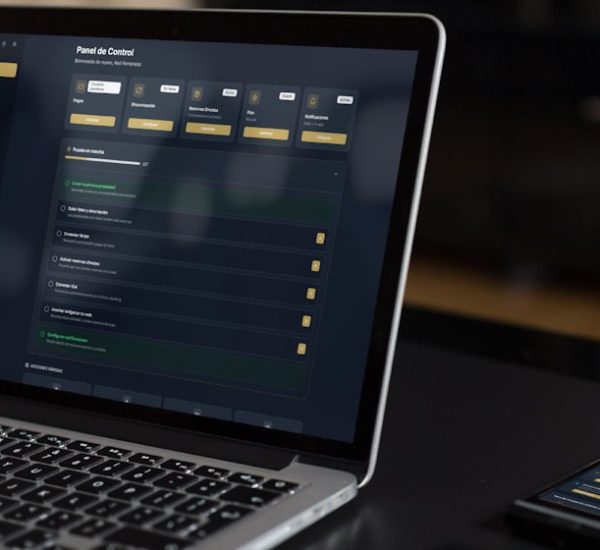
Windows 11 is the best all-round choice for most people, but macOS wins for polished creative work, and ChromeOS is the simplest pick if your life happens in a browser. Windows still holds about 70% of desktop market share, while macOS is far behind but very strong with creators and laptop users [source: StatCounter].
TLDR: Pick Windows 11 if you want the widest app support, gaming, and office work in one box. Pick macOS if you use an iPhone, edit media, or want a quiet laptop that just behaves. Pick ChromeOS if 80% of your work is Gmail, Docs, Slack, Zoom, and web apps. For example, a 10-person sales team using mostly browser tools could save setup time with Chromebooks, while designers on Final Cut or Logic should stay with Macs.

1. Windows 11: The safe bet with a few mood swings
Best for: Office work, gaming, school, business apps, mixed teams.
Windows 11 is the “everyone can use it” system. It runs Microsoft 365, Adobe apps, games, accounting tools, CRM software, and odd old programs from 2012 that somehow still matter.
The Start menu is cleaner than before. Snap layouts are great. Multiple monitors work well. Most printers behave. That alone saves pain.
Honestly, it feels like Windows always wants an update at the worst possible time. A reboot before a meeting is not cute. Still, for productivity, Windows is hard to beat.
- Productivity: Excellent app support.
- Security: Strong with Windows Defender, BitLocker, and business controls.
- Everyday use: Easy, but updates can annoy you.
2. macOS: Smooth, pretty, and picky
Best for: Creators, writers, developers, students with iPhones.
macOS feels calm. Apps open cleanly. Trackpads are magic. Battery life on Apple Silicon Macs is excellent. If you use an iPhone, AirDrop, iMessage, and iCloud make daily tasks feel easy.
For video, music, writing, design, and coding, macOS is a joy. Final Cut Pro, Logic Pro, Xcode, and many creative apps shine here.
The downside? Macs cost more. Repairs can hurt your wallet. Gaming is still weak compared with Windows. Some business tools also work better on Windows.
- Productivity: Great for focused work and creative apps.
- Security: Very strong by default, with Gatekeeper and app controls [source: Apple].
- Everyday use: Smooth, simple, and very polished.
3. ChromeOS: The “stop overthinking it” option
Best for: Students, support teams, web workers, shared devices.
ChromeOS is light. It boots fast. It updates in the background. It is hard to break. That is the whole charm.
If you live in Google Docs, Gmail, Sheets, Canva, Slack, Notion, HubSpot, Salesforce, or web dashboards, ChromeOS makes sense. It is also great for teams that need simple devices at scale. If your team is building a connected sales setup, this kind of browser-first workflow pairs well with a smart CRM integration plan.
The downside is offline work. It has improved, but it still feels limited. Heavy photo editing, pro video work, and PC games are not its strong points.
- Productivity: Great for web apps.
- Security: Excellent. Sandboxing and verified boot help a lot.
- Everyday use: Very easy, very quick, very low stress.

4. Ubuntu: Friendly Linux for normal humans
Best for: Developers, tinkerers, older PCs, privacy fans.
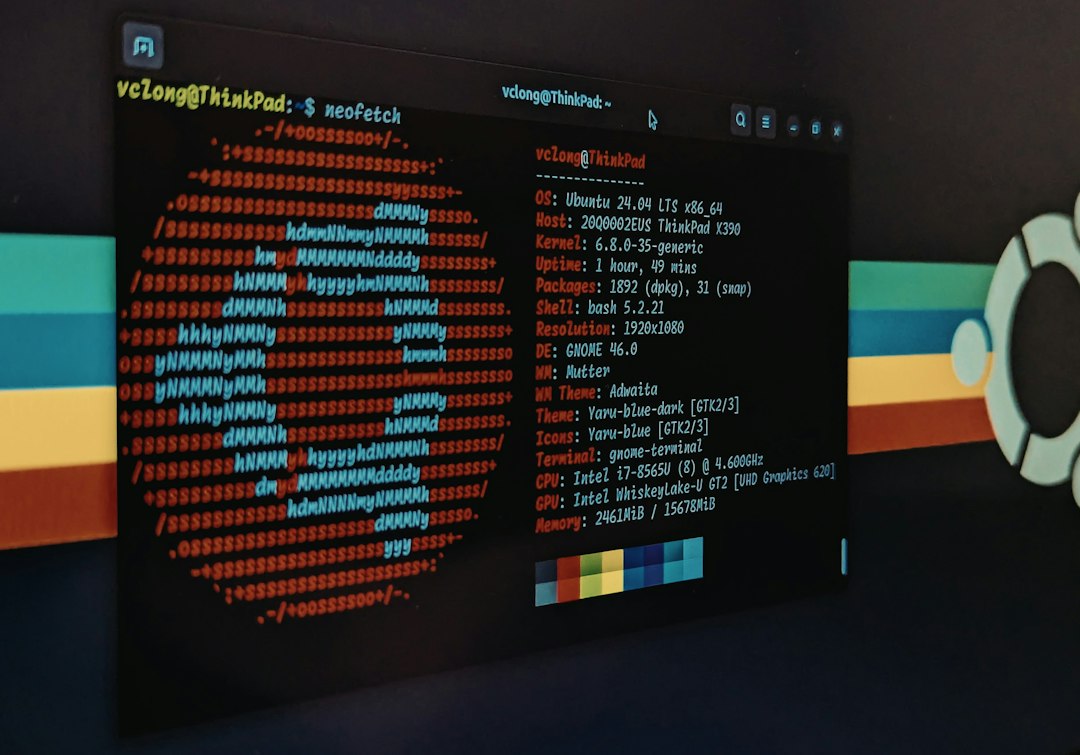
Ubuntu is the most famous Linux desktop for a reason. It is easier than many expect. You get a clean app store, strong terminal tools, and good driver support.
Developers like it because servers often run Linux too. That makes coding, testing, and deployment feel natural. It is also free. That helps.
The pain comes from apps. Microsoft Office is not native. Adobe apps are missing. Some hardware can be weird. Expect to waste time on one random driver at least once. It is a Linux rite of passage.
- Productivity: Great for code and writing.
- Security: Strong, but you must update things.
- Everyday use: Good, if you are patient.
5. Linux Mint: The cozy Windows cousin
Best for: Windows users moving to Linux, older laptops, simple home use.
Linux Mint feels familiar. There is a taskbar. There is a menu. Things are where you expect them to be. That matters more than nerds admit.
It runs well on older machines. Browsing, email, documents, music, and light photo work are fine. It is free and does not push ads in your taskbar.
But again, app gaps exist. If your job needs Excel macros, Adobe Premiere, or strange company VPN tools, test first.
- Productivity: Good for basic work.
- Security: Good with smart habits.
- Everyday use: One of the easiest Linux options.
6. Fedora: Fresh, fast, and a little nerdy
Best for: Developers, tech workers, Linux fans who like new features.
Fedora gets newer software faster than Ubuntu or Mint. It feels modern. It is also backed by a strong open-source community.
Developers working with containers, cloud tools, AI tools, and servers may enjoy it. If you care about low-latency tools or voice tech experiments, pairing Linux skills with ideas from real-time AI communication can be useful.
Fedora is not hard, but it is less cozy than Mint. Some media codecs and drivers may need extra setup. That can be annoying if you only wanted Netflix and coffee.
- Productivity: Excellent for technical work.
- Security: Strong defaults and quick updates.
- Everyday use: Fast, but not the easiest.
Quick picks by user type
- Best for most people: Windows 11.
- Best for creators: macOS.
- Best for students: ChromeOS or macOS.
- Best for developers: Ubuntu or Fedora.
- Best for old laptops: Linux Mint.
- Best for gaming: Windows 11, by a mile.
- Best for simple team rollout: ChromeOS.
Final verdict
If you want the fewest surprises, choose Windows 11. If you want a premium laptop feel and strong creative apps, choose macOS. If you want cheap, secure, browser-first machines, choose ChromeOS.
Ubuntu, Mint, and Fedora are better if you like control, free software, or coding. They are not perfect. But they are powerful. And they can make an old laptop feel new again.
The best desktop system is not the fanciest one. It is the one that lets you finish your work without fighting your computer every morning.