The best legal alternative to a Spotify downloader to MP3 is to use licensed offline listening, or buy DRM-free music from stores that allow downloads. Spotify tracks are not meant to be ripped into MP3 files, and Spotify’s terms restrict copying, redistributing, recording, or transferring its content outside approved app features [source: Spotify]. That makes “Spotify to MP3” tools risky for both copyright and security reasons. The better route depends on the goal: offline listening, permanent ownership, DJ use, or royalty-free background music.
TLDR: For casual listening, Spotify Premium, Apple Music, Amazon Music Unlimited, and YouTube Music Premium are the easiest legal picks, but they do not provide MP3 ownership. For actual downloadable files, Bandcamp, Qobuz, 7digital, and HDtracks are stronger choices. For example, a small podcast editor needing 30 tracks per month should skip shady converters and use royalty-free libraries or buy tracks directly, avoiding takedown claims and file malware. Expect fewer “free” options, but also fewer broken links, fake buttons, and 90 seconds wasted closing pop-ups.
Why Spotify Downloader to MP3 Tools Are a Problem
Most Spotify downloader sites promise quick MP3 files. Honestly, it feels like they sell convenience while hiding the mess. Many do not actually download from Spotify. They match tracks from other sources, record playback, or push users through ad traps.
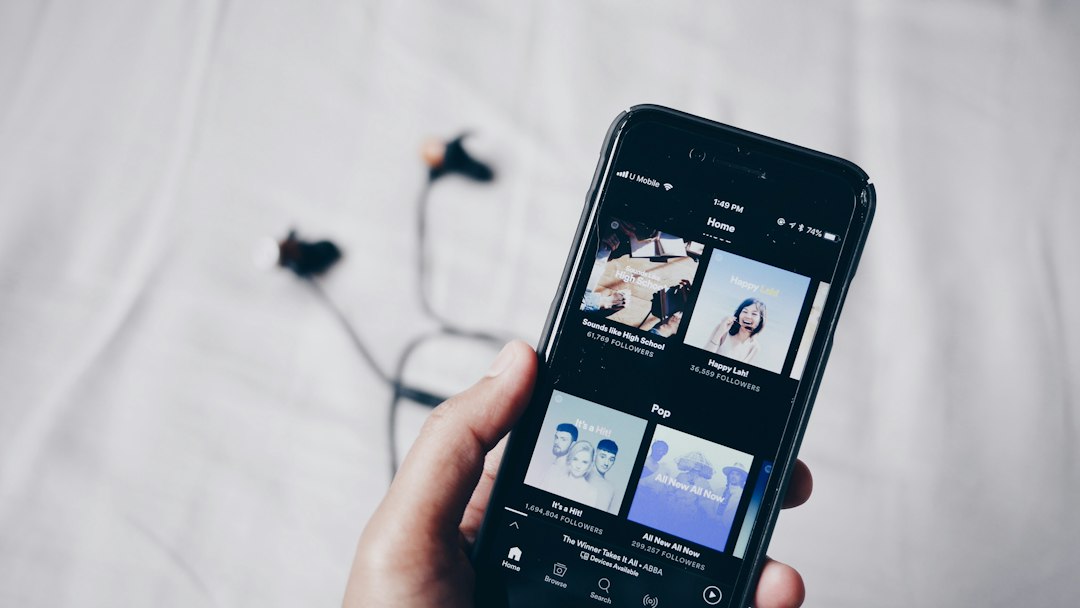
The legal issue is simple. Spotify licenses music for streaming inside its app. Premium users can save songs offline, but those files stay locked inside Spotify. They are not MP3s. They cannot be moved to a USB stick, burned to a CD, or imported into editing software.
There is also a security cost. Fake converters often include forced extensions, strange installers, confusing “Download” buttons, and low-quality files. A user may end up with a 128 kbps copy, wrong metadata, or worse, malware. It drives people crazy because the “free” song often costs more time than buying it properly.
Best Legal Alternatives Compared
| Service | Best For | MP3 or File Downloads? | Main Limitation |
|---|---|---|---|
| Spotify Premium | Offline listening in the Spotify app | No MP3 export | Files work only inside Spotify |
| Apple Music | Large catalog and device syncing | No standard MP3 ownership | Downloads are tied to the app |
| Amazon Music Unlimited | Streaming and offline playback | No MP3 ownership for streaming tracks | Offline mode stays inside the app |
| YouTube Music Premium | Music videos, live versions, casual listening | No MP3 export | Downloads are app locked |
| Bandcamp | Supporting artists and buying files | Yes, often MP3, FLAC, WAV, ALAC | Catalog varies by artist |
| Qobuz | High quality music purchases | Yes, often FLAC and other formats | Not every release is available everywhere |
| 7digital | Buying mainstream downloads | Yes, often MP3 and FLAC | Regional catalog differences |
| Jamendo | Royalty-free and independent music | Yes, depending on license | Not ideal for major label hits |
Best Option for Offline Listening: Spotify Premium
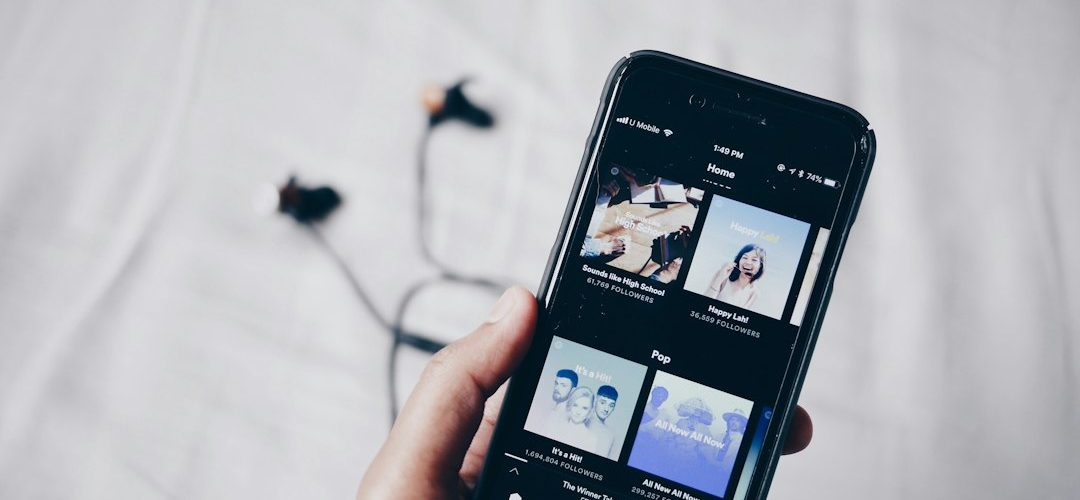
For people who simply want music on a train, plane, or commute, Spotify Premium is still the cleanest choice. It allows offline playback inside the app. Playlists, albums, and podcasts can be saved on a phone or computer.
The catch is that this is not ownership. If the subscription ends, offline playback ends too. If a song is removed from Spotify, it may vanish from saved playlists. That may annoy collectors, but for daily listening it works well.
Best Option for Apple Users: Apple Music
Apple Music makes sense for listeners already using iPhone, Mac, Apple Watch, or HomePod. Its library is large, and syncing across Apple devices is smooth. Lossless and spatial audio support also make it appealing to serious listeners.
Yet it has the same basic limit as Spotify. Offline tracks stay in the Apple Music system. They are not standard MP3 files that can be freely moved around. For users who want permanent music files, the better Apple-related option is still buying tracks from the iTunes Store where available.
Best Option for Buying Music Files: Bandcamp
Bandcamp is one of the strongest alternatives for anyone who wants legal downloads. Many artists offer MP3, FLAC, ALAC, AAC, Ogg Vorbis, and WAV. Buyers can often stream the music too, so it works as both a store and a library.
Bandcamp is also popular with independent artists because purchases can pay creators more directly than many streaming plays. Bandcamp says artists and labels have earned over $1 billion through the platform [source: Bandcamp]. For niche genres, underground releases, and direct support, it is hard to beat.
Image not found in postmetaBest Option for Hi Res Collectors: Qobuz and HDtracks
Qobuz and HDtracks suit listeners who care about sound quality and file ownership. They often sell lossless formats such as FLAC, sometimes in high resolution. That is useful for hi-fi setups, archiving, and serious music libraries.
They are not always cheap. Some albums cost more than a monthly streaming plan. Still, the buyer gets files that can be stored, backed up, and played in compatible music players without waiting on a subscription.
Best Option for Mainstream MP3 Purchases: 7digital
7digital works well for buyers who want legal downloads from a broad catalog. It often offers MP3 and FLAC, depending on the release and region. It is practical for people who need normal music files without signing up for another streaming app.
The mildly annoying part is availability. A song may show up in one country and disappear in another. Still, it is far safer than using a converter that may produce the wrong track or a damaged file.
Best Option for Creators: Jamendo, Artlist, Epidemic Sound, and Similar Libraries
Creators should be extra careful. A Spotify track ripped to MP3 is not cleared for YouTube videos, podcasts, ads, courses, or client work. Even if the file plays fine, usage rights are missing.
Jamendo can help with independent and royalty-free music. Paid music licensing libraries such as Artlist, Epidemic Sound, Soundstripe, and similar services are better for commercial projects. They usually provide clear license terms, invoices, and download files. That matters when a client asks where the music came from.
How to Choose the Right Alternative
- For commuting: choose Spotify Premium, Apple Music, Amazon Music Unlimited, or YouTube Music Premium.
- For permanent files: choose Bandcamp, Qobuz, 7digital, or HDtracks.
- For DJ sets: buy tracks from stores that grant file downloads and check performance rights separately.
- For videos and podcasts: use licensed royalty-free libraries, not ripped streaming tracks.
- For rare indie music: start with Bandcamp before checking larger stores.
Final Verdict
A Spotify downloader to MP3 sounds convenient, but legal and technical problems pile up fast. The smarter choice is to match the tool to the need. Streaming apps are best for access. Download stores are best for ownership. Licensing libraries are best for public projects.
For most listeners, Spotify Premium or Apple Music solves offline playback. For real MP3 or lossless files, Bandcamp is the best first stop, followed by Qobuz, 7digital, and HDtracks. That path costs more than a sketchy converter, but it avoids broken files, copyright trouble, and sketchy installers.
FAQ
Is it legal to convert Spotify songs to MP3?
In most normal cases, no. Spotify licenses music for streaming and app-based offline playback, not MP3 ripping or redistribution.
Can Spotify Premium download MP3 files?
No. Premium can save songs for offline listening inside Spotify. It does not provide standard MP3 files.
What is the best legal Spotify downloader alternative?
For offline listening, Spotify Premium is the closest legal option. For actual files, Bandcamp, Qobuz, 7digital, and HDtracks are better.
Which service is best for creators who need background music?
Creators should use licensed music libraries such as Jamendo, Artlist, Epidemic Sound, or Soundstripe. They provide clearer usage rights than streaming platforms.
Can purchased music be used in YouTube videos?
Not always. Buying a song file usually allows personal listening, not public video use. The creator must check the license before uploading.