Your fulfilled order email should answer “Where is my order?” before the customer has to ask. Once an ecommerce order is packed, shipped, or marked complete, the customer is already watching their inbox. A clear post-purchase email lowers support tickets, builds trust, and creates a smart moment for repeat sales.
TLDR: Fulfilled order emails work best when they give customers fast clarity: tracking, delivery timing, order details, support options, and next steps. For example, a skincare brand shipping 4,000 monthly orders could cut “Where is my order?” tickets by 25% simply by placing the tracking button near the top and adding expected delivery dates. These emails also create a natural chance to suggest refills, care tips, or accessories without sounding pushy. Treat them as service messages first, marketing emails second.
What Is a Fulfilled Order Email?
A fulfilled order email is sent after an order has been processed, packed, shipped, or completed. The exact trigger depends on the store setup. For physical products, it usually means the package has left the warehouse. For digital goods, it may mean the file, license, or login access is ready.
This email is not just a receipt. It is a status update. Customers want proof that their money turned into action. They want to know what happens next. If the email is vague, they will open a chat, send a message, or refresh the tracking page ten times. Nobody enjoys that.
Honestly, it feels like some brands spend months polishing ads, then send a shipping email that looks like a printer error from 2009. That one email may get a higher open rate than most campaigns. It deserves more care.
Why Post-Purchase Communication Matters
The sale is not the finish line. It is the start of the customer’s real experience with your brand. A shopper may forgive a slower delivery if the updates are clear. They are less likely to forgive silence.
Strong fulfilled order emails can help brands:
- Reduce support requests by answering common delivery questions upfront.
- Increase customer confidence with clear tracking and order details.
- Lower refund anxiety by reassuring customers that the order is moving.
- Encourage repeat purchases with relevant product care, refills, or add-ons.
- Improve delivery satisfaction by setting realistic expectations.
These emails often arrive at a high-attention moment. The customer is interested, alert, and emotionally invested. A generic “Your order has been fulfilled” does not make the most of that moment.
The Best Fulfilled Order Emails Put Tracking First
The tracking link should be impossible to miss. Put it near the top. Use a clear button such as Track My Order, not a tiny carrier number buried in a paragraph.
A good structure looks like this:
- Confirmation line: “Good news, your order is on the way.”
- Tracking button: Large, visible, and mobile-friendly.
- Estimated delivery date: Even a range is better than nothing.
- Order summary: Product names, quantities, and shipping address.
- Support link: Clear help options if something looks wrong.
The tracking experience should also be clean after the click. If a customer taps the button and lands on a carrier page full of codes and vague scans, frustration rises. A branded tracking page can show status, delivery tips, FAQs, and related products in one place.
Use Plain Language, Not Warehouse Jargon
Customers do not always understand terms like “fulfilled,” “manifested,” “label created,” or “awaiting carrier pickup.” These phrases may make sense inside an operations dashboard. They do not always help a shopper.
Use wording that sounds human:
- Instead of: “Your order has been fulfilled.”
- Try: “Your order has been packed and is ready to ship.”
- Instead of: “Shipment information received.”
- Try: “The carrier has your shipping details. Tracking will update soon.”
Small wording changes can prevent confusion. This matters most during the awkward gap between label creation and the first carrier scan. That gap can trigger a wave of support messages if the email does not explain what is happening.
Add Value Without Turning the Email Into a Sales Pitch
A fulfilled order email can include marketing, but it should not feel like a billboard. The customer’s main job is to track their purchase. Keep that job easy.
After the tracking and order details, add useful content tied to the product. For example:
- A coffee brand can include brewing tips for the beans purchased.
- A fitness equipment store can link to a five-minute setup video.
- A fashion brand can suggest care instructions for delicate fabrics.
- A pet store can recommend reorder timing for food or litter.
This kind of content feels helpful because it supports the purchase. It can also reduce returns. If customers know how to assemble, use, wash, charge, or store the product, they are more likely to enjoy it.
Personalization Should Be Specific, Not Creepy
Good personalization uses order data to make the email more useful. Bad personalization feels forced.
Use the customer’s first name if it fits your brand voice. Show the actual product image. Include the correct delivery address. Mention size, color, subscription timing, or refill windows when relevant.
For example, if someone bought running shoes, the email could include a short line: “Break them in with two short runs before race day.” That is useful. If the email says, “We know you are serious about transforming your lifestyle,” it starts to sound odd.
The goal is simple: make the customer think, “This email was meant for my order.”
Set Expectations for Delays Before Customers Get Annoyed
Shipping delays happen. Weather, carrier volume, customs checks, and inventory issues can all slow delivery. Silence makes delays feel worse.
If there is a known delay, send a separate update before the customer asks. Keep it short. Explain what changed, what you are doing, and when they should expect the next update.
A strong delay message might say:
“Your order is packed, but carrier pickup is running one day behind due to regional weather delays. Your tracking link will update within 24 hours. We’re sorry for the wait and will keep watching the shipment.”
That kind of message will not make every customer happy. Still, it tells them someone is paying attention. That counts.
Make Support Easy to Find
Do not hide support links at the very bottom in light gray text. If the address is wrong, the item is missing, or tracking has not updated, the customer needs help fast.
Include a short support block with:
- Order number so the customer can reference it quickly.
- Help center link for common delivery questions.
- Contact button for urgent issues.
- Return or exchange policy if the product category needs it.
It drives me crazy when a customer has to copy an order number, search the website, open a contact form, and retype the same details. That adds friction at the worst possible time. Pass order data into the support form when you can.
Measure More Than Opens and Clicks
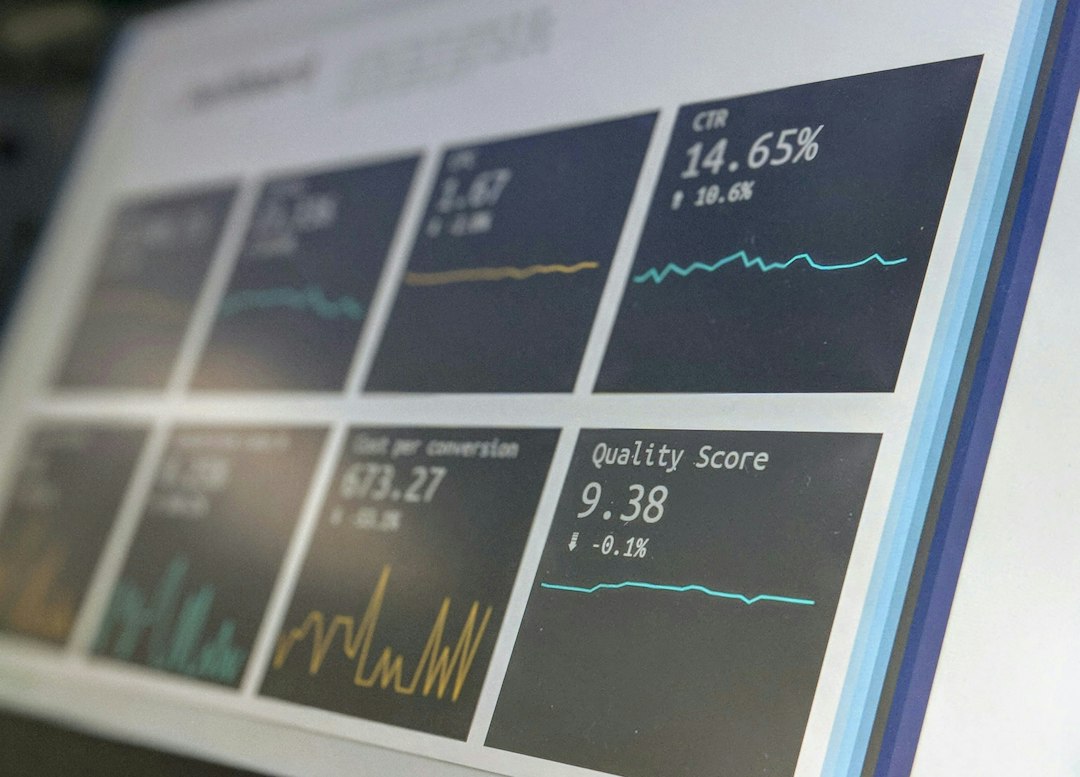
Open rates are useful, but they do not tell the full story. Fulfilled order emails should be judged by how well they reduce confusion and improve the post-purchase experience.
Track metrics such as:
- Tracking button click rate
- Delivery-related support tickets per 1,000 orders
- Repeat purchase rate after delivery
- Return rate by product category
- Customer satisfaction score after delivery
If support tickets drop after you improve the email, that is a strong sign. If repeat sales rise after adding care tips or refill reminders, keep testing that section.
Common Mistakes to Avoid
Many fulfilled order emails fail for simple reasons. The message may technically work, but it still creates confusion.
- Sending the email too early: If tracking is not active yet, explain when it will update.
- Forgetting company name cleaning rules for emails and removing suffixes: Unnecessary legal or corporate suffixes in the company name can make sender details and email copy look cluttered or inconsistent.
- Using weak subject lines: “Order update” is less clear than “Your order has shipped.”
- Forgetting mobile design: Most customers will read the email on a phone.
- Overloading the email with promotions: Tracking should stay first.
- Skipping the delivery address: Customers often check it immediately.
- Not matching brand tone: A luxury brand and a snack brand should not sound identical.
A Better Fulfilled Order Email Template
Here is a simple structure ecommerce brands can adapt:
Subject: Your order is on the way
Header: Good news, your order has shipped.
Main button: Track My Order
Body: Your package is headed to the address below. Tracking may take a few hours to update after carrier pickup.
Order summary: Include product images, names, quantities, and total.
Helpful extra: Add setup tips, care instructions, or delivery reminders.
Support: “Need help? Contact us with order #12345.”
The best fulfilled order emails are clear, calm, and useful. They respect the customer’s time. They reduce doubt. They make the brand feel organized after the sale, which is exactly when trust is either strengthened or lost.