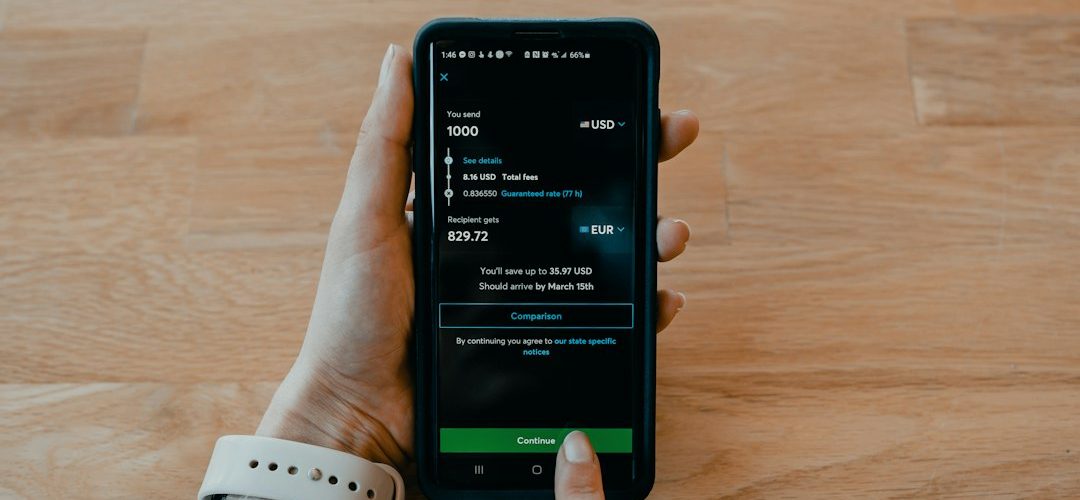
Mint Mobile is usually the better value for people who can pay in advance and manage service online, while Metro by T-Mobile is better for users who want walk-in help, included taxes, and simpler month-to-month billing. Both brands run on T-Mobile’s network, and T-Mobile completed its purchase of Mint Mobile’s parent company in 2024, which makes the comparison less about coverage ownership and more about pricing, plan rules, and account tools [source: T-Mobile].
TLDR: Choose Mint Mobile if you want the lowest monthly cost and do not mind paying for 3, 6, or 12 months upfront. For example, a single user on Mint’s 5GB plan may pay around $15 per month on a 12-month term, while a comparable Metro user often pays more but avoids long prepaid commitments. Choose Metro by T-Mobile if you want in-person support, taxes and fees included on many plans, and a more traditional prepaid setup. For online account management, Mint feels cleaner and faster; Metro feels more serviceable, but less smooth.
Best value: Mint wins for disciplined, single-line users
Mint Mobile’s main strength is simple: lower pricing if you buy in bulk. Its plans are sold in multi-month blocks. New customers often see strong introductory pricing for the first three months, then must renew for a longer term to keep the lowest monthly rate.
That model can be excellent if your needs are predictable. A light data user may save a lot over a year. A family member who mostly uses Wi-Fi can sit on a small Mint plan without wasting money on unlimited data. It is also a strong fit for people who are comfortable with eSIM activation and online support.
The catch is that Mint’s best price is not really a monthly price. It is a monthly equivalent. You pay ahead. If cash flow matters, that can be annoying. A $15 monthly equivalent may still mean a larger renewal charge when your term ends.
Metro is better for people who hate upfront commitments
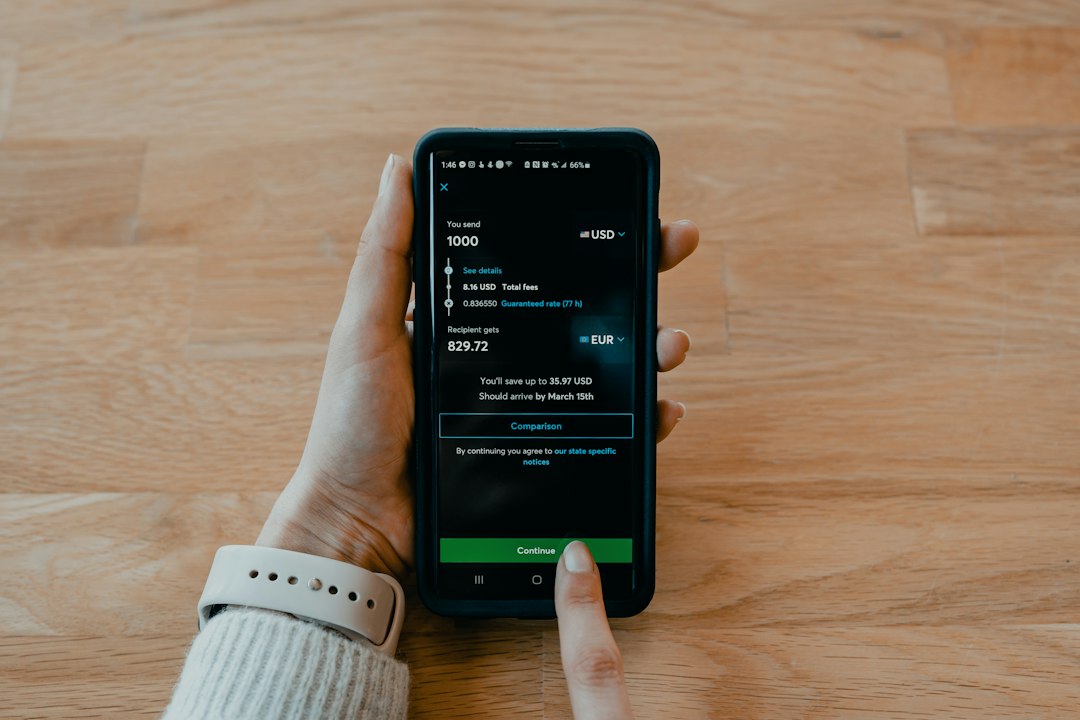
Metro by T-Mobile is also prepaid, but it feels closer to a standard monthly carrier. You pay each month. You can visit a store. You can switch plans more easily without thinking about whether you bought six months or a year of service.
Metro’s value improves if you want unlimited data, store support, or bundled extras on higher plans. Taxes and fees are often included in advertised Metro pricing, which makes the bill easier to read. That matters. A cheap plan can feel less cheap when taxes, recovery fees, and surcharges appear at checkout.
Metro can also make sense for people setting up service for parents, teens, or relatives who may need store help. Mint is designed for people who are comfortable fixing problems through an app, help center, or chat. Metro gives users another option: walk in and ask someone.
Coverage is more similar than many people think
Because both brands use T-Mobile’s network, coverage differences are usually not the main issue. If T-Mobile is strong in your area, both can work well. If T-Mobile is weak inside your building, both may disappoint.
The bigger difference is priority and plan behavior. Prepaid and budget plans can slow down when a tower is busy. That can happen at sports events, airports, concerts, and crowded downtown areas. Mint’s unlimited plan also has a high-speed data threshold, after which speeds can drop. Metro’s plan rules vary by plan, so it is worth checking current terms before buying [source: Metro].
For most everyday users, these limits are not a dealbreaker. Email, maps, messaging, banking apps, and basic browsing should be fine. Heavy hotspot users and mobile gamers should read the fine print twice.
Online account management: Mint feels cleaner
Mint Mobile has an advantage in online account management because the whole service is built around it. The app makes it fairly easy to view usage, renew service, change plans, add data, manage payment details, and activate eSIM. The design is not perfect, but the flow is usually clear.
This is where Mint feels more modern. You are not pushed toward a retail store. You are expected to handle things yourself. For users who like self-service, that is a plus.
Still, Mint can be frustrating when something goes wrong during activation or number transfer. A stuck port can ruin the whole first impression. Honestly, it feels like prepaid carriers still underestimate how stressful it is when your phone number is trapped between two providers.

Metro’s online tools work, but the experience is less polished
Metro offers online account access and the MyMetro app. You can pay your bill, check plan details, review usage, and manage some features. For basic monthly maintenance, it works.
But Metro still feels more store-centered than Mint. Some account changes may push you toward customer service or a store visit. That is fine if you like having local help. It is less fine if you expected a clean digital experience from start to finish.
Expect to waste time on small things that should be easier, such as finding the right account setting or confirming exactly what a plan change will do to your bill. The app is not useless. It is just not as tidy as Mint’s self-service setup.
Family plans and multi-line value
Metro is usually stronger for households with several lines. Multi-line prepaid deals can bring the per-line cost down, and the monthly billing model is easier for families that do not want to prepay a full year for everyone.
Mint can support multiple lines through its family tools, but each line still has its own plan structure. Mint’s “family” approach is more like centralized management than a traditional bundled family discount. It can still be cheaper, especially for mixed usage. One person can have 5GB, another can have unlimited, and nobody has to overbuy.
For a four-line household, the answer depends on payment style. If the family can pay upfront and wants tight cost control, Mint can be compelling. If the family wants predictable monthly billing and store support, Metro is easier to live with.
Customer support: Metro has the human advantage
Metro’s store network is a real benefit. Not everyone wants to troubleshoot SIM cards, transfer numbers, or explain activation errors in a chat box. For less technical users, in-person support can be worth paying more.
Mint’s support is mostly digital. That keeps costs down, but it places more responsibility on the customer. If you are switching from another carrier, make sure you have your account number, transfer PIN, billing ZIP code, and unlocked phone ready before you start.
Phones, activation, and bring your own device
Both services support bring-your-own-phone activation, but compatibility matters. A phone should be unlocked and support T-Mobile’s main network bands. Newer iPhones, Samsung Galaxy models, Google Pixels, and Motorola phones usually work well if unlocked.
Mint is especially convenient for eSIM users. You can often buy a plan and activate quickly without waiting for a physical SIM. Metro also supports eSIM on compatible devices, though the process can feel more dependent on the specific phone and account setup.
Which one should you choose?
- Choose Mint Mobile if your top goal is the lowest annual cost.
- Choose Mint if you prefer app-based account control and do not need a store.
- Choose Metro if monthly billing matters more than the lowest possible rate.
- Choose Metro if you want in-person help for setup, billing, or phone issues.
- Choose Metro for families that want simpler shared monthly management.
- Choose Mint for single-line users, light data users, and eSIM-friendly phones.
Final verdict
Mint Mobile offers better pure value and better online account management for most self-service users. Its pricing is hard to beat if you can pay upfront and avoid overbuying data. The app-first model also makes routine tasks quicker.
Metro by T-Mobile offers better practical value for users who want support, monthly flexibility, and fewer surprises at checkout. It may cost more, but that extra cost can be reasonable if you need store access or do not want to prepay for months of service.
For a confident, budget-focused user, Mint is the smarter pick. For someone who wants prepaid service with more human backup, Metro is the safer choice.