Treat every device code prompt as a login request with real account access. If a user enters a code at a trusted Microsoft, Google, or identity provider page, they may be granting access to a malicious session, not signing in to their own device.
TLDR: Device code authentication is useful for TVs, printers, CLI tools, and other devices that cannot easily show a full browser login. The risk is that attackers can trick users into entering a valid code on a real login page, which makes the attack feel safe. For example, if 1,000 employees receive a fake “join meeting” message and only 3% comply, 30 accounts may hand over tokens without typing a password into a fake site. Security teams should monitor device code flows, restrict high-risk clients, and train users to reject unexpected codes.
What device code authentication is
Device code authentication, often called the OAuth 2.0 Device Authorization Grant, is a login method built for devices with limited input. Think smart TVs, streaming boxes, IoT panels, security appliances, printers, and command-line tools. These devices may not support normal browser-based sign-in. Typing a long password on a TV remote is painful. Sometimes it is impossible.
The solution is simple. The device shows a short code and asks the user to visit a trusted verification URL on another device, such as a laptop or phone. The user signs in there, enters the code, and approves access. The original device then receives authorization.
This process is not shady by itself. It is a legitimate OAuth workflow. It is used by major identity platforms. The problem is that the trust model depends heavily on the user understanding why they are entering the code.
How the OAuth device code workflow works
A typical flow looks like this:
- The device asks the authorization server for a device code. It also receives a user code and a verification URL.
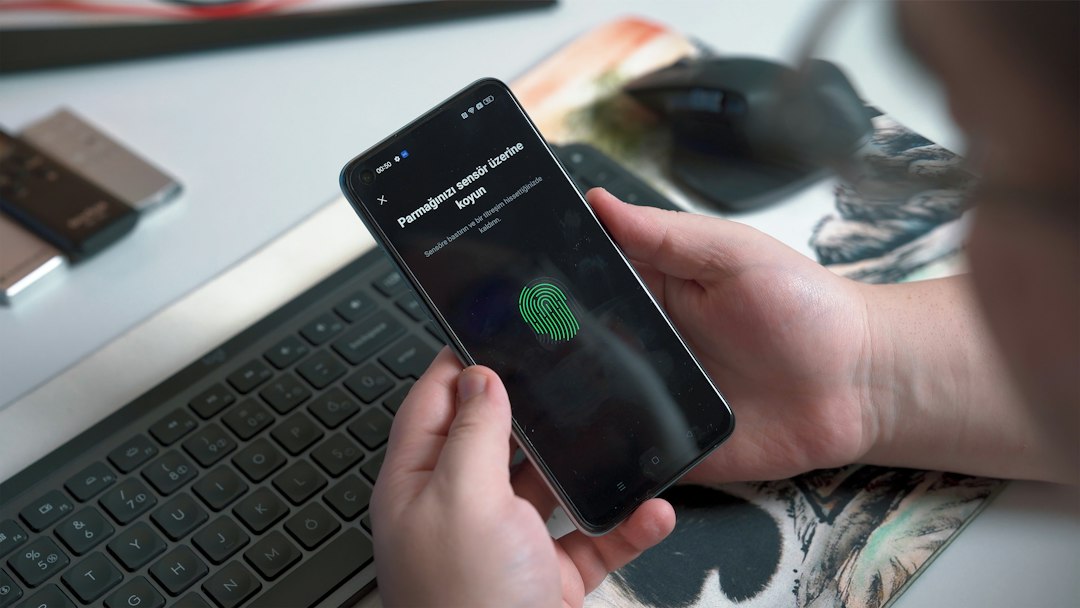
- The device displays the user code. The screen may say something like “Go to microsoft.com/devicelogin and enter code ABCD EFGH.”
- The user opens the verification URL on another device. This page is usually hosted by a real identity provider.
- The user signs in and enters the code. Multi-factor authentication may also be required.
- The authorization server confirms approval. The limited device polls the server until the user completes the step.
- The device receives tokens. These tokens allow access to the requested service or API.
The design is practical. It avoids password entry on weak interfaces. It also keeps the password away from the limited device. That is good security engineering when used properly.
The catch is that the user code is portable. Anyone who has a valid code can ask someone else to enter it. That small detail is exactly what attackers abuse.
Why attackers like device code phishing
Traditional phishing often asks users to type passwords into fake websites. Many people have learned to spot bad domains, broken logos, and odd certificate warnings. Device code phishing is different. The victim often lands on a real login page from a trusted provider.
That makes the attack harder to explain. It drives me crazy that the safest-looking part of the process can be the trap. The page may be genuine. The login may be genuine. The MFA prompt may be genuine. Yet the session being approved may belong to the attacker.
In a common attack, the criminal starts a device code flow from their own machine. They receive a valid user code. Then they send that code to the victim with a believable message:
- “Please enter this code to view the shared document.”
- “Your Teams meeting requires device verification.”
- “IT security needs you to confirm access before your mailbox is restored.”
- “Enter this code to sync your calendar with the new portal.”
If the victim complies, the attacker gets tokens for the application tied to that flow. Depending on the permissions granted, that may include email, files, chats, cloud resources, or directory data.
Modern phishing techniques using device codes
Device code abuse has become more polished. Attackers do not rely only on sloppy emails. They use timing, context, and social pressure.
Meeting bait is common. The victim receives a message before a real or fake meeting. The message claims that a device code is needed to join. Since users already expect friction from meeting tools, the request may not feel strange.
Help desk impersonation is also effective. An attacker posing as IT says the user must enter a code to fix email, VPN, or file access. The attacker may call the employee while sending the code. Voice pressure reduces careful thinking.
OAuth consent pairing can make the attack worse. A user may approve a malicious app or grant excessive permissions. If admin consent controls are weak, the blast radius grows quickly.
MFA fatigue pairing is another ugly pattern. The attacker combines device code phishing with repeated sign-in prompts. The victim sees several alerts, gets annoyed, and accepts one to make it stop.
Security risks for organizations
The main risk is token theft or token misuse. The attacker may not need the password after approval. Tokens can provide direct access until they expire or are revoked. If refresh tokens are issued, access may last longer than expected.
Another risk is MFA bypass by confusion. Device code phishing does not always bypass MFA technically. Instead, it tricks the user into completing MFA for the attacker’s session. From the identity provider’s view, the user approved the request.
There is also a logging problem. Security teams may see a successful device code authentication and miss the fraud. The event may look normal unless teams review client IDs, locations, impossible travel, unusual applications, and token issuance patterns.
Watch for signs such as:
- Device code sign-ins from unusual countries or hosting providers.
- Successful logins followed by rapid mailbox access.
- New OAuth grants to unknown applications.
- Device code use by employees who rarely use CLI tools or media devices.
- Several failed code attempts followed by one successful approval.
Controls that reduce risk
Organizations should not blindly disable device code authentication everywhere. Some teams need it. Developers, administrators, and support teams may use legitimate tools that depend on it. Still, open access is risky.
Strong defenses include:
- Conditional access policies: Limit device code flow to approved users, trusted locations, or managed devices.
- App governance: Block unknown or unverified apps from receiving broad permissions.
- Token protection: Use controls that bind tokens to devices where supported.
- Shorter token lifetimes: Reduce the value of stolen or misused tokens.
- Risk-based sign-in detection: Challenge or block suspicious sessions.
- Clear user prompts: Teach users that codes should only be entered when they personally initiated the login.
Security teams should also create alerts for device code authentication. Do not bury these events under generic sign-in noise. A device code approval from a finance user at 2:13 a.m., followed by mailbox export activity 40 seconds later, deserves immediate review.
What users should remember
The user rule is short: never enter a device code unless you started the sign-in yourself. If someone sends a code by email, chat, phone, or ticket, stop. If a meeting invite asks for a code before joining, verify through a separate trusted channel. If IT really needs action, they can explain it through an approved support process.
Users should also read consent screens. If a prompt says an app wants to read mail, access files, maintain access, or sign in as the user, that is not a harmless confirmation. It is permission. Treat it like handing over a key.
Incident response steps
If device code phishing is suspected, move fast. Revoke refresh tokens for the affected account. Review OAuth app grants. Remove suspicious consents. Check mailbox rules, forwarding settings, file access, and recent downloads. Reset credentials if needed, but remember that password changes alone may not kill active tokens.
Then review logs for related accounts. Attackers often test one user before targeting others in the same department. Finance, HR, executives, and IT administrators need extra attention.
Device code authentication is useful, but it is not harmless. It shifts trust from a device screen to a user decision. That decision must be protected with policy, monitoring, and plain-language training. Otherwise, a short code can become a quiet doorway into the organization.