Building a small business used to require a designer, a developer, a printer, and a very patient friend. Today, you can create a website, business cards, flyers, logos, and a polished brand look from your laptop. Even better, many tools are simple enough for beginners. You do not need to speak “design language.” You just need a good idea and a little time.
TLDR: Small businesses can use online tools to look professional fast. Tools like Canva, Wix, Squarespace, Adobe Express, and others help with websites, flyers, business cards, logos, and branding. Pick one or two tools that match your needs. Start simple, stay consistent, and make your brand easy to recognize.
1. Canva
Canva is like a friendly design studio in your browser. It helps you create flyers, posters, business cards, social posts, menus, presentations, and more. It is great for small businesses because it has thousands of ready-made templates.
You can choose a template, change the words, add your logo, pick colors, and download your design. Done. No design degree needed.
Best for: Flyers, business cards, social media graphics, menus, simple logos, and brand kits.
- Easy drag-and-drop editor.
- Lots of templates.
- Great for teams.
- Can store brand colors and fonts.
If you run a bakery, salon, cleaning service, or coffee cart, Canva can help you look polished in one afternoon.

2. Wix
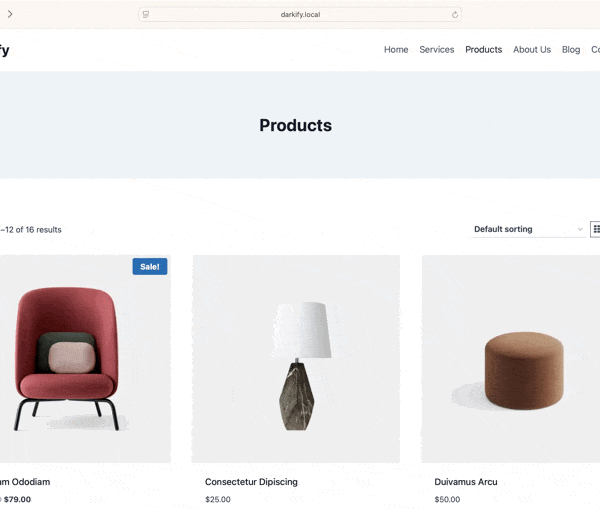
Wix is a popular website builder for small businesses. It gives you templates for restaurants, consultants, shops, photographers, gyms, tutors, and more. You can start with a design and edit it piece by piece.
The editor is visual. That means you move things around on the page. You can add text, photos, buttons, contact forms, booking tools, and online payments.
Best for: Small business websites, booking sites, service pages, portfolios, and online stores.
- No coding needed.
- Many business templates.
- Built-in SEO tools.
- Options for bookings and payments.
Wix is a good choice if you want control over your site design. It lets you be creative without starting from a blank screen.
3. Squarespace
Squarespace is known for clean, stylish websites. If Wix is a big creative toolbox, Squarespace is more like a tidy design showroom. Everything feels smooth and modern.
It works well for businesses that need a beautiful first impression. Think photographers, consultants, wellness brands, interior designers, restaurants, and local shops.
Best for: Elegant websites, portfolios, service businesses, blogs, and small shops.
- Beautiful templates.
- Strong visual style.
- Good blogging tools.
- Built-in selling features.
Squarespace is great when you want your brand to feel calm, premium, and professional. It keeps things simple. That helps your customers focus on what you offer.
4. Adobe Express
Adobe Express is a simple design tool from Adobe. It is not as complex as Photoshop or Illustrator. That is good news. It is made for quick designs, short videos, flyers, logos, social posts, and small business marketing.
You can remove backgrounds, resize designs, add effects, and use templates. It also works well if you already use other Adobe products.
Best for: Flyers, social graphics, quick videos, posters, logos, and branded content.
- Clean templates.
- Easy image editing.
- Useful background remover.
- Good for quick marketing content.
Adobe Express is helpful when you need something that looks sharp but do not want to spend hours designing it.

5. VistaCreate
VistaCreate is another easy tool for creating marketing designs. It is similar to Canva in many ways. You can make flyers, ads, social media posts, business cards, banners, and more.
It has many templates. It also has animated designs, which are great for Instagram, Facebook, and short online ads. If your business likes bold and fun visuals, this tool is worth a look.
Best for: Social media posts, flyers, ads, banners, and animated graphics.
- Fun templates.
- Animated design options.
- Simple editing tools.
- Good for promotions and sales posts.
Use VistaCreate when you need fast content for a sale, event, launch, or seasonal offer. It can help your business stay visible without feeling boring.
6. Looka
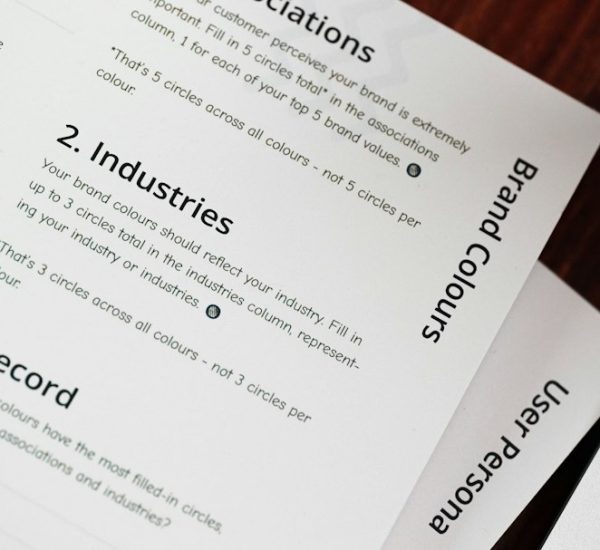
Looka focuses on logos and brand identity. You enter your business name, choose styles you like, and the tool creates logo ideas. Then you can edit colors, fonts, icons, and layouts.
It is useful if you are starting from zero. You may not know what your brand should look like yet. Looka gives you options. That makes the branding process less scary.
Best for: Logo design, brand kits, color palettes, and simple startup branding.
- Logo ideas in minutes.
- Brand color suggestions.
- Matching business card designs.
- Useful for new businesses.
A logo is not your whole brand. But it is a strong starting point. Once you choose a logo, use the same colors and fonts everywhere. Your website, cards, flyers, and social posts should feel like one happy family.
7. Moo
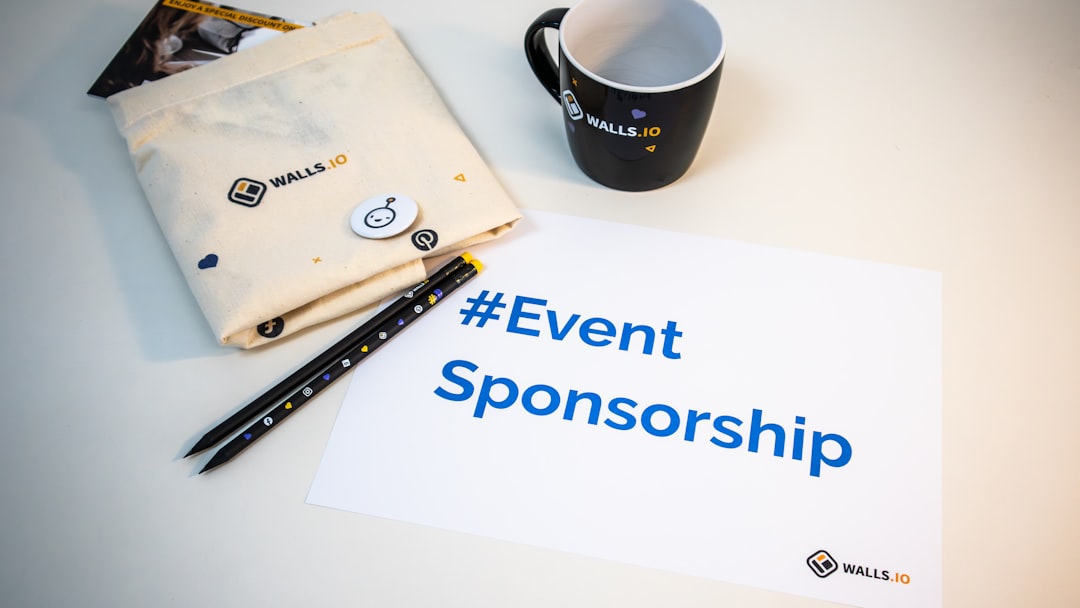
Moo is best known for printed business cards. But it also offers postcards, flyers, stickers, labels, and other printed materials. The site has design templates, so you can create professional print items online.
Moo can be a good choice if you care about paper quality. Their cards can feel premium. That matters when you hand one to a customer, partner, or person you just met at a local event.
Best for: Business cards, flyers, stickers, postcards, and premium printed branding.
- High-quality print options.
- Modern templates.
- Special finishes available.
- Good for networking materials.
A business card may seem old school. But it still works. People keep good cards. A nice card can make a tiny business feel big and trustworthy.
8. Shopify
Shopify is one of the strongest tools for selling online. If your small business sells products, this platform can help you build a store, manage inventory, accept payments, and track orders.
You can sell physical items, digital products, services, and gift cards. Shopify also has themes that make your store look clean and professional.
Best for: Online stores, product businesses, makers, boutiques, and brands that ship items.
- Strong ecommerce features.
- Secure checkout.
- Inventory tools.
- Many store themes and apps.
Shopify may be more than you need if you only want a simple website. But if selling is your main goal, it is a powerful choice.
How to Choose the Right Tool
Do not try every tool at once. That can turn your brain into soup. Start with your biggest need.
- Need a website? Try Wix, Squarespace, or Shopify.
- Need flyers and social posts? Try Canva, Adobe Express, or VistaCreate.
- Need a logo? Try Looka.
- Need business cards or printed flyers? Try Moo.
Also think about your budget, your time, and your comfort level. The best tool is not always the fanciest one. The best tool is the one you will actually use.
Simple Branding Tips for Small Businesses
Good branding does not have to be complicated. Keep it clear. Keep it steady. Keep it you.
- Use the same logo everywhere.
- Pick two or three main colors.
- Choose one or two fonts.
- Use the same tone in your writing.
- Make sure your contact info is easy to find.
If your flyer is red and loud, your website is blue and calm, and your card is green and fancy, customers may get confused. Consistency builds trust. Trust helps people buy.
Final Thoughts
Small businesses do not need giant budgets to look professional. These online tools make branding much easier. You can build a website, design a flyer, print cards, create a logo, and promote your business without hiring a full creative team.
Start small. Make one good thing. Then make the next one match it. Soon your business will look polished, clear, and ready for customers. And yes, you can still do it in your pajamas.