Fortnite has grown from a popular battle royale game into a massive social and competitive platform where players meet, build, fight, create, and attend live events together. Because the game is available on so many devices, one of the most common questions players ask is simple: is Fortnite cross-platform? The short answer is yes, but there are a few important details about matchmaking, accounts, progression, voice chat, and platform limitations that every player should understand.
TLDR: Fortnite is fully cross-platform, meaning players on PlayStation, Xbox, Nintendo Switch, PC, Android, and supported cloud gaming services can play together. Progression, cosmetics, and purchases are linked through an Epic Games account, so most items carry across platforms. Cross-platform play is usually enabled by default, though some platforms allow it to be turned off. Players should use Epic friends, party settings, and voice chat options to make cross-play smoother.
What Does Cross-Platform Mean in Fortnite?
In Fortnite, cross-platform means that players using different devices can join the same party and play in the same match. For example, a person playing on a PlayStation 5 can squad up with someone on Xbox Series X, Nintendo Switch, PC, or Android. This feature is often called cross-play.
Fortnite also supports cross-progression, which is slightly different. Cross-progression means a player’s account level, Battle Pass progress, skins, emotes, V-Bucks in some cases, and other cosmetics can follow them from one device to another. This is possible because Fortnite uses an Epic Games account as the main identity system.
There is also cross-party support, which allows friends from different platforms to join a shared lobby. This is one of the biggest reasons Fortnite remains popular: players are not locked into one console family or device type.
Which Platforms Support Fortnite Cross-Play?
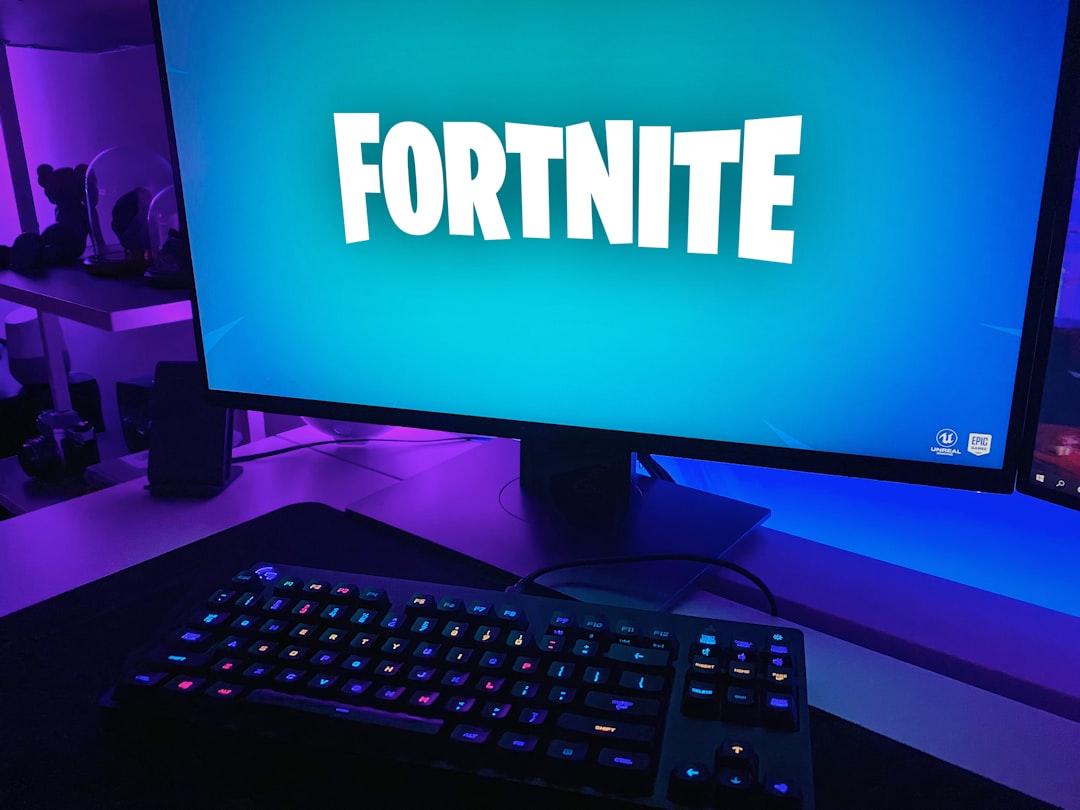
Fortnite is designed to be available across a wide range of systems. Cross-play is supported on most major platforms where the game is available, including:
- PlayStation 4 and PlayStation 5
- Xbox One, Xbox Series S, and Xbox Series X
- Nintendo Switch
- Windows PC
- Android devices
- Cloud gaming services, depending on region and service availability
Players on these platforms can normally join the same lobby, add one another as friends, and play Battle Royale, Zero Build, Creative, LEGO Fortnite, Fortnite Festival, Rocket Racing, and other supported modes. The exact experience can vary slightly depending on platform performance, control method, and account settings.
Fortnite is not currently available through the standard iOS App Store in the same way it once was, though some iPhone and iPad users may access the game through cloud gaming options in supported regions. Because availability can change, players should always check the official Fortnite or Epic Games platform pages for the latest support details.
How Fortnite Cross-Platform Play Works
Fortnite cross-play works through the Epic Games account system. When a player signs in on a console, PC, or mobile device, that platform account can be connected to an Epic Games account. This account acts as the main profile that stores Fortnite progress and allows friends from different platforms to connect.
Once accounts are linked, players can add friends by using their Epic display names. This is different from a PlayStation Network ID, Xbox gamertag, or Nintendo nickname, although those may still appear depending on the platform. The Epic friends list helps keep cross-platform connections in one place.
After friends are added, one player can invite another to a party. If cross-platform play is enabled, everyone can queue into a match together. Fortnite then places the party into matchmaking based on several factors, including party size, input method, region, skill level, and game mode.
Is Cross-Platform Play Enabled by Default?
For most Fortnite players, cross-platform play is enabled by default. This makes it easier to find matches quickly and play with friends regardless of device. New players often do not need to adjust anything to enjoy cross-play.
However, some platforms provide settings that allow cross-play to be disabled. For example, console settings may include privacy or multiplayer options that control whether a player can interact with users outside the platform’s own network. If cross-play is turned off, matchmaking may take longer, and some game modes may be limited or unavailable.
In many cases, Fortnite encourages cross-play because the game’s player base is spread across several devices. Keeping cross-play enabled usually provides the best matchmaking experience and makes it easier to join friends.
Does Fortnite Have Cross-Progression?
Yes, Fortnite supports cross-progression through an Epic Games account. This means that a player can begin playing on Xbox, switch to PC, and later log in on PlayStation while keeping most of their progress. Battle Pass levels, unlocked cosmetics, quests, account level, and many purchases are tied to the Epic account rather than a single device.
This feature is especially useful for players who upgrade consoles, travel with a portable device, or prefer different platforms for different situations. A player might use a gaming PC at home, a Nintendo Switch while traveling, and a cloud gaming service on another screen.
There are a few details to keep in mind. V-Bucks may not always transfer equally across every platform, depending on where they were purchased. Some V-Bucks balances are shared, while others may remain tied to the platform of purchase. Cosmetics bought with V-Bucks are generally available across linked platforms, but the currency balance itself may vary.
How to Add Friends Across Platforms
Adding friends in Fortnite is straightforward when players use Epic Games names. The process usually follows these steps:
- Open Fortnite and go to the Friends or Social menu.
- Select the option to Add Friend.
- Enter the other player’s Epic display name or email if supported.
- Send the friend request.
- Wait for the other player to accept.
- Invite the player to a party once they appear online.
If a friend cannot be found, the most common causes are spelling errors, privacy settings, blocked accounts, or platform account linking problems. Players should confirm the correct Epic display name and make sure both accounts are properly connected.
Does Fortnite Match Console Players Against PC Players?
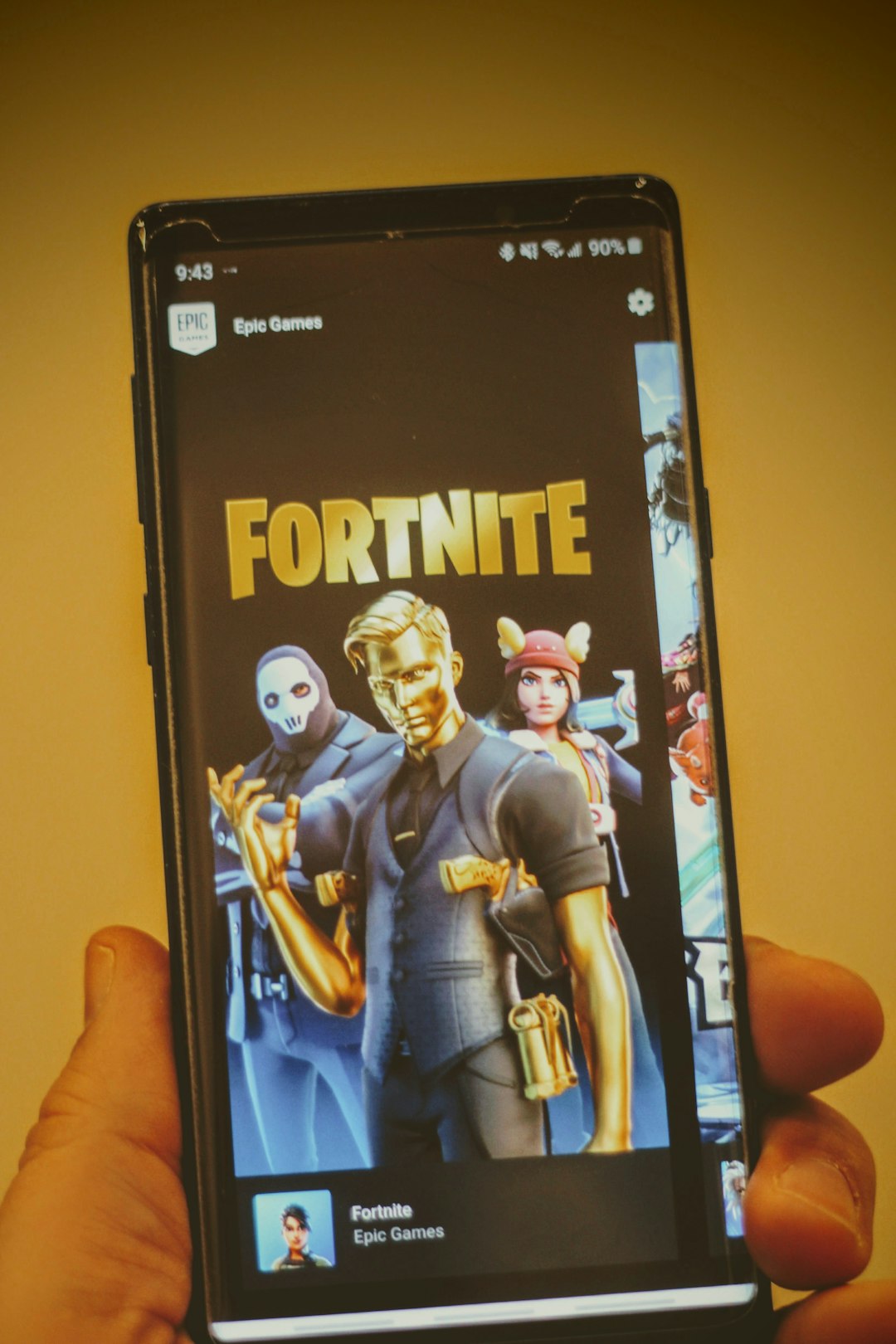
Fortnite can match console players with PC players, especially when they are in a mixed-platform party. For example, if a PlayStation player joins a PC player, the party may enter a broader matchmaking pool. This is one reason some players notice that matches feel more competitive when playing with friends on different devices.
Input method can also matter. Players using a mouse and keyboard may be grouped differently from players using controllers, although Fortnite’s matchmaking system considers multiple factors. Epic Games has adjusted matchmaking over the years, so the exact formula is not publicly explained in full.
Some players worry that PC users have an advantage because of higher frame rates, customizable graphics settings, and precise mouse aiming. Others feel that controller aim assist helps balance the experience. In reality, advantages depend on skill, hardware, settings, and the mode being played. Casual players can still have fun across platforms, while competitive players may want to optimize their settings carefully.
Can Cross-Platform Play Be Turned Off?
In some cases, yes. Players may be able to disable cross-platform play through Fortnite settings or through console-level privacy controls. The exact steps depend on the system being used.
However, turning off cross-play is not always ideal. It can increase queue times, reduce matchmaking quality, or prevent access to certain modes. Fortnite is built around a large shared player base, so disabling cross-platform features may make the game feel less flexible.
Parents may also use platform privacy settings to control communication, friend requests, and multiplayer interactions. This can be useful for younger players, especially when combined with Fortnite’s parental controls and voice chat restrictions.
Voice Chat and Communication Across Platforms
Fortnite includes built-in voice chat, allowing players on different platforms to communicate in the same party. This means a Switch player can speak with an Xbox player, a PC player, or a PlayStation player without needing a separate app.
Players can usually choose between Party Channel and Game Channel. Party Channel is used for members of the current party, while Game Channel may include teammates in modes where players are matched with others. For cross-platform squads, Party Channel is often the simplest option.
If voice chat is not working, players should check:
- Whether the headset or microphone is connected properly
- Fortnite’s voice chat settings
- Platform privacy settings
- Parental control restrictions
- Whether the player is muted or blocked
- Input and output audio device settings on PC
Good communication can make a major difference in Fortnite, especially in team-based modes. Calling out enemy positions, sharing items, and planning rotations are easier when cross-platform voice chat works correctly.
What About Creative, LEGO Fortnite, Festival, and Other Modes?
Fortnite is no longer just one game mode. It includes a growing collection of experiences, and most major modes support cross-platform play. Players can build islands in Creative, survive and craft in LEGO Fortnite, race in Rocket Racing, or perform songs in Fortnite Festival with friends on other devices.
The same Epic friends and party systems generally apply across these experiences. If a mode supports multiplayer, players can usually invite friends from other platforms. Some creator-made islands may have specific limits, but cross-platform access is a core part of Fortnite’s ecosystem.
Image not found in postmetaCommon Cross-Platform Problems and Fixes
Although Fortnite cross-play works well for most players, problems can happen. One common issue is that friends do not appear online. This may be caused by privacy settings, server delays, or account linking errors. Restarting the game, checking Epic friends, and confirming online status can help.
Another issue is failed party invites. If invitations do not work, both players should confirm that they are running the latest version of Fortnite. Game updates are required before players can join the same lobby. Platform network services, such as PlayStation Network or Xbox services, should also be online.
Players may also experience voice chat issues. In that case, checking microphone permissions, parental controls, and Fortnite audio settings is the best first step. On PC, the correct input and output devices should be selected.
If cross-progression does not appear to work, the player may be using the wrong Epic Games account. It is important not to create a new account accidentally when logging in on another platform. Linking the wrong account can cause confusion, so players should verify account connections before making purchases or progressing further.
Is Fortnite Cross-Platform Worth Using?
For most players, Fortnite’s cross-platform support is one of its strongest features. It allows friends and family members to play together without needing the same console. It also keeps matchmaking active and helps support Fortnite’s many modes and seasonal events.
There can be minor drawbacks, such as differences in performance between platforms or concerns about competitive balance. A high-end PC may run Fortnite more smoothly than a handheld device, and a mouse and keyboard setup may feel different from a controller. Still, Fortnite’s matchmaking and broad accessibility make cross-play valuable for casual and serious players alike.
Ultimately, Fortnite is designed as a connected experience. Cross-platform play, cross-progression, and Epic account integration make it possible for players to enjoy the game almost anywhere. As long as accounts are linked correctly and settings are configured properly, Fortnite can be played smoothly across most supported platforms.
FAQ
Is Fortnite cross-platform?
Yes. Fortnite supports cross-platform play across PlayStation, Xbox, Nintendo Switch, PC, Android, and supported cloud gaming services.
Can PlayStation and Xbox players play Fortnite together?
Yes. PlayStation and Xbox players can join the same party, add each other through Epic Games accounts, and play matches together.
Can Fortnite players on PC play with console players?
Yes. PC players can play with console players, especially when they are in the same party. Mixed-platform parties may be placed into broader matchmaking pools.
Does Fortnite have cross-progression?
Yes. Progression, cosmetics, Battle Pass levels, and many purchases are connected to the player’s Epic Games account and can carry across platforms.
Do V-Bucks transfer between platforms?
Some V-Bucks balances may be shared, while others can be tied to the platform where they were purchased. Cosmetics bought with V-Bucks are generally available across linked platforms.
How does someone add cross-platform friends in Fortnite?
Players can add friends by searching for their Epic display name in the Fortnite Social or Friends menu, sending a request, and inviting them after it is accepted.
Can cross-platform play be disabled?
On some platforms, cross-platform play can be disabled through Fortnite or system privacy settings. However, doing so may increase matchmaking times or limit certain features.
Is Fortnite cross-platform voice chat available?
Yes. Fortnite includes built-in voice chat that works across platforms, though players may need to adjust privacy, parental control, or audio settings.
Does Nintendo Switch support Fortnite cross-play?
Yes. Nintendo Switch players can play Fortnite with users on other supported platforms, including PlayStation, Xbox, PC, Android, and cloud gaming services.
Why can’t a player join a friend on another platform?
The most common reasons are outdated game versions, incorrect Epic account names, privacy restrictions, blocked accounts, server issues, or account linking problems.