Email automation sounds fancy. It is not scary. It is just a smart way to send the right email to the right person at the right time. Think welcome emails, birthday coupons, cart reminders, and weekly newsletters. The best platforms also give you pretty templates and clear reports, so you know what is working.
TLDR: The best email automation platforms help you build emails fast, send them on autopilot, and track results. Mailchimp is great for beginners. Klaviyo is a winner for online stores. HubSpot is best when you want email, sales, and customer data in one place.
Why Email Automation Is Your Tiny Robot Helper
Email automation is like hiring a friendly robot. It never sleeps. It never forgets. It sends emails while you drink coffee, walk the dog, or panic about your inbox.
With automation, you can create simple workflows. For example:
- Welcome series: Say hello when someone joins your list.
- Abandoned cart emails: Nudge shoppers who almost bought.
- Birthday emails: Send a treat on their special day.
- Lead nurturing: Teach people before asking them to buy.
- Re engagement emails: Wake up sleepy subscribers.
Good platforms also offer templates. That means you do not need to design from zero. You pick a layout. You swap text and images. Boom. You look professional.
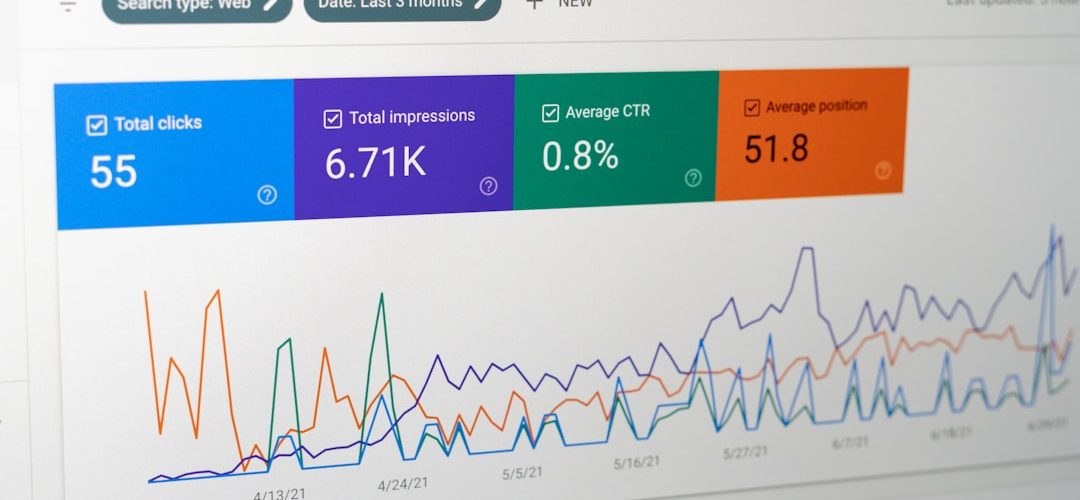
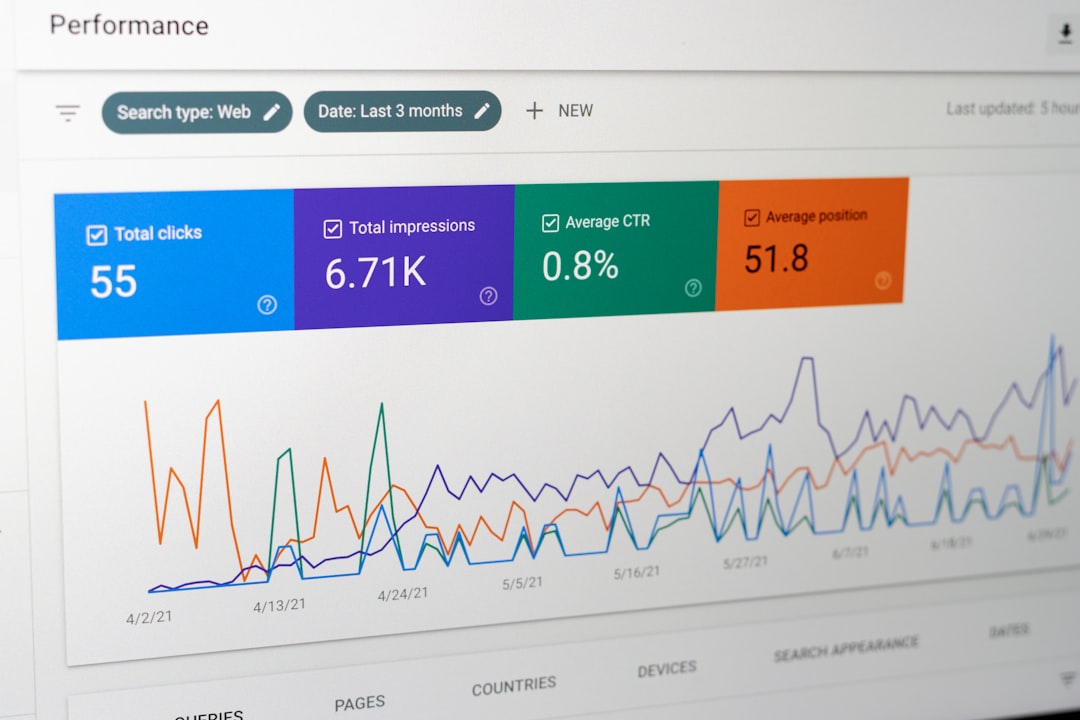
Then come analytics. These are the numbers. They show opens, clicks, sales, unsubscribes, and more. Analytics tell you if your email is a superstar or a sleepy potato.
1. Mailchimp
Best for: Beginners, small businesses, and simple campaigns.
Mailchimp is one of the most famous email tools. It is bright, friendly, and easy to start with. If you are new to email marketing, Mailchimp feels less like a spaceship and more like a bicycle with training wheels.
It has a drag and drop email builder. You can choose from many templates. You can create newsletters, product emails, event emails, and welcome messages.
Automation features include:
- Welcome emails
- Customer journeys
- Product recommendations
- Abandoned cart messages
- Behavior based emails
Mailchimp also gives useful analytics. You can see open rates, click rates, audience growth, and revenue if you connect your store.
Fun fact: Mailchimp is great if you want something simple today, but still need room to grow later.
2. Klaviyo
Best for: Ecommerce brands and online stores.
Klaviyo is like a super brain for ecommerce email. It works beautifully with platforms like Shopify, WooCommerce, and BigCommerce. It tracks what shoppers view, click, add to cart, and buy.
This means you can send very personal emails. Not creepy personal. Helpful personal.
For example, if someone looks at red sneakers but does not buy them, Klaviyo can send a reminder. If someone buys dog food every month, Klaviyo can send a refill email. Smart stuff.
Top features:
- Powerful segmentation
- Advanced automation flows
- Revenue tracking
- SMS marketing options
- Strong ecommerce templates
Klaviyo’s analytics are excellent. You can see how much money each email makes. That makes it easier to decide what to improve.
Choose Klaviyo if: You sell products online and want deeper customer data.
3. HubSpot
Best for: Businesses that want email, CRM, sales, and marketing together.
HubSpot is more than an email platform. It is a full marketing system. It includes a CRM, landing pages, forms, live chat, sales tools, and reporting.
If Mailchimp is a friendly bike, HubSpot is a shiny tour bus. It has many seats. It can take your whole team along.
HubSpot is great for companies that care about leads. You can track a person from first website visit to final sale. That is powerful.
Automation features include:
- Lead nurturing workflows
- Sales follow up emails
- Contact scoring
- Personalized email content
- CRM based triggers
Templates are clean and professional. The analytics are also strong. You can measure emails, landing pages, contacts, deals, and campaigns in one place.
Small warning: HubSpot can get pricey as you grow. But it is very powerful.
4. ActiveCampaign
Best for: Advanced automation without total chaos.
ActiveCampaign is a favorite for marketers who love automation. It lets you build detailed workflows with many paths. If a person clicks this, send that. If they do not click, wait three days. Then send something else. It is like a choose your own adventure book, but for emails.
Great features include:
- Visual automation builder
- Email templates
- CRM features
- Lead scoring
- Personalized content
The analytics are useful. You can track opens, clicks, conversions, automation performance, and contact behavior.
ActiveCampaign is a strong choice if you have outgrown basic newsletters. It gives you more control. It also helps sales teams follow up better.

5. Brevo
Best for: Affordable email, SMS, and transactional messages.
Brevo, formerly called Sendinblue, is a budget friendly option. It offers email marketing, automation, SMS, chat, forms, and transactional emails.
Transactional emails are messages like password resets, order confirmations, and shipping updates. Very useful. Very not glamorous. But customers expect them.
Brevo gives you:
- Drag and drop email design
- Email and SMS automation
- Contact segmentation
- Landing pages on some plans
- Clear campaign reports
Brevo prices are often based on email volume, not just contact count. This can be helpful if you have many contacts but do not email them every day.
Choose Brevo if: You want solid tools without a giant bill.
6. ConvertKit
Best for: Creators, bloggers, coaches, and newsletter writers.
ConvertKit is built for people who share ideas. Think writers, podcasters, YouTubers, course creators, and solo business owners.
The platform is simple and clean. It does not feel overloaded. You can create forms, landing pages, sequences, and broadcasts.
Nice features include:
- Email sequences
- Subscriber tagging
- Simple automations
- Creator focused landing pages
- Digital product selling tools
ConvertKit templates are more simple than flashy. That can be a good thing. Many creator emails work best when they feel personal. Like a note from a real human. Not a glitter cannon.
Analytics include opens, clicks, subscribers, and conversion data for forms and landing pages.
7. Omnisend
Best for: Ecommerce brands that want email plus SMS.
Omnisend is another strong ecommerce tool. It combines email, SMS, push notifications, and automation. It is especially good for online shops that want ready made ecommerce workflows.
Popular automations include:
- Welcome series
- Abandoned cart recovery
- Order confirmation
- Product review requests
- Customer win back emails
Omnisend has nice templates. Many are designed for sales, products, and seasonal campaigns. You can add product blocks, discount codes, and recommendations.
Analytics are focused on revenue. You can see campaign performance, automation sales, and customer engagement.
In simple words: Omnisend helps stores sell more without making email feel like homework.
8. Campaign Monitor
Best for: Beautiful email templates and polished campaigns.
Campaign Monitor is known for design. The email builder is smooth. The templates look clean and modern. If you care about style, this platform is worth a look.
It works well for agencies, nonprofits, publishers, and businesses that send regular campaigns.
You get:
- Drag and drop email builder
- Professional templates
- Basic automation journeys
- Personalization tools
- Easy reports
The analytics are clear. You can see who opened, clicked, shared, or unsubscribed. You can also compare campaign results.
Campaign Monitor is not always the deepest automation tool. But it is very good for attractive newsletters and brand friendly emails.
9. Constant Contact
Best for: Local businesses, events, and nonprofits.
Constant Contact has been around for a long time. It is popular with small businesses, community groups, and organizations that need simple email tools.
It includes many templates. It also has tools for events, surveys, social posting, and list growth.
Helpful features include:
- Email templates for many industries
- Simple automation
- Event promotion tools
- List management
- Campaign tracking
Analytics show opens, clicks, bounces, unsubscribes, and campaign trends. The reports are easy to read.
Choose Constant Contact if: You want friendly tools and do not need super complex automation.
10. MailerLite
Best for: Simple email marketing on a budget.
MailerLite is clean, easy, and affordable. It is loved by small teams, creators, and startups. The interface is calm. No scary buttons. No confusing maze.
MailerLite includes:
- Email campaigns
- Automation workflows
- Landing pages
- Signup forms
- Website building tools
The templates are simple and modern. You can build excellent newsletters without much design skill.
Analytics include opens, clicks, unsubscribes, automation results, and subscriber growth. It gives you the main numbers without making your brain melt.

How to Pick the Right Platform
Now comes the big question. Which one should you choose?
Do not pick the fanciest tool just because it has shiny features. Pick the tool that fits your needs today, and can grow with you tomorrow.
Ask yourself these simple questions:
- Do I sell products online? Try Klaviyo or Omnisend.
- Am I a creator? Try ConvertKit or MailerLite.
- Do I need a CRM? Try HubSpot or ActiveCampaign.
- Do I want low cost email and SMS? Try Brevo.
- Do I want beautiful templates? Try Campaign Monitor.
- Am I brand new? Try Mailchimp or MailerLite.
Key Features to Look For
Most platforms sound similar at first. They all say things like “grow your audience” and “send better emails.” Nice. But what should you really check?
1. Easy Email Builder
You should be able to create emails without crying into your keyboard. Look for drag and drop editing. Look for mobile friendly designs. Most people read emails on phones. Tiny broken emails are bad news.
2. Good Templates
Templates save time. A good template should be easy to edit. It should match your brand. It should also look good on desktop and mobile.
3. Automation Workflows
Start simple. A welcome series is enough at first. Later, you can add cart recovery, lead nurturing, and win back campaigns.
4. Segmentation
Segmentation means grouping people. You can group by interests, purchases, clicks, location, or activity. This helps you send better emails. Better emails get better results.
5. Clear Analytics
Do not guess. Use numbers. Track open rates, click rates, conversions, revenue, and unsubscribes. If people are not clicking, test a new subject line. Or a clearer button. Or a better offer.
Quick Platform Cheat Sheet
| Platform | Best For | Big Strength |
|---|---|---|
| Mailchimp | Beginners | Simple setup |
| Klaviyo | Ecommerce | Revenue tracking |
| HubSpot | Sales and marketing teams | CRM power |
| ActiveCampaign | Advanced automation | Workflow control |
| Brevo | Budget friendly marketing | Email and SMS |
| ConvertKit | Creators | Simple audience building |
Final Thoughts
Email marketing is not dead. It is very much alive. It may even be wearing sunglasses.
The right platform can help you save time, look professional, and make smarter decisions. You can welcome new subscribers. You can recover lost carts. You can send useful tips. You can learn what your audience loves.
If you want easy and friendly, start with Mailchimp or MailerLite. If you run an online shop, look at Klaviyo or Omnisend. If you need deep sales and customer tracking, HubSpot and ActiveCampaign are strong picks.
Start small. Build one good email. Then build one simple automation. Check your analytics. Improve a little each week. That is how email turns from “ugh, another task” into “wow, this thing actually works.”