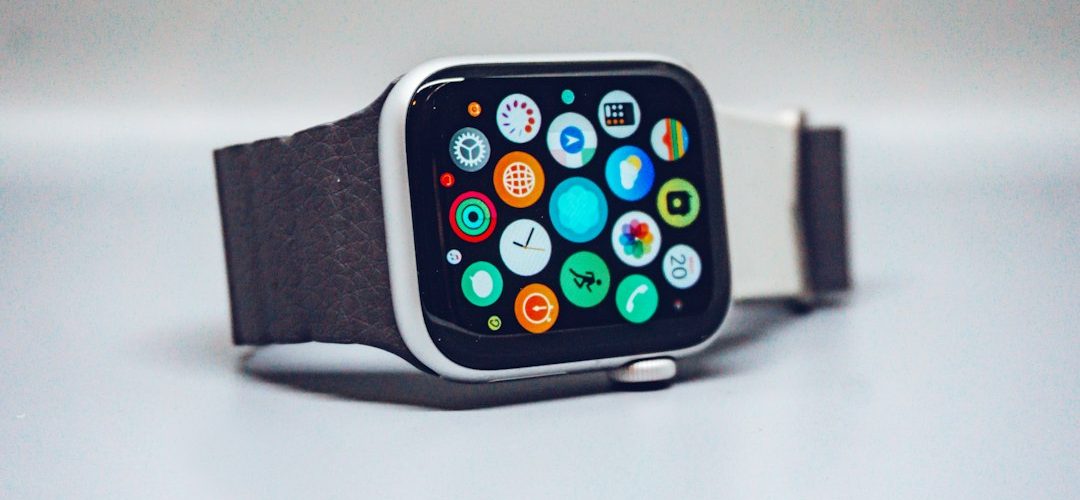
The clearest Apple Watch news is this: Apple is pushing the watch harder into health tracking, training guidance, and day-to-day phone replacement tasks. The recent Apple Watch Series 10 brought a thinner case, a larger display, faster charging, and new health features, while watchOS 11 added tools such as Vitals and Training Load [source: Apple].
TLDR: The biggest updates are Apple Watch Series 10, the refreshed Apple Watch Ultra 2, and watchOS 11. Series 10 charges to about 80% in 30 minutes, which matters if you wear it overnight and top it up while showering. For example, a runner can use Training Load to see whether a hard week is building fitness or pushing too far. Health features are also gaining weight, with sleep and heart data becoming more useful over time.
What changed with Apple Watch Series 10
Apple Watch Series 10 is not a total reset. It is a careful upgrade. The case is thinner, the display is larger, and the watch feels more refined. That sounds boring, but on a wrist-worn device, small changes matter.
The larger screen makes text, maps, timers, and workout stats easier to read. This is useful during exercise, driving directions, or quick replies. Apple also changed the wide-angle OLED display, so the screen is easier to see at an angle. That helps when your wrist is on a desk or bike handlebar.
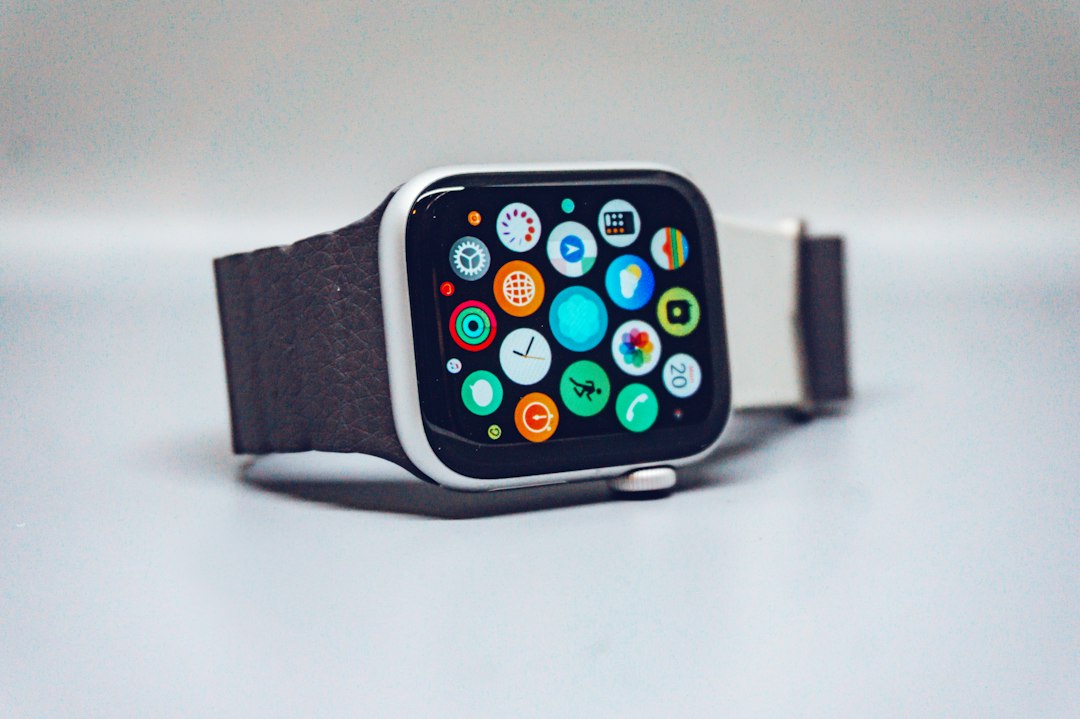
Key Series 10 features include:
- Thinner design: More comfortable for sleep tracking and all-day wear.
- Larger display: More room for apps, text, and complications.
- Faster charging: Better for users who wear the watch overnight.
- Health sensors: Continued focus on heart, sleep, cycle, and activity data.
- New finishes: More style choices, including polished aluminum options.
The catch is that many users will not need to upgrade from a recent Series 8 or Series 9. The daily experience is familiar. If your current battery is still strong, the upgrade is more about comfort and screen quality than a must-have new function.
Apple Watch Ultra 2 remains the serious sports model
Apple Watch Ultra 2 is still the model for hikers, divers, trail runners, and users who want the biggest battery. The newer black titanium finish made the device look sharper, but the core appeal is unchanged: bigger case, brighter screen, Action Button, dual-frequency GPS, and rugged build.
Ultra 2 is not for everyone. It is large. It is expensive. It can look bulky on smaller wrists. Still, for outdoor users, it makes sense. The extra battery life is the real selling point, not the color.
If you use GPS workouts for long sessions, Ultra 2 is the safer pick. If you mostly track walks, gym sessions, sleep, and notifications, Series 10 is the more sensible choice.
watchOS 11: the software update that matters most
watchOS 11 may be more important than the hardware changes for many owners. It adds new health views, smarter fitness tools, and better daily context. The Vitals app collects overnight data such as heart rate, respiratory rate, wrist temperature, blood oxygen where available, and sleep duration. It then flags values that sit outside your normal range.
This is the kind of update that makes the watch feel less like a notification screen and more like a health monitor. It will not diagnose you. It should not replace a doctor. But it can make patterns easier to spot.
Major watchOS 11 additions include:
- Vitals app: Shows overnight health metrics in one place.
- Training Load: Helps judge workout strain over time.
- Pause Activity Rings: Lets users take rest days without ruining streaks.
- Custom Activity goals by day: More realistic targets for workdays, weekends, or recovery days.
- Better Smart Stack: More timely widgets and suggested actions.
It drives me crazy that some useful health details still sit behind too many taps. Finding the exact chart you want can take longer than it should. On a small screen, that extra friction matters.
Health features are becoming the main story
Apple is making health the center of Apple Watch. Fitness still matters, but the bigger push is long-term wellness. Sleep tracking, heart alerts, cycle tracking, fall detection, crash detection, and medication reminders all support that direction.
Sleep apnea notifications are one of the most watched features. The watch can look for breathing disturbance patterns during sleep and alert users when signs may be present. This is not a formal diagnosis. It is a prompt to speak with a medical professional.
For many people, that is enough. A watch that flags a possible issue after weeks of sleep data can be valuable. It may help users act sooner instead of ignoring symptoms.
Buying advice: who should upgrade?
Upgrade to Apple Watch Series 10 if you have a Series 6, Series 7, or older model and want a better display, thinner case, and faster charging. The difference will feel clear.
Pick Apple Watch Ultra 2 if you need longer battery life, stronger GPS features, or a tougher design. It is overkill for casual use, but excellent for demanding workouts and travel.
Keep your current watch if you own Series 9 and your battery is healthy. The software update brings many of the best improvements without a new purchase.
Consider Apple Watch SE if price matters most. It skips some advanced health sensors, but it handles notifications, workouts, safety features, and basic tracking well.
Image not found in postmetaWhat to watch next
The next Apple Watch announcements will likely keep pushing battery life, health screening, and brighter displays. Users want more accurate sensors, fewer daily charges, and clearer health summaries. Apple knows that.
The product line is mature now. That means yearly changes may feel modest. Still, the Apple Watch remains one of the most useful wearables because it combines health, safety, fitness, and phone-free convenience in a small device. The best choice is simple: buy for the features you will use every day, not for the launch-day buzz.