The safest way to fix a scratched CD is to clean it first, then polish only light scratches from the center outward, and stop if the disc shows cracks, peeling foil, or deep gouges. Many discs fail because of dirt, fingerprints, or cheap slot drives, not because the data layer is ruined. A calm, careful repair can bring back music, games, software, and old photo backups without making the damage worse.
TLDR: Start with a gentle wash using water, mild dish soap, and a microfiber cloth. If the CD still skips, use a plastic polish or a tiny amount of non-gel toothpaste on light scratches, wiping in straight lines from the middle to the edge. In one common case, a music CD that skipped 6 times during a 12-track album may play cleanly after 5 minutes of cleaning and 3 minutes of polishing. Deep label-side damage is much harder to fix because the data layer sits close to the top of the disc.
Why CDs Skip When Scratched
A CD is read by a laser from the shiny underside. Scratches scatter that laser. The player then struggles to read the tiny pits that hold the data. Small bottom scratches often cause skipping, freezing, or failed copying. Some can be repaired because they sit in the clear plastic coating.
Label-side scratches are worse. On many CDs, the reflective data layer sits just under the printed label. If that layer is cut, the missing data usually cannot be restored by polishing. It drives people crazy that a disc can look fine underneath but still fail because the top side has one ugly scrape.
Step 1: Inspect the Disc Before Repair
Before any repair, the disc should be checked under a bright lamp. The user should hold it by the edges and tilt it slowly. This shows whether the marks are smudges, light scratches, circular scratches, or deep cuts.
- Fingerprints: easy to clean and often mistaken for scratches.
- Dust and grit: risky, because rubbing can create more scratches.
- Straight scratches from center to edge: often repairable.
- Circular scratches: harder for CD players to read and repair.
- Deep cuts or cracks: usually unsafe to polish or play.
If light passes through tiny holes on the label side, the reflective layer may be damaged. That disc should be copied immediately if it still reads at all.
Step 2: Clean the CD the Right Way
Cleaning should always happen before polishing. Polishing a dirty disc can grind dust into the surface. That creates a bigger mess than the original scratch.
- Rinse the CD with lukewarm water to remove loose dust.
- Add a small drop of mild dish soap to the shiny side.
- Spread it gently with clean fingers, not paper towels.
- Rinse again until no soap remains.
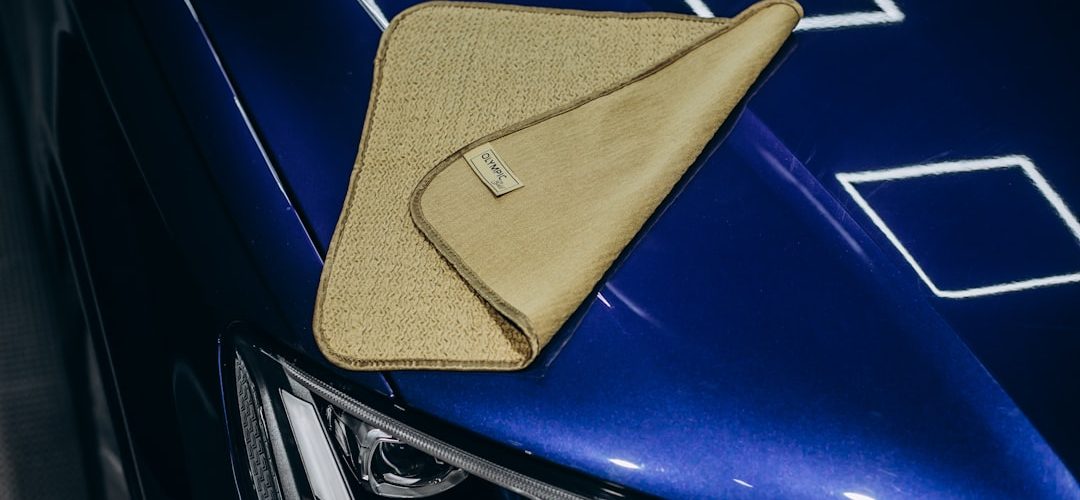
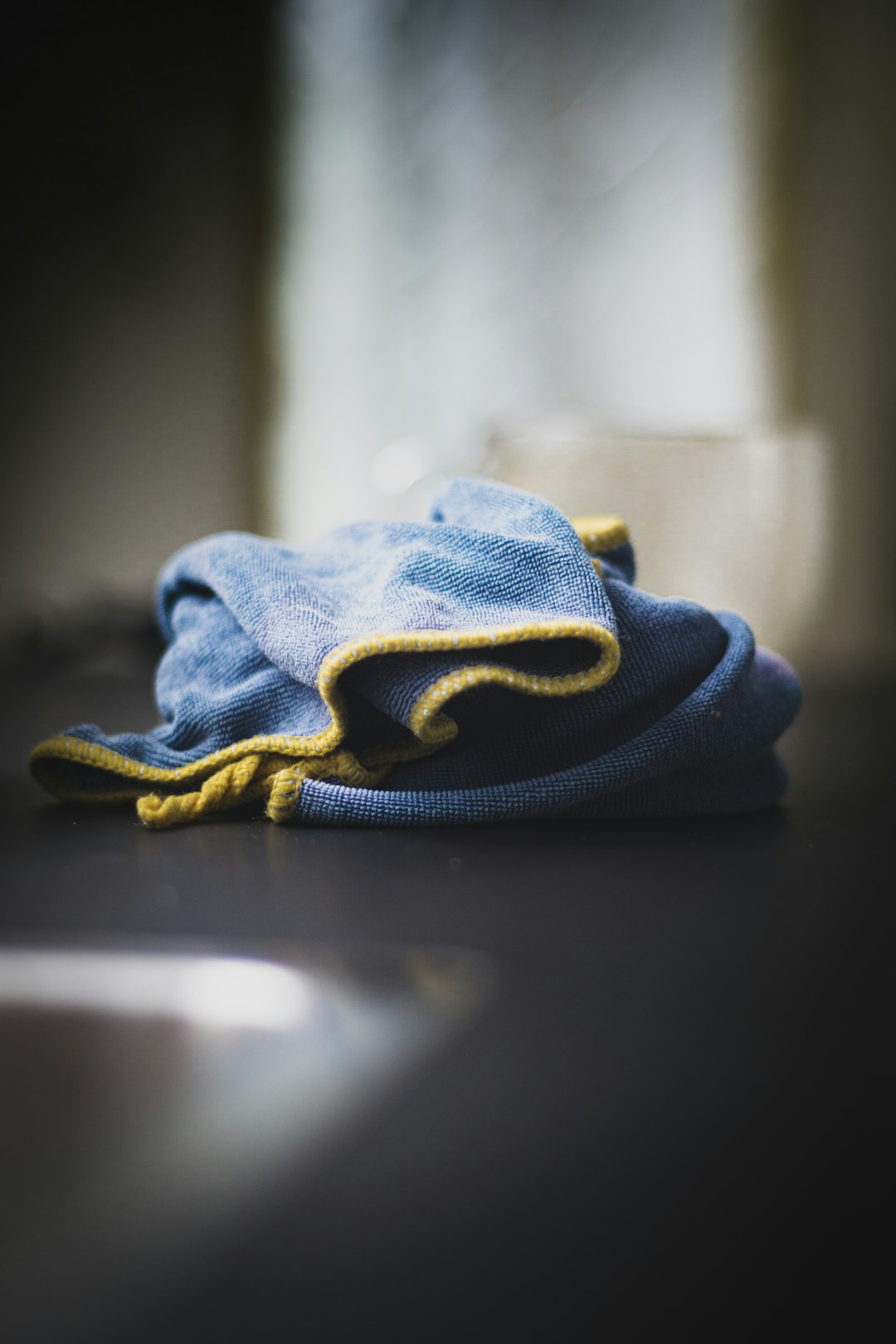
- Dry with a clean microfiber cloth.
- Wipe in straight lines from the center hole to the outer edge.
The wiping direction matters. A straight scratch across the data path is easier for a player to correct than a circular scratch that follows the track. Paper towels, tissues, shirt fabric, and rough towels should be avoided. They can leave tiny scratches that add up fast.
For greasy spots, a little isopropyl alcohol can help. It should be applied to a microfiber cloth, not poured onto the disc. Strong solvents, acetone, window cleaner, and abrasive kitchen cleaners should stay away from CDs.
Step 3: Try a Safe Scratch Repair Method
If the disc still skips after cleaning, a light polish may help. The goal is not to remove the scratch completely. The goal is to smooth its edges so the laser can read through the plastic again.
Plastic Polish Method
A proper plastic polish is the best home option. It is made for clear plastic and tends to be more predictable than household tricks.
- Place the disc shiny side up on a soft cloth.
- Apply a pea-sized amount of plastic polish.
- Rub gently from the center to the edge.
- Work for 1 to 2 minutes, using light pressure.
- Rinse and dry the disc before testing.
The disc should be tested in a reliable drive. If it reads, the owner should copy the files or rip the audio right away. A repaired disc may work today and fail again later.
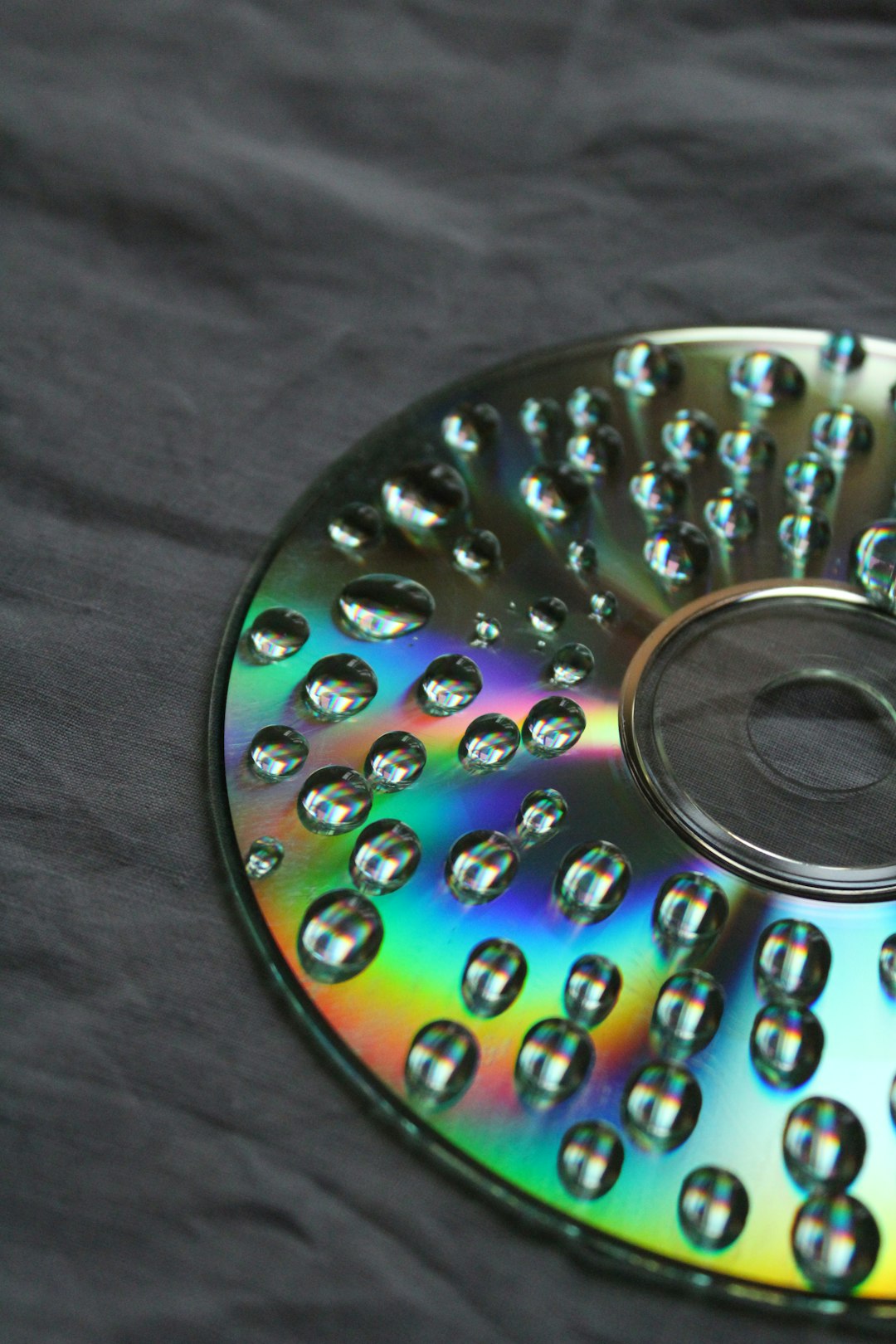
Toothpaste Method
Toothpaste is a common DIY method, but it should be treated as a last-resort home fix. Only plain, white, non-gel toothpaste should be used. Whitening beads, charcoal paste, and gritty formulas can scratch the disc even more.
A tiny amount should be rubbed in straight lines from the center outward. After 30 to 60 seconds, the disc should be rinsed well and dried with microfiber. If the CD looks cloudier after treatment, too much pressure or too much paste was used. Honestly, it feels like this trick gets passed around as magic, but it is really just mild sanding. That means it can help or hurt.
Commercial Disc Repair Machines
Disc repair machines resurface the plastic layer more evenly than hand polishing. Libraries, game shops, media stores, and some repair services may have them. They are useful for valuable collections, rare games, and discs with many light scratches.
Cheap hand-crank repair gadgets may give mixed results. Some remove scratches. Some leave swirl marks. For rare discs, professional resurfacing is safer than guessing.
What Not to Do
Some fixes sound clever but can ruin a disc. The following should be avoided:
- Do not rub in circles. This can create tracking problems.
- Do not use car wax on cracked discs. It will not repair structural damage.
- Do not use heat. CDs warp faster than many people expect.
- Do not use a rough sponge. It acts like sandpaper.
- Do not keep retrying a failing disc for hours. A weak drive can scrape it further.
How to Recover Data from a Scratched CD
If the CD contains files, repair is only part of the job. The real goal is recovery. A computer drive may read damaged discs better than an old stereo or game console. Different drives also behave differently. One may fail at 42 percent, while another may copy the entire disc slowly.
For data CDs, the user should try copying the most valuable folders first. Large batch copies can stop when one file fails. Smaller groups make it easier to save what still works. For audio CDs, ripping software with error correction can often recover tracks better than normal playback.
If the disc is rare or business-critical, professional recovery is the safest route. Scratched discs with old tax files, wedding photos, or discontinued software deserve more care than a $5 album from a thrift bin.
How to Protect CDs After Repair
A repaired CD should be handled like it has only one good chance left. The owner should make a backup, store the original, and use the copy when possible.
- Hold discs by the outer edge and center hole.
- Store each CD in a jewel case or soft sleeve.
- Keep discs away from sunlight, dashboards, heaters, and damp basements.
- Return discs to cases right after use.
- Label only with a CD-safe marker on the top side.
- Make digital backups of personal files and rare media.
Stacking loose discs is one of the fastest ways to scratch them. Sliding a CD across a desk is almost as bad. A few seconds of careful handling can save an hour of repair attempts later.
FAQ
Can a scratched CD really be fixed?
Yes, if the scratches are light and located on the clear underside. Cleaning and polishing can improve playback. Deep scratches, cracks, and label-side damage are much harder to repair.
Is toothpaste safe for CD scratch repair?
It can work on minor scratches, but it is risky. Plain white non-gel toothpaste is the only type that should be tried. Plastic polish is usually safer and more consistent.
Should a CD be wiped in circles?
No. A CD should be wiped from the center hole straight to the outer edge. Circular wiping can create scratches that follow the data track and cause more skipping.
Can a cracked CD be repaired?
A cracked CD should not be used in a high-speed drive. It can break apart inside the drive. If the data matters, a recovery specialist should inspect it.
What is the best way to protect old CDs?
The best protection is proper storage plus backups. Each disc should stay in a case, away from heat and sunlight, while valuable files should be copied to another drive or cloud storage.