Rhino 3D, officially Rhinoceros 3D, has earned a loyal following among industrial designers, architects, jewelry makers, product engineers, and digital artists who need precise 3D modeling without being locked into a rigid workflow. Unlike many CAD programs built around parametric history from the start, Rhino is famous for its flexible NURBS-based modeling, letting users create everything from smooth consumer products to complex architectural façades.
TLDR: Rhino 3D is a powerful, flexible CAD and 3D modeling tool best suited for designers who need freeform surface modeling, accurate geometry, and strong plugin support. A product designer, for example, could model a watch case in Rhino, refine it with Grasshopper, and export it for CNC or 3D printing in a single workflow. Pricing is relatively straightforward, with a perpetual commercial license commonly priced around $995, making it attractive compared with subscription-heavy CAD tools. However, users who need built-in parametric mechanical design may prefer alternatives like Fusion 360, SolidWorks, or Onshape.
What Is Rhino 3D?
Rhino 3D is a professional 3D modeling application developed by Robert McNeel & Associates. It is widely recognized for its ability to handle complex curves, surfaces, and solids with impressive precision. The software is available for Windows and macOS, and it supports a broad range of file formats, making it useful in mixed software environments.
At its core, Rhino is not trying to be a traditional mechanical CAD package, a sculpting tool, or an architectural BIM platform. Instead, it sits somewhere between them. It gives users a powerful modeling environment where they can build detailed geometry, analyze shapes, prepare models for manufacturing, and extend functionality with plugins.

Key Features of Rhino 3D
Rhino’s biggest advantage is its combination of freedom and precision. You can sketch organic forms, construct exact technical surfaces, or import engineering data and continue editing without starting over.
- NURBS modeling: Rhino excels at creating smooth curves and surfaces, which is ideal for products, vehicles, furniture, jewelry, and architectural details.
- SubD modeling: Newer Rhino versions include SubD tools for creating editable, organic shapes that can later be converted into NURBS geometry.
- Grasshopper integration: Grasshopper, Rhino’s visual programming environment, allows designers to build parametric and generative models without writing traditional code.
- Broad file compatibility: Rhino can import and export formats such as DWG, DXF, STEP, IGES, STL, OBJ, FBX, SKP, and more.
- Rendering support: Rhino includes rendering tools and works with popular render engines like V-Ray, KeyShot, Enscape, and Twinmotion workflows.
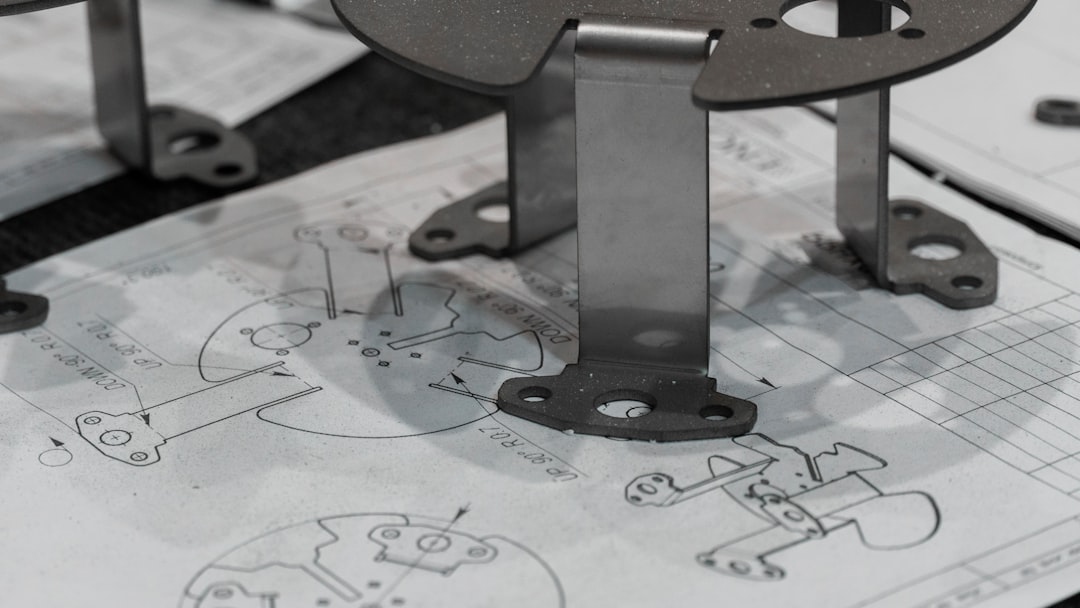
- Manufacturing readiness: The software is commonly used for 3D printing, CNC machining, laser cutting, and mold design preparation.
Grasshopper deserves special attention. For architecture and computational design, it is one of Rhino’s strongest selling points. Designers can create systems that automatically adjust based on sliders, formulas, environmental data, or geometry rules. This makes Rhino especially popular in advanced façade design, parametric furniture, and experimental structures.
User Experience and Learning Curve
Rhino’s interface is practical rather than glamorous. It uses command lines, viewports, toolbars, and panels that may look a little technical at first. However, once users understand the basics, the workflow becomes fast and efficient. Many commands can be typed directly, which speeds up modeling for experienced users.
The learning curve depends on your background. If you have used AutoCAD or other technical CAD tools, Rhino’s command-driven workflow may feel familiar. If you come from Blender, SketchUp, or sculpting software, Rhino may initially feel less visual and more mathematical. That said, the community is large, and there are countless tutorials, forums, and training resources available.

Rhino 3D Pricing
One of Rhino’s most appealing qualities is its perpetual license model. Instead of requiring a monthly or yearly subscription, Rhino is typically sold as a one-time purchase. Pricing can vary by region, reseller, taxes, and promotions, but common U.S. pricing for Rhino 8 is approximately:
- Commercial full license: around $995
- Commercial upgrade: around $595
- Educational license: around $195 for eligible students and faculty
This makes Rhino attractive for freelancers, studios, and small businesses that want professional CAD capabilities without ongoing subscription costs. Updates within a version are generally included, while major version upgrades are paid. Compared with high-end CAD systems that can cost thousands per year, Rhino is relatively affordable.
However, buyers should remember that some specialized workflows may require paid plugins. For example, rendering, CAM, advanced jewelry design, environmental analysis, or BIM-style features may involve additional software costs.
Strengths and Weaknesses
Rhino is excellent, but it is not perfect for every user. Its strengths are most visible in creative design fields where shape exploration and surface quality matter.
Pros
- Excellent freeform modeling: One of the best tools for complex surfaces and organic technical shapes.
- Perpetual pricing: A one-time license can be more cost-effective than subscriptions.
- Huge plugin ecosystem: Extend Rhino for rendering, architecture, jewelry, marine design, CAM, and more.
- Strong file support: Easy to move data between design, engineering, and manufacturing tools.
- Grasshopper: A major advantage for parametric and generative design.
Cons
- Limited native parametric history: Rhino is less structured than dedicated mechanical CAD tools.
- No full BIM system: It can support architectural workflows, but it does not replace Revit out of the box.
- Plugin dependency: Some professional workflows require extra add-ons.
- Can be intimidating: The command-based interface may feel technical for beginners.
Best Rhino 3D Alternatives
The best alternative depends on what you want to design. Rhino is versatile, but some tools are stronger for mechanical assemblies, architectural documentation, or simple concept modeling.
- Fusion 360: A strong choice for product design, mechanical parts, CAM, simulation, and cloud collaboration. It is more parametric than Rhino and suits engineers who need assemblies and manufacturing tools.
- SolidWorks: A leading professional mechanical CAD platform. It is ideal for engineering teams working with detailed assemblies, drawings, tolerances, and product development documentation.
- AutoCAD: Best for 2D drafting and technical documentation. It can handle 3D, but it is not as fluid as Rhino for freeform modeling.
- SketchUp: Easier to learn and popular in architecture and interiors. It is excellent for fast conceptual models but less precise for complex surfaces.
- Blender: A free and powerful 3D tool for animation, visualization, sculpting, and rendering. It is less CAD-focused but excellent for artistic and visual workflows.
- Onshape: A browser-based parametric CAD platform built for collaboration. It is suitable for distributed teams and mechanical design workflows.
- FreeCAD: An open-source CAD option with parametric modeling. It is not as polished as commercial tools, but it is appealing for hobbyists and budget-conscious users.
- Shapr3D: A modern CAD tool especially popular on iPad. It is intuitive, clean, and good for quick product concepts and professional modeling on portable devices.
Who Should Use Rhino 3D?
Rhino is a great fit for industrial designers, architects, jewelry designers, furniture makers, footwear designers, marine designers, and 3D printing professionals. It is especially strong when a project involves unusual shapes, smooth surfaces, parametric experiments, or many file exchanges between different programs.
For example, a small studio designing custom furniture could use Rhino to model curved chair frames, Grasshopper to generate pattern variations, and STL or STEP exports to prepare parts for fabrication. In this kind of workflow, Rhino’s flexibility saves time because it does not force the designer into a strict modeling process.
On the other hand, if your work focuses heavily on mechanical assemblies with hundreds of parts, design history, motion studies, and production drawings, a parametric CAD tool like SolidWorks, Fusion 360, or Onshape may be more efficient.
Final Verdict
Rhino 3D remains one of the most capable and flexible CAD modeling tools available. Its surface modeling quality, file compatibility, Grasshopper integration, and perpetual pricing make it a standout choice for designers who want creative freedom with professional precision.
It is not the best option for every CAD user, particularly those who require deep mechanical parametrics or built-in BIM documentation. Still, for many creative and technical professionals, Rhino strikes a rare balance: powerful enough for production, flexible enough for exploration, and affordable enough for independent designers.