Building maintenance has moved far beyond clipboards, spreadsheets, and “call someone when it breaks” workflows. Today’s facilities teams need software that can track assets, schedule preventive maintenance, manage work orders, document inspections, and give managers a clear view of costs and performance. The best building maintenance software helps teams reduce downtime, extend equipment life, and make smarter decisions across offices, schools, hospitals, factories, retail locations, and residential properties.
TLDR: The best building maintenance software combines work order management, asset tracking, preventive maintenance scheduling, mobile access, and reporting in one platform. For example, a property management company with 12 buildings could reduce emergency repairs by 25% by scheduling HVAC, elevator, lighting, and plumbing inspections automatically. If your team is still using spreadsheets, switching to a CMMS or facilities management platform can save hours each week and help prevent costly equipment failures.
What Makes Building Maintenance Software “Best”?
The right platform depends on your building type, team size, budget, and maintenance complexity. A small office building may only need simple work order tracking, while a hospital or manufacturing site may require advanced compliance records, IoT integrations, inventory control, and detailed asset histories.
At a minimum, strong building maintenance software should include:
- Work order management: Create, assign, prioritize, and close maintenance tasks.
- Preventive maintenance scheduling: Automate recurring inspections and service routines.
- Asset management: Track equipment, location, condition, warranty, service history, and cost.
- Mobile access: Let technicians update jobs, upload photos, and scan QR codes in the field.
- Reporting and analytics: Measure response times, downtime, labor costs, and asset performance.
- Inventory management: Monitor spare parts, stock levels, and purchase needs.
The most useful system is not always the most complex one. It is the one your team will actually use every day.

Top Building Maintenance Software Options
1. MaintainX
MaintainX is popular with facilities, manufacturing, hospitality, and property maintenance teams because it is easy to use and highly mobile-friendly. It offers work orders, preventive maintenance, checklists, asset records, parts tracking, messaging, and reporting.
Its biggest strength is usability. Technicians can receive tasks on their phones, attach photos, complete digital checklists, and communicate with managers without switching tools. MaintainX is a strong choice for teams that want fast adoption and less paperwork.
Best for: Mobile-first maintenance teams, multi-site facilities, and companies replacing paper forms.
2. Limble CMMS
Limble CMMS is a strong option for preventive maintenance and asset reliability. It helps teams create scheduled maintenance plans, track equipment history, manage parts, and generate performance reports.
Limble is especially useful for organizations that want to reduce reactive maintenance. Managers can see which assets cost the most to maintain, which tasks are overdue, and where technicians spend the most time. This makes it easier to justify equipment replacements or adjust maintenance schedules.
Best for: Facilities that want strong preventive maintenance, asset analytics, and reliability tracking.
3. UpKeep
UpKeep is another well-known CMMS designed for maintenance and facilities teams. It includes work orders, asset management, preventive maintenance, inventory tracking, purchase orders, and mobile access.
One of UpKeep’s advantages is its clean interface and broad feature set. It works well for organizations that need a balanced system: simple enough for technicians, but powerful enough for managers who need reporting and cost visibility.
Best for: Growing maintenance teams that need a modern, flexible CMMS.
4. Fiix
Fiix is a cloud-based CMMS often used by industrial, manufacturing, and facility operations teams. It focuses on maintenance planning, asset performance, spare parts, and data-driven decision-making.
Fiix is a good fit for organizations that want more advanced analytics and integrations. It can help maintenance leaders move from basic scheduling to maintenance optimization by tracking failure patterns and equipment performance.
Best for: Industrial facilities, asset-heavy buildings, and data-focused maintenance departments.

5. eMaint CMMS
eMaint, from Fluke Reliability, is a robust CMMS for organizations with complex maintenance operations. It offers work order management, preventive maintenance, asset tracking, inventory, reporting, calibration management, and compliance support.
Because eMaint is highly configurable, it can serve large organizations with strict regulatory needs. However, that flexibility may require more setup and training than simpler platforms.
Best for: Large facilities, regulated industries, and teams needing deep customization.
6. Hippo CMMS
Hippo CMMS is known for being user-friendly and approachable for teams moving from manual systems. It includes preventive maintenance, work orders, equipment management, floor plans, vendor management, and reporting.
Its visual layout and straightforward navigation make it attractive for schools, healthcare facilities, churches, and commercial buildings that want structure without overwhelming complexity.
Best for: Schools, healthcare buildings, and facilities teams wanting an easy transition from spreadsheets.
7. FMX
FMX is a facilities management platform that goes beyond maintenance. It can handle work orders, preventive maintenance, facility scheduling, transportation requests, inventory, inspections, and event coordination.
This makes FMX especially useful for schools, municipalities, and community facilities where maintenance teams also support room reservations, athletic events, public services, or shared resources.
Best for: Schools, government buildings, and organizations that need maintenance plus facility scheduling.
8. IBM Maximo
IBM Maximo is an enterprise asset management platform built for large, complex organizations. It supports advanced asset lifecycle management, predictive maintenance, inspections, IoT data, compliance, and analytics.
Maximo is powerful, but it is not usually the simplest or cheapest option. It is best suited for enterprises managing thousands of assets across multiple sites, such as airports, utilities, hospitals, universities, and large industrial operations.
Best for: Enterprise asset management, predictive maintenance, and complex infrastructure.
How Preventive Maintenance Software Saves Money
Preventive maintenance is one of the biggest reasons organizations invest in building maintenance software. Instead of waiting for an air handler, boiler, pump, or generator to fail, teams schedule inspections and servicing based on time, usage, or condition.
For example, replacing filters on schedule may seem minor, but it can improve HVAC efficiency, reduce energy waste, and prevent larger mechanical problems. Similarly, documenting elevator inspections or fire safety checks can help with compliance and reduce liability.
Good software gives managers answers to important questions:
- Which assets break down most often?
- How much are we spending on emergency repairs?
- Are technicians completing preventive tasks on time?
- Which buildings or floors create the most maintenance requests?
- Should we repair or replace a specific piece of equipment?
Over time, this data turns maintenance from a cost center into a strategic operation.
Key Features to Compare Before Buying
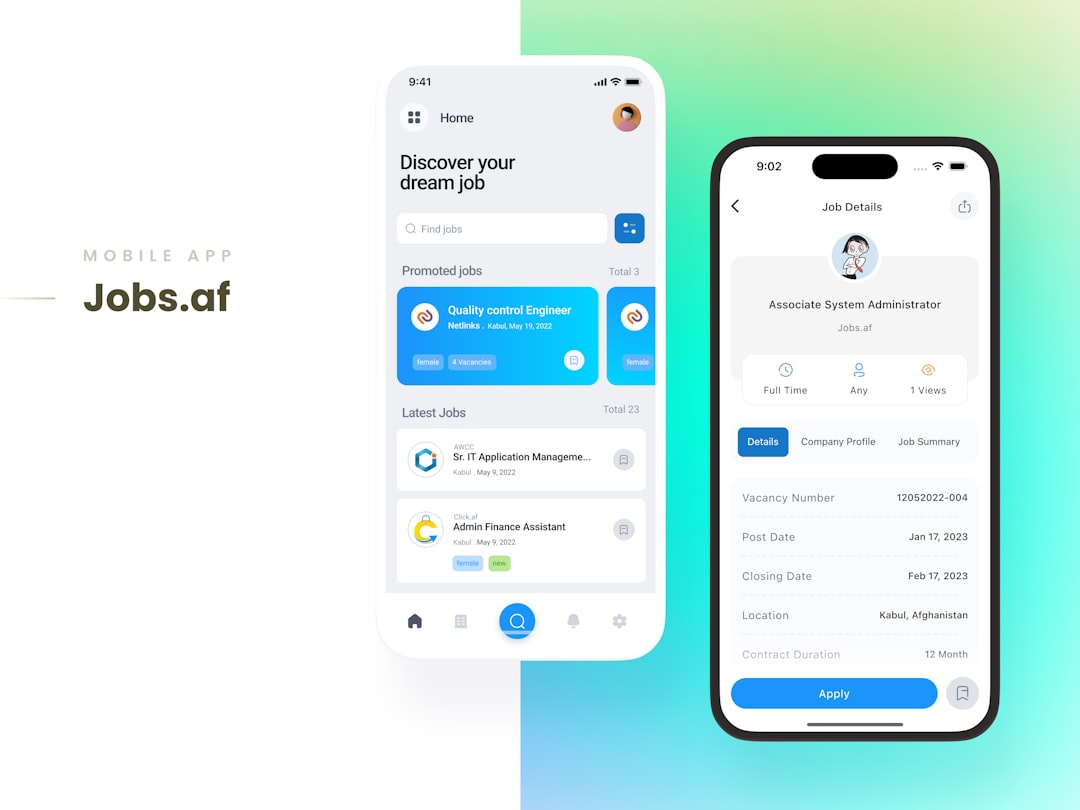
When comparing platforms, look beyond feature lists and consider your daily workflow. A system may have impressive capabilities, but if technicians find it difficult to use, adoption will suffer.
Pay close attention to:
- Ease of use: Can technicians learn it quickly?
- Mobile functionality: Does the app work well in basements, mechanical rooms, and remote areas?
- QR code or barcode scanning: Can staff scan equipment to open asset records instantly?
- Custom forms and checklists: Can you digitize inspections and safety procedures?
- Notifications: Are overdue tasks, urgent requests, and approvals easy to manage?
- Integrations: Does it connect with accounting, purchasing, building automation, or ERP tools?
- Scalability: Will it support more buildings, users, and assets later?
Choosing the Right Software for Your Facility
If you manage a small building or a lean maintenance team, start with a platform that emphasizes simplicity, mobile work orders, and recurring task scheduling. MaintainX, UpKeep, or Hippo CMMS may be strong candidates.
If your focus is asset reliability and reducing downtime, Limble, Fiix, or eMaint may offer the deeper analytics and maintenance planning tools you need. For schools, public buildings, and shared facilities, FMX may be a better fit because it combines maintenance with facility scheduling. For very large enterprises, IBM Maximo provides advanced asset management and predictive maintenance capabilities.
Before making a final decision, request a demo and test the software with real maintenance scenarios. Create a sample HVAC inspection, submit a plumbing repair request, assign a technician, scan an asset, and run a report. This hands-on testing will quickly show whether the system fits your team’s workflow.
Final Thoughts
The best building maintenance software is the one that helps your team become more organized, proactive, and informed. Whether you choose a simple CMMS or a full enterprise asset management platform, the goal is the same: fewer surprises, faster repairs, better asset records, and more reliable buildings.
For facilities teams under pressure to do more with limited staff and tighter budgets, maintenance software is no longer just a convenience. It is a practical tool for protecting assets, improving service quality, and keeping buildings running safely and efficiently.