AI video generation has moved from novelty to production tool with unusual speed. For creators, marketers, educators, and small studios, these platforms can shorten the distance between an idea and a usable video asset. They are not a replacement for judgment, story development, or brand strategy, but they are changing the economics of video by making concepts, drafts, variations, and localized content faster to produce.
TLDR: AI video generators are reshaping content creation by helping teams produce clips, avatars, animations, product videos, and social assets with less time and lower upfront cost. The most useful tools are not all the same: some specialize in cinematic text-to-video, while others focus on talking avatars, editing, repurposing, or branded marketing content. Creators should evaluate each platform by output quality, control, rights, workflow fit, and transparency around AI-generated media.
Why AI Video Generators Matter Now
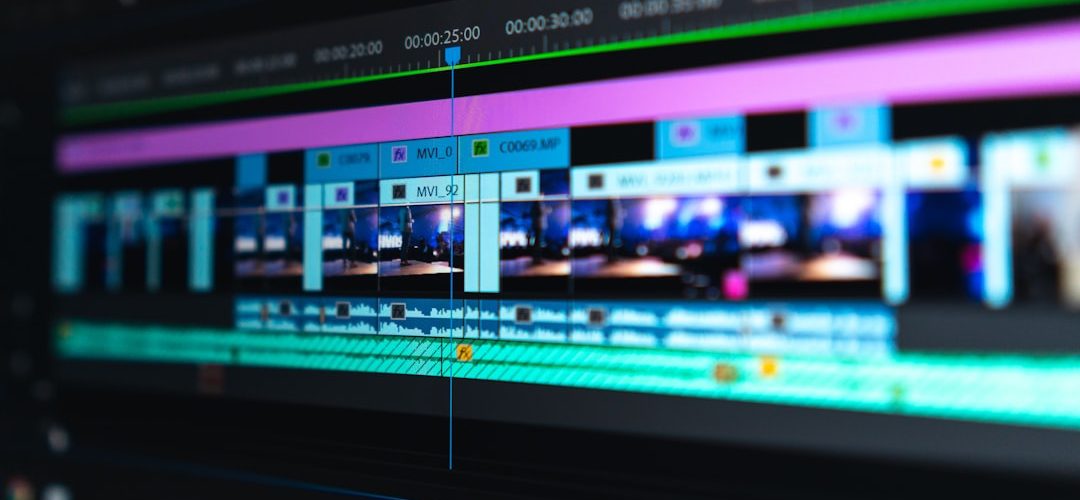
Video remains one of the most demanding content formats. It traditionally requires scripting, filming, lighting, sound, editing, motion graphics, and distribution planning. AI video tools compress parts of that process. A creator can now generate a visual draft from a prompt, turn a blog post into a narrated video, create a presenter in multiple languages, or produce short social clips from a longer recording.
The strongest use cases are not always full cinematic productions. In many professional settings, AI video is most valuable for prototyping, localization, training, content repurposing, and rapid campaign testing. Used responsibly, these platforms can help creators work more efficiently while preserving human direction and editorial standards.
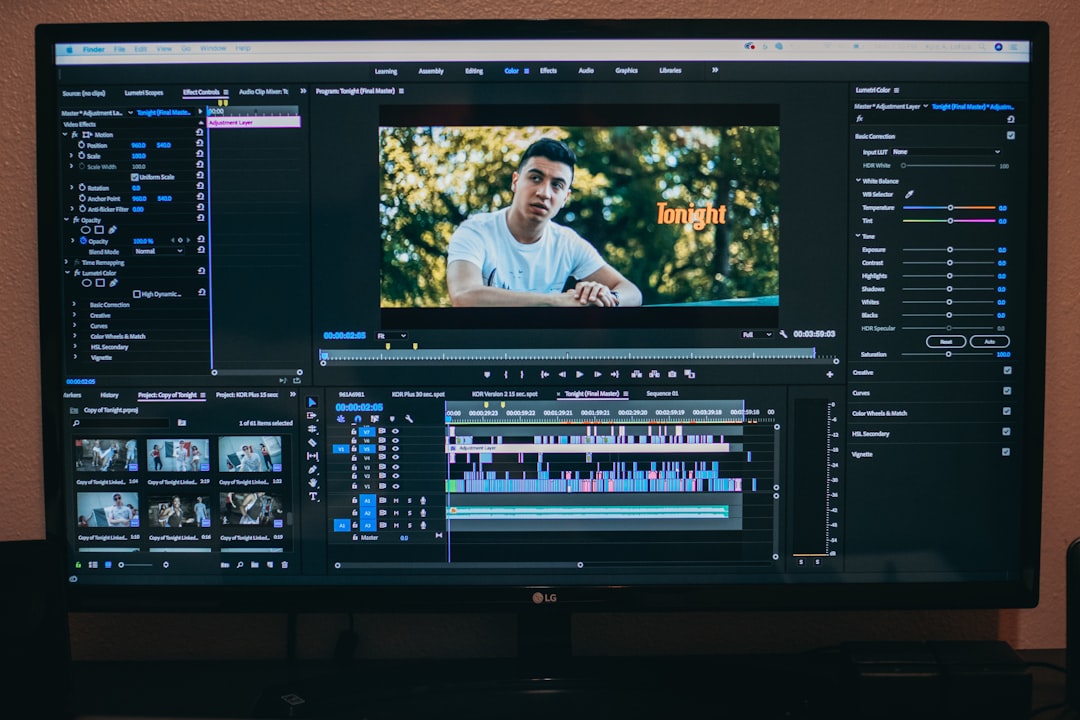
10 AI Video Generators Changing Creator Workflows
-
1. Runway
Runway is one of the best-known AI video platforms for creators experimenting with text-to-video, image-to-video, and advanced editing features. Its tools are especially useful for generating short visual sequences, stylized scenes, background plates, and experimental motion. Runway has become popular among filmmakers, designers, and social creators because it combines generation with practical editing functions.
Best for: concept visualization, stylized clips, music videos, short-form creative assets, and pre-production experiments.
-
2. OpenAI Sora
Sora has attracted significant attention because of its ability to generate highly detailed video from text prompts. Its appeal lies in visual coherence, camera movement, and the potential to create complex scenes without traditional filming. Access and feature availability may vary, but the broader importance of Sora is clear: it has raised expectations for what text-to-video systems can achieve.
Best for: cinematic concept development, scene exploration, visual storytelling tests, and high-impact creative research.
-
3. Google Veo
Google Veo is another major text-to-video model aimed at producing high-quality motion content from prompts. It is designed to understand visual style, cinematic language, and scene instructions. For serious creators, tools like Veo signal a future where prompt writing, storyboarding, and art direction become more closely connected.
Best for: visual development, branded storytelling concepts, cinematic prompts, and structured creative experimentation.
-
4. Pika
Pika is widely used for generating short clips from text and images, with an emphasis on accessibility. It is popular among social media creators because it can produce imaginative, eye-catching visuals without requiring a heavy production setup. Pika is also useful for creators who want to test visual ideas quickly before investing in more polished production.
Best for: social video concepts, animated visuals, surreal clips, memes, and fast creative iteration.
-
5. Luma Dream Machine
Luma Dream Machine focuses on generating visually rich video clips with realistic motion and cinematic qualities. It is particularly useful for creators who want prompt-based video that feels dynamic rather than static. Its image-to-video capabilities can help turn a still concept, product shot, or character design into a moving sequence.
Best for: image-to-video workflows, atmospheric shots, visual storytelling, product motion concepts, and creative scene design.
-
6. Synthesia
Synthesia is focused less on cinematic generation and more on AI presenter videos. Users can create professional-looking videos with digital avatars, voiceovers, and scripts, often without filming a human presenter. This makes it especially relevant for businesses, educators, and teams that need repeatable communications at scale.
Best for: training videos, internal communications, onboarding, explainer content, and multilingual corporate video.
-
7. HeyGen
HeyGen is another leading platform for avatar-based and personalized video. It is often used to create marketing messages, sales outreach, tutorials, and translated videos. Its strength is speed: creators can generate presenter-led content without booking a studio, recording multiple takes, or coordinating a full production team.
Best for: personalized marketing, video translation, creator explainers, sales content, and avatar-led social videos.
-
8. Descript
Descript is not only a video generator; it is also an AI-powered editing environment. Its text-based editing lets creators edit video by editing transcripts, which can significantly reduce post-production time. Features such as filler-word removal, overdubbing, captions, and screen recording make it especially useful for podcasts, tutorials, and commentary videos.
Best for: editing recorded content, podcast clips, tutorials, captions, repurposing long videos, and creator-led publishing workflows.
-
9. Adobe Firefly Video
Adobe Firefly Video is important because it is connected to a professional creative ecosystem. Adobe has positioned Firefly around commercially safer generative workflows, which matters for teams working with brands, agencies, and regulated environments. Its value increases when used alongside established editing, design, and post-production tools.
Best for: professional creative teams, branded assets, generative B-roll, motion concepts, and workflows connected to Adobe applications.
-
10. Kling AI
Kling AI has gained attention for realistic motion, detailed scenes, and strong prompt-driven video generation. It is part of a growing group of tools pushing quality higher in areas such as movement, facial detail, and scene continuity. For creators, Kling is worth watching because competition in this category is accelerating quickly.
Best for: realistic text-to-video clips, cinematic experiments, social visuals, character motion, and creative testing.
How Creators Should Evaluate These Tools
Choosing an AI video generator should not be based only on impressive demos. Creators should consider whether the tool fits the actual production workflow. A cinematic text-to-video platform may be excellent for mood pieces but unsuitable for compliance training. An avatar platform may be ideal for documentation and education but limited for narrative filmmaking.
- Output quality: Look for consistency in faces, hands, motion, lighting, and scene continuity.
- Creative control: Serious work requires control over aspect ratio, duration, style, camera movement, and revisions.
- Commercial usage: Review licensing terms, content policies, and restrictions before using output in paid campaigns.
- Brand safety: Teams should check whether generated content aligns with brand guidelines and audience expectations.
- Workflow integration: The best tool is often the one that fits smoothly into scripting, editing, review, and publishing.
- Transparency: Consider disclosure, watermarking, and ethical policies, especially for avatar videos or realistic scenes.
The Real Impact on Creative Work
AI video generators are changing creator workflows in three major ways. First, they make iteration much faster. Instead of waiting days for a rough cut or visual test, creators can explore multiple directions in an afternoon. Second, they reduce barriers for small teams that cannot afford large production budgets. Third, they make localization and personalization more practical, especially for education, marketing, and internal communications.
However, these tools also introduce new responsibilities. Creators must avoid misleading audiences, misusing likenesses, or publishing generated material without proper review. AI can produce persuasive images and voices, so professional standards matter. A trustworthy creator should verify claims, respect rights, disclose AI use when appropriate, and treat generated material as a production asset rather than an unquestioned source of truth.
Where the Technology Is Heading
The next stage of AI video generation will likely focus on better continuity, longer clips, more reliable character control, and tighter editing integration. Creators will expect to maintain the same character across scenes, adjust camera angles after generation, preserve brand style, and combine AI footage with filmed material. The most successful platforms will be those that offer both impressive generation and dependable production control.
In practical terms, the future is not simply “type a prompt and get a finished film.” More likely, creators will use AI at several points in the process: brainstorming, storyboarding, generating B-roll, creating draft scenes, translating presenter videos, making social cutdowns, and testing campaign variations. Human taste, strategy, and editorial judgment will remain central.
Conclusion
The 10 AI video generators above are changing how creators make content, but they are doing so in different ways. Some are advancing cinematic text-to-video, while others are transforming editing, avatars, localization, and business communication. The most effective creators will not treat these tools as shortcuts to avoid craft. They will use them as serious production instruments: faster, flexible, and powerful, but still guided by human creativity, ethics, and quality control.