For buyers considering a Microsoft Surface Book 2, the contents of the box can be just as important as the laptop itself. This premium 2-in-1 device was designed as a detachable performance laptop, blending a high-resolution PixelSense display, a sturdy keyboard base, and optional dedicated graphics depending on the configuration. Because Microsoft accessories are often sold separately, it is useful for a purchaser to know exactly what comes with the Surface Book 2 and what may need to be added afterward.
TLDR: A Surface Book 2 purchase typically includes the Surface Book 2 device, a power supply, a quick start guide, and safety and warranty documentation. It does not usually include the Surface Pen, Surface Dial, mouse, sleeve, or extra adapters. The included charger may vary depending on the model, especially between 13.5-inch and 15-inch configurations. Buyers should confirm the exact package contents with the seller, particularly when purchasing refurbished, open-box, or used units.
What Comes in the Surface Book 2 Box?
The standard Surface Book 2 retail package is intentionally simple. Microsoft generally includes the essentials needed to power on the device, charge it, and review basic setup and safety information. The focus is on the laptop-tablet hybrid itself rather than a bundle of accessories.
In most new retail packages, the buyer can expect the following items:
- Surface Book 2 device, including the detachable display and keyboard base
- Microsoft Surface power supply, with the wattage depending on the model
- Quick start guide for initial setup and basic operation
- Safety and warranty documents, including regulatory information
This means the buyer receives everything necessary to start using the Surface Book 2 as a laptop. However, those expecting creative accessories, such as a stylus or mouse, may be surprised to learn that these are generally separate purchases.
The Surface Book 2 Device
The main item in the box is, of course, the Surface Book 2 itself. The device consists of two major parts: the detachable tablet-like display and the keyboard base. Together, they form a traditional laptop layout, but the display can be removed and used independently as a tablet.
Depending on the configuration, the Surface Book 2 may have a 13.5-inch or 15-inch PixelSense display. Both versions feature a sharp touchscreen with support for pen input, even though the pen itself is not typically included. The display section contains important hardware such as the processor, memory, storage, cameras, and battery. On some models, the keyboard base also contains a dedicated NVIDIA graphics processor and an additional battery.
The keyboard base is not merely an accessory in the traditional sense. It is an essential part of the Surface Book 2 experience. It adds a full keyboard, glass trackpad, extra ports, additional battery capacity, and, on higher-end models, more graphics performance. The hinge mechanism, often called the dynamic fulcrum hinge, gives the device its distinctive shape when closed.
The Included Power Supply
Every standard Surface Book 2 box includes a Microsoft power supply. This charger connects magnetically through the Surface Connect port, which is located on the device. The magnetic design helps prevent accidents if someone trips over the cable, since the connector can detach more easily than a traditional plug.
The exact power adapter may vary depending on the Surface Book 2 model. Lower-power 13.5-inch configurations may come with a smaller adapter, while higher-performance versions, especially those with dedicated graphics, may include a more powerful charger. Some Surface power supplies also include a USB charging port on the power brick, allowing a phone or small accessory to charge at the same time.
It is important for a buyer to avoid assuming that all Surface Book 2 chargers are identical. A charger with too little wattage may charge the device slowly, especially under heavy workloads such as gaming, video editing, or 3D rendering. For replacement chargers, the buyer should choose an adapter that matches the needs of the exact configuration.
Quick Start Guide
The quick start guide is a small printed booklet or folded insert that helps the buyer begin using the device. It usually explains the basic layout, how to connect the power supply, how to turn the device on, and where important ports or buttons are located.
For experienced laptop users, the quick start guide may seem unnecessary. However, the Surface Book 2 has several features that are not found on every laptop. For example, the detachable display requires the user to press a detach key on the keyboard or use the software detach option in Windows. The guide may also make it easier to identify the Surface Connect port, USB ports, SD card slot, headphone jack, and power button.
The quick start guide is not a full user manual. Most detailed support information is provided online through Microsoft support pages. Still, the included guide is useful during the first few minutes of setup.
Safety and Warranty Documents
The Surface Book 2 box also includes safety, warranty, and regulatory documents. These papers describe proper handling, battery safety, warranty coverage, and compliance information. While many buyers ignore these inserts, they can be important if the device develops a fault or if the owner wants to understand the terms of service.
Warranty coverage can depend on the country or region where the device is purchased. A new Surface Book 2 originally came with a limited hardware warranty, but coverage terms may differ for refurbished or secondhand units. Buyers purchasing from a retailer, marketplace, or private seller should confirm the warranty status separately rather than relying only on the presence of printed documents.
Is the Surface Pen Included?
One of the most common questions about the Surface Book 2 box is whether it includes the Surface Pen. In most standard Surface Book 2 retail packages, the Surface Pen is not included. This is an important detail because earlier Surface devices were sometimes associated with bundled pens, leading buyers to assume that every premium Surface product included one.
The Surface Book 2 supports pen input, and the Surface Pen can be a valuable accessory for artists, note-takers, students, designers, and professionals who annotate documents. It offers pressure sensitivity, tilt support on compatible models, and a natural writing experience on the PixelSense display. However, the buyer typically needs to purchase it separately.
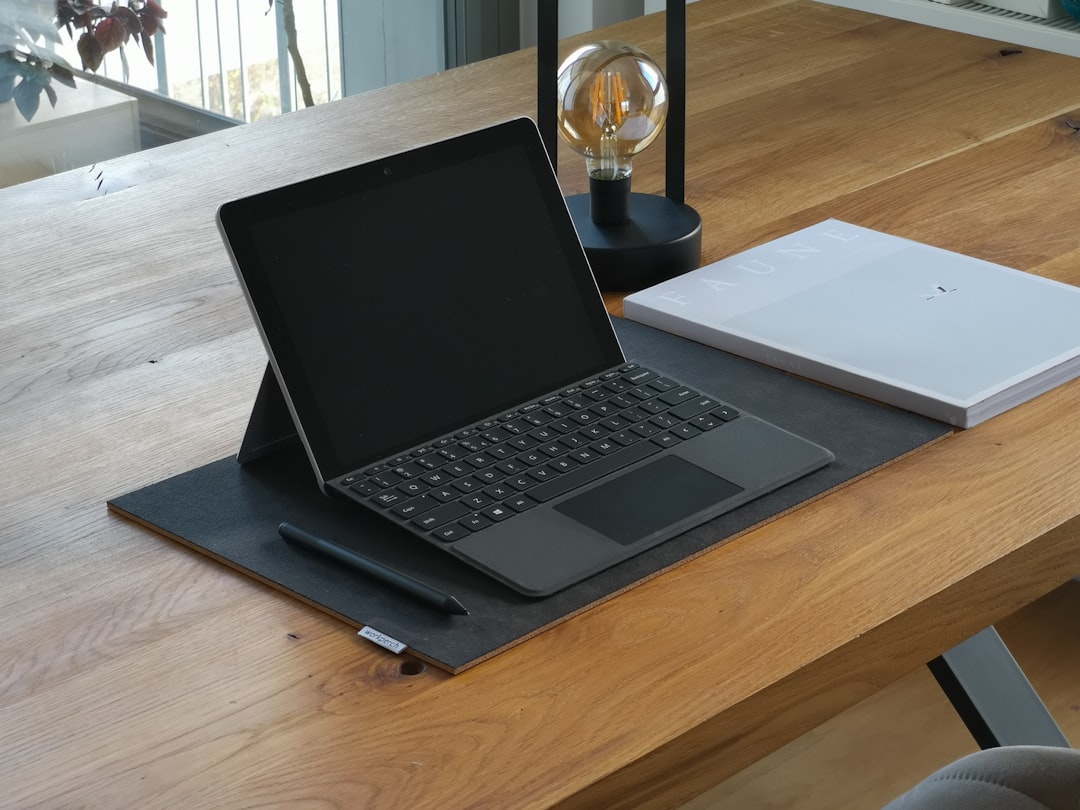
Anyone buying a used or refurbished Surface Book 2 should read the listing carefully. Some sellers may include a Surface Pen as an added bonus, but it should not be assumed unless it is clearly stated.
Are Other Accessories Included?
In the standard package, accessories beyond the charger and documents are generally not included. A purchaser should not expect to find a mouse, protective case, USB adapter, docking station, keyboard cover, or Surface Dial inside the box.
Common accessories that are usually sold separately include:
- Surface Pen for writing, sketching, and annotation
- Surface Dial for creative workflows and specialized controls
- Surface Dock for connecting multiple monitors and desktop accessories
- USB-C or USB-A adapters for external displays, Ethernet, or older peripherals
- Bluetooth mouse for users who prefer a traditional pointing device
- Protective sleeve or case for travel and storage
- Screen protector for added display protection
This minimalist packaging approach allows buyers to choose the accessories that fit their needs, but it can also increase the total cost of ownership.
Ports and Connectivity Out of the Box
Although adapters are usually not included, the Surface Book 2 provides several built-in connectivity options. The exact layout can vary slightly by size, but the device typically includes USB-A ports, a USB-C port, Surface Connect, a full-size SD card reader, and a headphone jack.
The inclusion of USB-A ports is useful for older accessories like flash drives, wired mice, and external hard drives. The USB-C port adds flexibility, though users should check compatibility when using it for displays, hubs, or charging. The full-size SD card reader is especially helpful for photographers and video creators who regularly transfer files from cameras.
Because the box does not usually include display adapters, users who plan to connect external monitors may need to buy the proper cable or dock separately. For a desk setup, a Surface Dock or high-quality USB-C hub may be a practical addition.
Packaging and Presentation
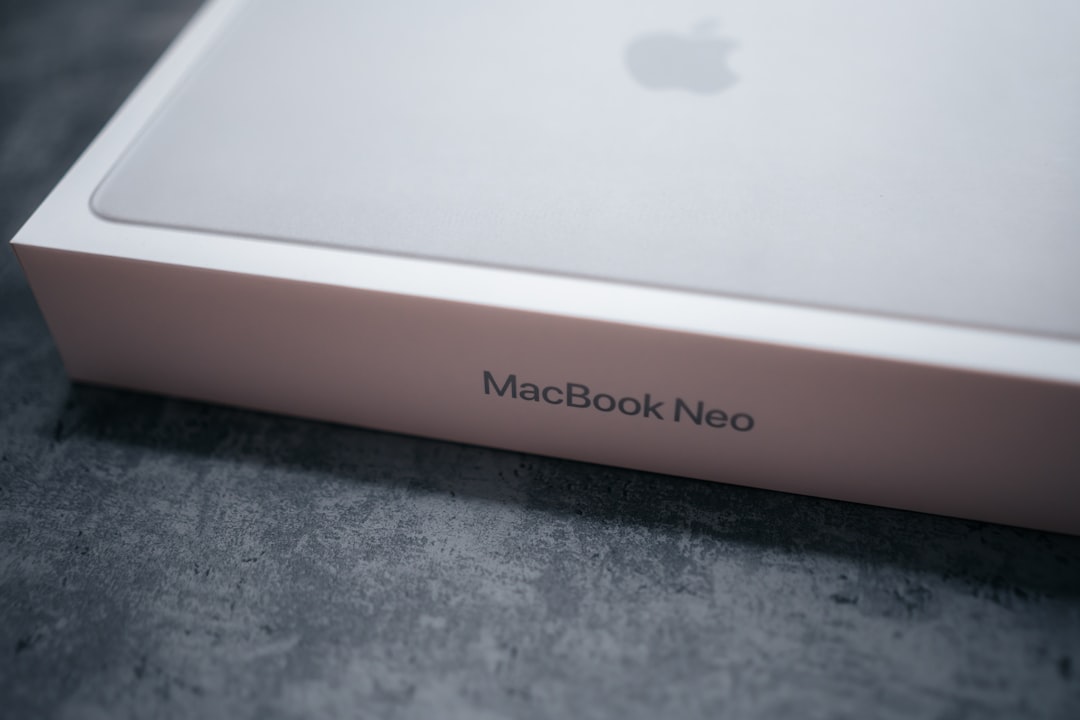
The Surface Book 2 packaging reflects its premium positioning. The box is typically clean, sturdy, and minimal, with the device seated securely inside. Microsoft’s packaging is designed to protect the laptop during shipping while offering a polished unboxing experience.
Inside, the Surface Book 2 is usually wrapped or protected to prevent scratches. The power supply and printed materials are placed in separate compartments. The presentation is not crowded, largely because the included items are limited to essentials.
What to Check When Buying Used or Refurbished
When a Surface Book 2 is purchased new from a trusted retailer, the buyer can usually expect the standard contents. However, used, open-box, and refurbished purchases require more caution. The box may be missing, the charger may be replaced with a third-party unit, or documents may not be included.
A careful buyer should verify the following before purchase:
- The device is complete, including both the display and keyboard base
- The charger is included and provides suitable wattage for the model
- The battery health is acceptable in both the tablet and base sections
- The detach mechanism works properly
- The touchscreen responds accurately
- The keyboard and trackpad function without issues
- The listing clearly states whether accessories such as the Surface Pen are included
For refurbished units, the contents may differ depending on the refurbisher. Some sellers include a compatible charger rather than the original Microsoft charger. Others may ship the laptop in plain packaging instead of the original retail box. These differences are not always a problem, but they should be disclosed clearly.
What Buyers May Want to Add
After opening the box, many users decide to add accessories based on how they plan to use the Surface Book 2. A student may want a Surface Pen for handwritten notes. A designer may want both a pen and a color-accurate external monitor. A business user may prefer a dock, external keyboard, and mouse for office work.
For mobile use, a protective sleeve is one of the most practical additions. The Surface Book 2 is a premium device with a distinctive hinge, so protecting it during travel is sensible. For desk use, a dock can reduce cable clutter and make it easier to connect monitors, storage drives, speakers, and networking equipment.
Final Thoughts
The Surface Book 2 box includes the core essentials: the device, charger, quick start guide, and safety and warranty materials. It does not generally include many of the accessories that showcase the device’s full creative potential, such as the Surface Pen or Surface Dial. This makes it important for buyers to plan beyond the base purchase price.
For those who understand what is and is not included, the Surface Book 2 remains a flexible and capable device. Its detachable design, premium display, and laptop-tablet versatility make it stand out, but the best experience often comes from choosing the right accessories separately.
FAQ
Does the Surface Book 2 come with a Surface Pen?
No. In most standard retail packages, the Surface Pen is not included. It is usually sold separately, although some used or special bundles may include one.
What is included in the Surface Book 2 box?
The box typically includes the Surface Book 2 device, a power supply, a quick start guide, and safety and warranty documents.
Does the Surface Book 2 come with a charger?
Yes. A compatible Microsoft Surface power supply is normally included with a new Surface Book 2 purchase. The wattage may vary by configuration.
Is a keyboard included with the Surface Book 2?
Yes. The Surface Book 2 includes the keyboard base as part of the device. It is not a separate optional cover like some other Surface models.
Does the box include a mouse?
No. A mouse is not usually included. Buyers who want one must purchase a wired, wireless, or Bluetooth mouse separately.
Are adapters included for external monitors?
Usually, no display adapters are included. Users who want to connect external monitors may need to buy a USB-C adapter, dock, or compatible cable.
Is the original box important when buying used?
The original box is not required for the Surface Book 2 to function, but it can help confirm the device’s retail packaging and may be useful for resale. More important items include the correct charger, working keyboard base, and overall device condition.
Can the Surface Book 2 be used immediately out of the box?
Yes. As long as the battery has charge or the power supply is connected, the Surface Book 2 can be set up and used immediately. Optional accessories can be added later.