Choose employee computer monitoring software only after you define the business problem: security, productivity, compliance, or workload balance. Tools like Teramind and ActivTrak can help, but they can also create distrust if rolled out poorly. This matters because Microsoft reported that 85% of leaders said the shift to hybrid work made it harder to feel confident that employees are productive [source: Microsoft].
TLDR: Teramind is stronger for companies that need deep monitoring, insider threat controls, and policy enforcement. ActivTrak is better for teams that want cleaner workforce analytics without feeling too heavy-handed. For example, a 60-person support team might use ActivTrak to spot that agents spend 28% of their day switching between ticketing, chat, and documentation tools, then reduce wasted time with better workflows. If the same company handles sensitive financial data, Teramind may be the safer pick because it can flag risky behavior in more detail.
What employee monitoring software actually does
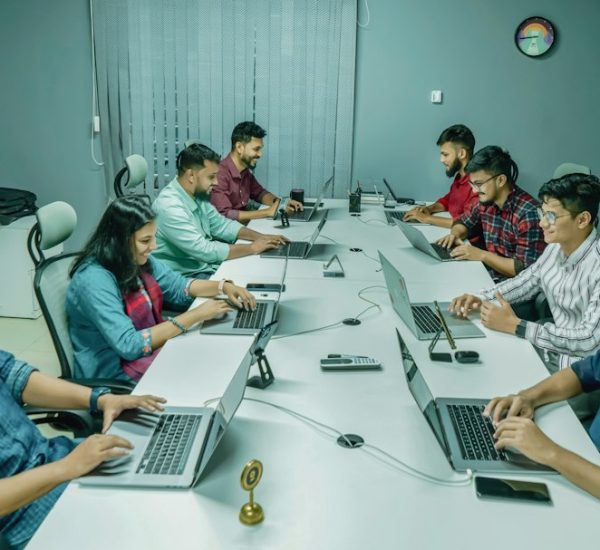
Employee computer monitoring software tracks how work happens on company devices. It may record app usage, websites visited, idle time, login activity, file movement, keystrokes, or screenshots. Some tools focus on productivity. Others focus on security.
That difference matters. A sales manager may only need trend reports. A bank may need alerts when someone copies customer files to a USB drive. Those are not the same need.
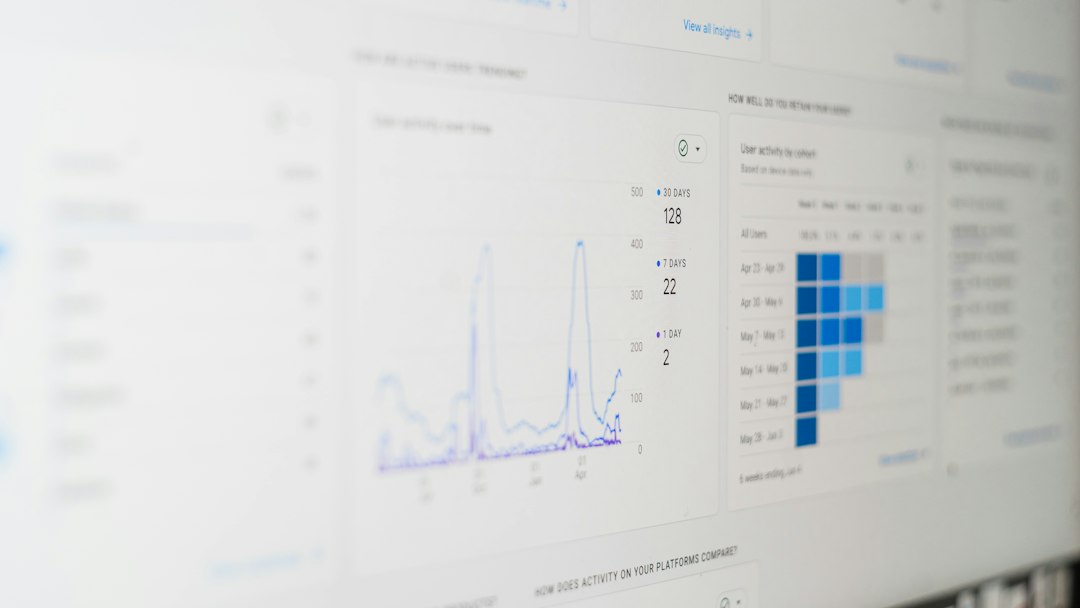
Most serious platforms now call this workforce analytics. That sounds softer, but the impact is real. These tools can shape how managers judge effort, focus, and risk. That is why policy, consent, and clear limits are not optional.
Teramind: best for control and risk reduction
Teramind is often chosen by companies that need detailed visibility. It can track user behavior, detect insider threats, record sessions, and set rules for risky actions. For example, it can alert a manager if an employee uploads sensitive files to personal cloud storage.
Its strengths include:
- Detailed activity tracking across apps, websites, and files.
- User behavior analytics that can flag unusual patterns.
- Session recording for audits and investigations.
- Policy rules that can block or alert on risky actions.
- Compliance support for regulated teams.
The catch is that Teramind can feel intense. If a company only wants basic productivity trends, it may be more tool than they need. Expect setup to take time. Rules must be tuned. Alerts must be reviewed. Otherwise, managers drown in noise and employees feel watched instead of supported.
ActivTrak: best for productivity and work pattern analysis
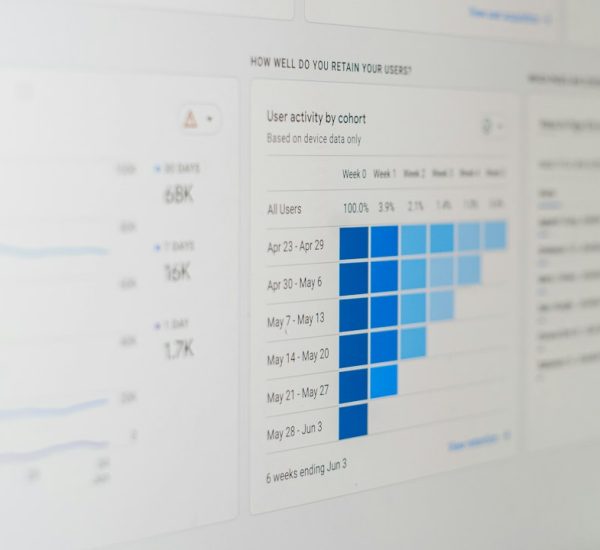
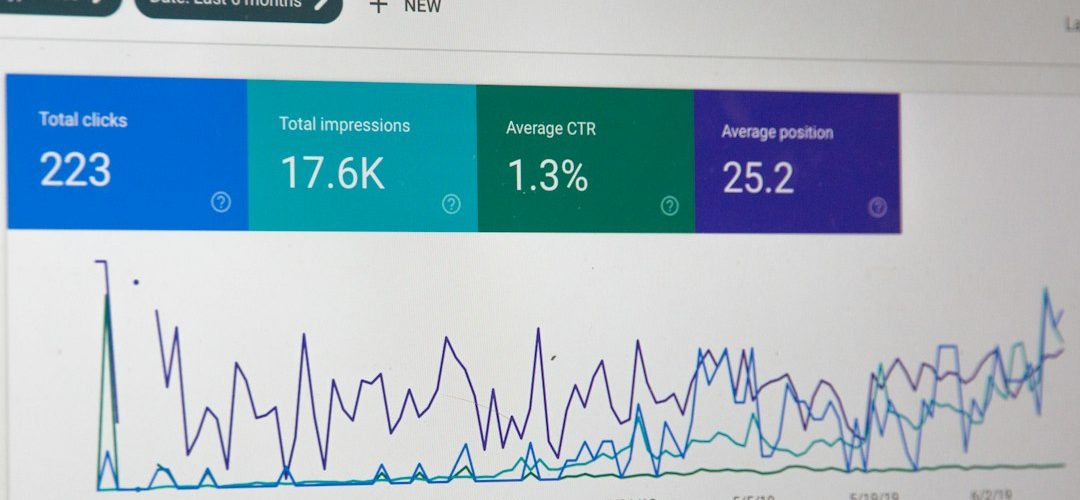
ActivTrak focuses more on productivity, workload balance, and team trends. It is less about catching people and more about seeing where time goes. That makes it a better fit for many remote, hybrid, and office teams.
Managers can use it to find overloaded teams, underused software, focus time issues, and meeting-heavy days. It can also show whether employees spend too much time in low-value tools. This is useful for operations leaders who want better work design, not surveillance drama.
ActivTrak is a good fit when the goal is:
- Productivity coaching rather than discipline.
- Burnout risk detection through work patterns.
- Software usage analysis to cut waste.
- Remote team reporting without deep screen recording.
- Capacity planning across departments.
Honestly, it feels like many companies buy tools like this before fixing basic management habits. A dashboard will not repair unclear goals. It will only show the mess faster.

Teramind vs ActivTrak: which one should you choose?
Choose Teramind if your main concerns are security, compliance, fraud, or insider threats. It is the stronger choice for finance, healthcare, legal, call centers, and contractors handling sensitive data.
Choose ActivTrak if your main goal is better planning. It works well for companies that want to understand work habits, improve focus time, compare workload across teams, and support remote management.
Here is a simple way to compare them:
- Security depth: Teramind is stronger.
- Productivity reporting: ActivTrak is cleaner for many teams.
- Employee trust: ActivTrak may feel less intrusive.
- Investigation tools: Teramind offers more detail.
- Ease of rollout: ActivTrak is often simpler.
If you are building a wider remote operations stack, compare monitoring tools with broader remote workforce management software. Monitoring is only one piece. Communication, scheduling, project tracking, and documentation matter too.
What to review before buying
Before signing a contract, ask hard questions. Do not skip this step.
- What data is collected? Screenshots, URLs, keystrokes, files, or only app usage?
- Who can see reports? Limit access to trained managers and security staff.
- How long is data stored? Shorter retention lowers risk.
- Are employees informed? Hidden monitoring can damage trust and may create legal issues.
- Can personal time be excluded? This matters for remote staff using company laptops at home.
Also test the reporting. Some platforms look great in demos but feel slow in daily use. If it takes 20 extra seconds to open every useful report, managers will stop using it. Small delays become real friction.
Final recommendation
Teramind and ActivTrak are both serious options, but they serve different goals. Teramind is the better fit when risk control is the priority. ActivTrak is the better fit when leaders want practical workforce analytics with a lighter feel.
The best choice is the one your company can explain clearly to employees. Say what is tracked. Say why. Say who sees it. Then use the data to fix systems, not blame people. That is how monitoring becomes useful instead of toxic.