
A well designed MCP server for a digital goods storefront should expose verified catalog, checkout, license, and support actions to AI clients without giving them direct control over sensitive systems. Treat it as a controlled service layer, not a chatbot plug in. The goal is simple: let assistants help users buy, download, renew, or troubleshoot digital products while your storefront keeps authority over pricing, payment, fraud checks, entitlements, and audit records.
TLDR: An MCP server for digital goods should connect AI clients to safe storefront functions such as product search, cart creation, license lookup, download recovery, and refund checks. For example, a design asset marketplace with 50,000 products could let an assistant find compatible icon packs, apply eligibility rules, and recover a lost download in under 20 seconds. A practical target is to automate 60% to 75% of routine support requests while keeping purchases and account changes gated by user confirmation. The best designs use strict permissions, clear tool contracts, signed responses, and complete event logging.
What the MCP server should actually do
In this setting, MCP means a structured protocol layer that lets AI clients request context and perform approved actions. For a storefront, that usually breaks into three groups: resources, tools, and prompts.
- Resources: Readable data such as product details, license terms, user entitlements, order status, release notes, and support articles.
- Tools: Controlled actions such as creating a cart, checking coupon eligibility, validating a license key, issuing a download link, or starting a refund request.
- Prompts: Approved interaction patterns for product comparison, troubleshooting, subscription renewal, and post purchase help.
The server should not become a loose wrapper around internal APIs. That is where teams get burned. It drives me crazy that many early integrations pass raw product data to an assistant, then wonder why pricing, availability, or license rules get misstated. The MCP server should return only what the client needs, in a form that is current, scoped, and traceable.

Core features for digital goods
Catalog search is the first feature most teams build. It should support filters for category, format, version, region, license type, compatibility, price range, and availability. Search results should include IDs, short descriptions, current prices, thumbnail references, and policy notes. Avoid sending full internal metadata unless it has a user facing purpose.
Entitlement checks are just as critical. A user may own a product, own only an older version, share access through a team plan, or have a revoked license. The MCP server should expose a clean answer: owned, not owned, upgrade available, expired, or support review required. Do not make the AI client infer this from order rows.
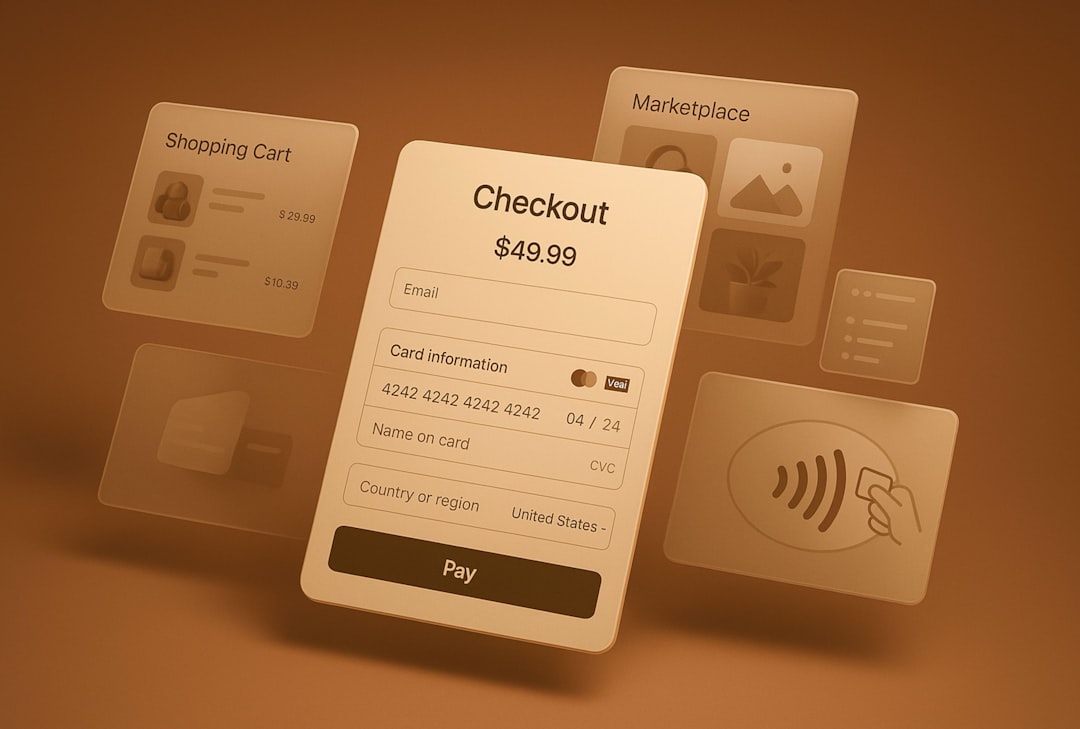
Checkout assistance should be bounded. The assistant can build a cart, explain taxes where legally allowed, compare license tiers, and prepare checkout. Actual payment submission should remain under explicit user confirmation, handled by the payment provider or the storefront front end. The catch is that “buy now” is too risky if the assistant can trigger it from ambiguous user text.
Download and license recovery tends to produce strong returns. Many digital goods stores see repeated contacts about lost links, expired download URLs, missing serial numbers, or device activation limits. The MCP server can verify the user, check the order, issue a short lived download link, and log the event. A good default is a link that expires in 10 to 30 minutes.
Refund and cancellation support should be rules based. The MCP server can check purchase date, region, download activity, product type, subscription state, and policy exceptions. If the request qualifies, it can create a refund case or hand the user to a human. If not, it should return the exact policy reason in plain language.
Key workflows
- Product discovery: The user asks for a product that solves a need. The assistant calls catalog search, filters by constraints, then presents a small set of options with license and compatibility details.
- Pre purchase validation: The user asks whether a file, plugin, template, course, game item, font, or software license will work for their use case. The server checks product rules and returns verified limits.
- Cart preparation: The assistant creates or updates a cart. The storefront confirms price, taxes, discounts, and region restrictions. The user completes payment through a trusted checkout flow.
- Fulfillment: After payment, the MCP server confirms entitlement and provides activation steps, license keys, or secure download links.
- Support recovery: The user asks for help with an old order. The server verifies identity, checks ownership, and provides a safe next step.
These workflows should be idempotent. If an assistant retries a call, the user should not receive duplicate licenses, duplicate refund cases, or duplicate invoices. Every write action needs a request ID, user ID, timestamp, and result code.
Reference architecture
A reliable architecture starts with an MCP gateway. This component terminates client connections, validates tokens, applies rate limits, and routes requests to storefront services. It should sit in front of product, order, license, payment, identity, fraud, and support systems. Keep it narrow. Keep it boring.
Behind the gateway, use a domain orchestration layer. This layer shapes raw business logic into assistant safe operations. For example, instead of exposing five order APIs and three license APIs, expose one tool called recover_download. It can verify identity, confirm entitlement, create a short lived asset URL, and return a user ready answer.
The data layer should separate public catalog content from private account data. Public content can be cached for speed. Private data needs strict authorization on every request. Sensitive fields such as payment tokens, fraud scores, supplier payout data, and internal notes should never reach the AI client.
For asset delivery, use signed URLs, content delivery networks, watermarking where suitable, and download limits based on product policy. For software and premium files, pair this with license activation logs. If abuse appears, the MCP server should be able to stop issuing new links while leaving the original order record intact.
Security and compliance controls
Authentication should bind the AI client session to the storefront user. Guest mode can support catalog browsing, but order history and downloads require account proof. Use short lived access tokens and refresh them through a trusted identity flow.
Authorization must be tool level and resource level. A support assistant may read order status but not issue refunds. A commerce assistant may prepare carts but not alter tax settings. A seller assistant may update product descriptions but not view buyer payment records.
Audit logging is non negotiable. Log the client, tool name, input, user confirmation state, policy decision, downstream service response, and final result. Redact secrets. Store enough detail to answer a dispute six months later.
Human approval should be required for high risk actions: large refunds, ownership transfers, account email changes, bulk license generation, and suspicious download recovery. Set clear thresholds, such as manual review for refunds over $250 or more than three download recoveries in 24 hours.
Operational metrics that matter
- Tool success rate: The percentage of calls that complete without fallback.
- Resolution time: Time from user request to verified answer or completed action.
- Deflection rate: Support tickets avoided through safe automation.
- Policy conflict rate: Cases where the assistant request conflicts with store rules.
- Abuse signals: Repeated download recovery, coupon probing, failed entitlement checks, or odd refund patterns.
A mature store might aim for a 95% catalog tool success rate, sub 500 millisecond cached product reads, and less than 1% incorrect entitlement responses. Accuracy matters more than flash. A wrong license answer can cost money, trust, and legal time.

Implementation guidance
Start with read only catalog and entitlement tools. Add cart preparation next. Then add download recovery and refund screening after audit logging is proven. Expect to waste time on edge cases: old orders, merged accounts, regional licensing, discontinued products, chargebacks, and reseller purchases.
Write tool descriptions like contracts. Define accepted inputs, required confirmations, error codes, and safe response text. Test with hostile prompts, vague requests, repeated retries, and expired sessions. Do not trust the assistant to remember policy. Put policy in the server.
The strongest MCP server design is conservative by default. It gives AI clients useful, verified actions while the storefront remains the system of record. That balance is what makes automation safe enough for real commerce.