Mobile phone retail has become a fast-moving, service-driven business where customers expect instant answers, accurate stock availability, flexible payment options, and reliable after-sales support. A modern software mobile shop setup gives mobile phone retailers the digital tools needed to manage sales, inventory, repairs, warranties, customer relationships, and staff performance from one connected system.
TLDR: A software mobile shop helps mobile phone retailers run daily operations more efficiently by combining point of sale, inventory control, repair tracking, customer management, and reporting tools. It reduces manual errors, improves customer service, and gives store owners better visibility into sales and stock movement. For single stores and multi-branch retailers alike, the right system can turn a busy mobile shop into a more organized, profitable, and scalable business.
What Is a Software Mobile Shop?
A software mobile shop refers to the collection of digital systems used by mobile phone retailers to manage their business operations. It may include a point of sale system, stock management software, repair ticketing tools, accounting integrations, staff management features, customer databases, and analytics dashboards.
In a traditional mobile phone shop, many processes may be handled manually. Staff may record sales in notebooks, track inventory on spreadsheets, and manage repair jobs through paper receipts. While this can work for a small operation in the beginning, it often becomes difficult as the business grows. A software-based system brings these activities into one organized platform, helping retailers make faster and smarter decisions.
Why Mobile Phone Retailers Need Specialized Software
Mobile phone retail is different from general retail. A shop may sell new phones, used phones, accessories, SIM cards, prepaid plans, insurance, warranties, and repair services. Each product or service has different details to track. For example, phones often require IMEI number tracking, accessories require variant management, and repairs require job status updates.
Specialized software helps retailers manage these unique requirements. Instead of using generic retail software, a mobile-focused system can record device serial numbers, handle trade-ins, manage warranty claims, and connect accessories to phone models. This helps prevent mistakes and improves the customer experience.
Core Tools in a Software Mobile Shop System
A strong mobile shop software solution usually includes several important modules. Each module supports a different part of the business, but the real value comes when they work together in one connected system.
- Point of Sale: Processes sales, prints receipts, applies discounts, handles returns, and supports multiple payment methods.
- Inventory Management: Tracks phones, accessories, spare parts, and stock levels across one or more locations.
- IMEI and Serial Number Tracking: Records individual device numbers to improve warranty handling and prevent stock confusion.
- Repair Management: Creates repair tickets, tracks technician progress, stores customer notes, and updates repair status.
- Customer Relationship Management: Stores customer purchase history, contact details, preferences, and service records.
- Reporting and Analytics: Shows sales trends, profit margins, best-selling items, slow-moving stock, and staff performance.
- Accounting Integration: Connects sales and expenses with bookkeeping tools for cleaner financial records.
Point of Sale for Mobile Phone Shops
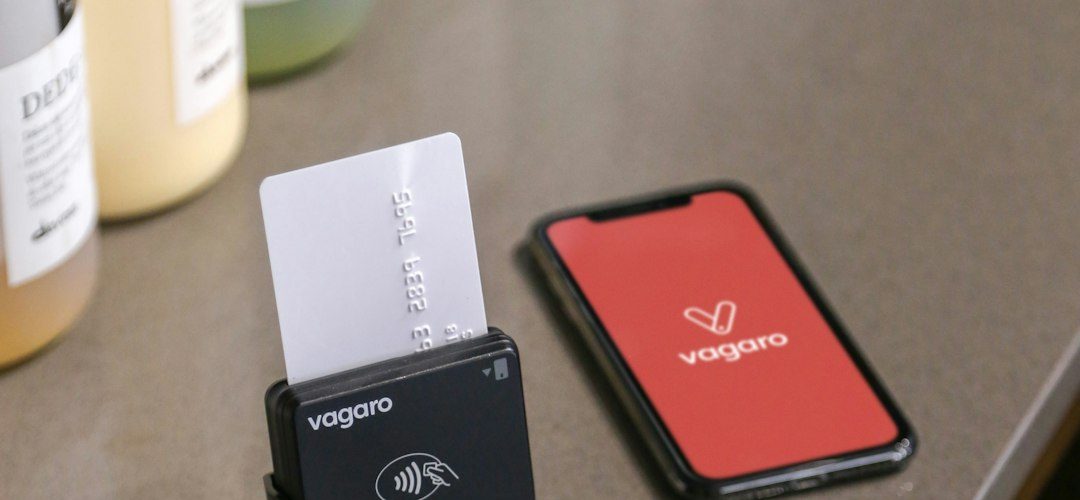
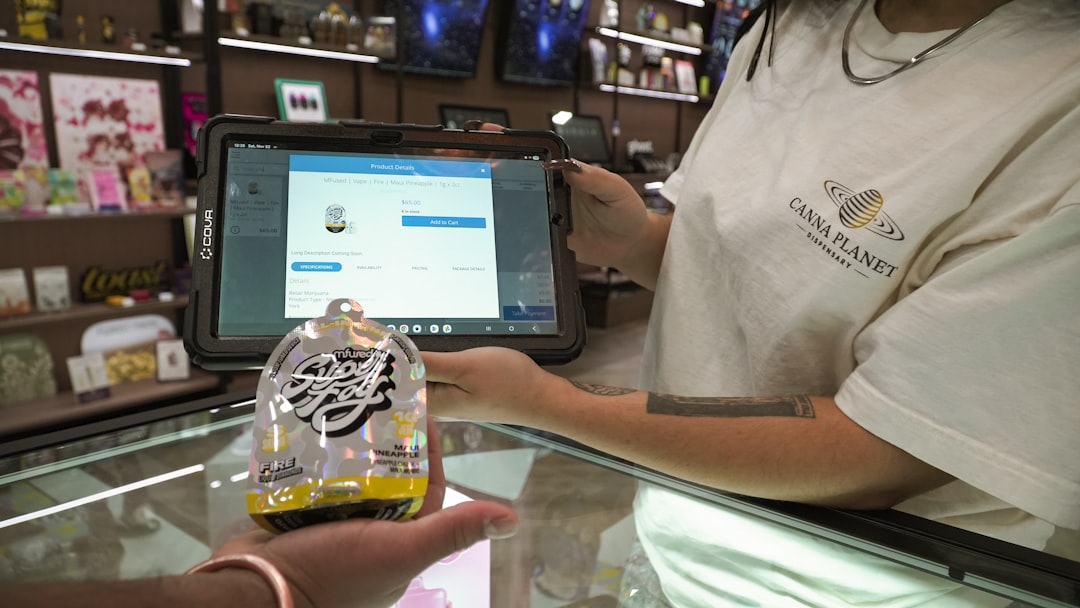
The point of sale system is often the center of the retail operation. It allows staff to complete transactions quickly and accurately. In a mobile phone shop, a good POS system should support barcode scanning, receipt printing, discount management, tax calculations, payment processing, and product bundling.
For example, when a customer buys a smartphone, the retailer may also sell a case, screen protector, charger, and warranty plan. A smart POS system can group these items together, apply a promotional offer, and record the device IMEI number in the same transaction. This creates a smoother checkout experience and gives the business a complete record of the sale.
Inventory Management and Stock Control
Inventory is one of the most important parts of a mobile phone retail business. Phones are high-value items, while accessories often have many models, colors, and variations. Without good inventory control, a retailer may overstock slow-moving products and run out of popular ones.
Inventory software helps retailers know exactly what is in stock, what has been sold, what needs to be reordered, and which products are generating the most profit. It can also alert managers when stock is low or when certain items have not sold for a long time.
For multi-branch businesses, inventory software becomes even more important. Managers can move products between locations, compare store performance, and avoid unnecessary purchasing. This gives the business more control over cash flow and reduces the risk of stock loss.
IMEI Tracking and Device Accountability
Mobile phones are not like ordinary retail products. Each device has a unique IMEI or serial number, and that number may be required for warranties, returns, repairs, insurance claims, and fraud prevention. A software mobile shop system should make it easy to scan, store, and search IMEI numbers.
When IMEI tracking is used correctly, staff can quickly identify which customer purchased a particular device, when it was sold, what warranty applies, and whether it has been returned or repaired. This creates accountability and protects both the retailer and the customer.
Repair Management for Service-Based Revenue
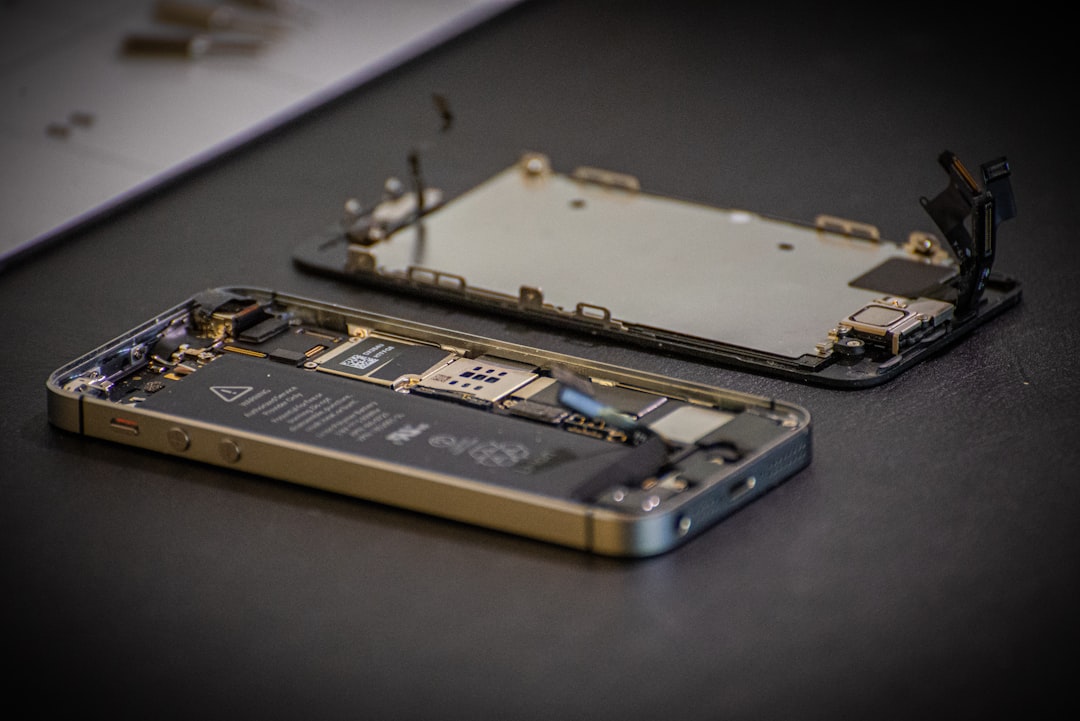
Many mobile phone retailers also offer repair services. Repairs can be highly profitable, but they require organization. A repair job may involve diagnostics, spare parts, technician assignment, customer approval, progress updates, and final testing.
A repair management module allows staff to create a ticket for each device. The ticket may include the customer’s complaint, device model, IMEI number, photos, estimated cost, technician notes, and expected completion date. As the repair moves through different stages, staff can update the status and notify the customer.
This kind of tracking helps reduce disputes. If a customer asks about the repair status, staff can find the information immediately. If a technician needs to check previous notes, the system provides a full history. This improves efficiency and builds trust.
Customer Relationship Management
Customer retention is extremely valuable in mobile retail. A customer who buys a phone may later return for accessories, upgrades, repairs, SIM plans, or trade-ins. A customer relationship management feature helps the retailer maintain long-term relationships instead of treating every sale as a one-time transaction.
The system can store purchase history, service records, warranty details, and communication preferences. Retailers can use this information to send reminders, promote upgrades, offer loyalty discounts, or notify customers about repair completion. When customer data is used responsibly, it can create a more personalized experience.
Reporting and Business Intelligence
Good decisions require good data. A software mobile shop system provides reports that help managers understand how the business is performing. Instead of guessing which products are profitable, owners can review actual sales data, margins, and trends.
Important reports may include:
- Daily sales reports showing total revenue and transaction counts.
- Profit margin reports comparing cost price and selling price.
- Inventory aging reports identifying products that are not selling.
- Staff performance reports showing sales by employee.
- Repair reports measuring completion time, technician output, and service revenue.
- Customer reports highlighting repeat buyers and high-value customers.
These insights help retailers adjust pricing, improve purchasing decisions, reward strong employees, and identify problems before they become expensive.
Multi-Store and Chain Management
For retailers operating more than one location, centralized software is essential. A multi-store system allows head office or management to monitor all branches from a single dashboard. Stock transfers, sales comparisons, user permissions, and branch-level reporting can all be controlled more easily.
For example, if one branch has too many units of a specific phone model and another branch is running low, the software can support an internal transfer. This prevents unnecessary supplier orders and increases the chance of making a sale. Multi-store control also helps ensure consistent pricing and promotions across all locations.
Payment, Financing, and Trade-In Support
Mobile phones are often expensive, so customers may look for flexible payment options. A software mobile shop system may support card payments, cash, bank transfers, mobile wallets, installment plans, and financing records. Some systems also allow split payments, where a customer pays using more than one method.
Trade-ins are another important feature. When a customer exchanges an old phone for credit toward a new one, the retailer needs to record the device condition, estimated value, IMEI number, and resale status. Software helps standardize this process and keep records clear.
Security and User Permissions
Because mobile shops handle valuable stock and customer data, security is critical. A well-designed system should allow managers to assign different permissions to different users. For example, a cashier may be able to process sales but not edit purchase costs. A technician may access repair tickets but not financial reports.
Role-based permissions reduce the risk of internal errors or misuse. Audit logs can show who made changes, processed refunds, adjusted stock, or edited customer records. This level of transparency is especially useful in larger shops with multiple employees.
Cloud-Based vs. Local Software
Retailers can choose between cloud-based systems and locally installed software. Each option has advantages. Cloud-based software can be accessed from different devices and locations, usually receives automatic updates, and supports remote management. It is often useful for growing businesses and multi-branch retailers.
Local software may appeal to businesses that prefer on-site control or have limited internet access. However, it may require more maintenance, backup planning, and manual updates. Many modern retailers prefer cloud systems because they provide flexibility and easier scalability.
Choosing the Right Software Mobile Shop System
Before selecting software, a mobile phone retailer should evaluate business needs carefully. The best system is not always the one with the most features. It is the one that matches the retailer’s workflow, budget, staff skill level, and growth plans.
Important factors to consider include:
- Ease of use: Staff should be able to learn the system quickly.
- Mobile retail features: IMEI tracking, repair management, and accessory variants should be included.
- Scalability: The system should support future growth, more users, and additional branches.
- Support and training: Reliable customer support can reduce downtime and frustration.
- Integration options: The software should connect with accounting, payment, ecommerce, or marketing tools when needed.
- Data security: Customer and business information should be protected with backups and access controls.
Benefits of a Well-Implemented System
When a software mobile shop system is implemented properly, it can improve nearly every part of the business. Checkout becomes faster, stock becomes easier to control, repair jobs become more organized, and customers receive better service. Management gains a clearer view of daily operations and long-term performance.
The biggest benefits usually include reduced errors, better inventory accuracy, higher staff productivity, stronger customer retention, and improved profitability. Over time, these advantages can help a mobile phone retailer compete more effectively in a crowded market.
Common Implementation Mistakes
Some retailers invest in software but do not get the full value because implementation is rushed or incomplete. A common mistake is failing to clean up old inventory data before moving it into the new system. Another mistake is not training staff properly. If employees do not understand the system, they may return to manual habits.
Retailers should also avoid choosing software based only on price. A low-cost system that lacks essential features may create more problems later. The better approach is to compare total value, including support, reliability, usability, and long-term flexibility.
The Future of Software for Mobile Phone Retailers
The future of mobile shop software will likely include more automation, smarter analytics, and stronger ecommerce integration. Retailers may use artificial intelligence to forecast demand, recommend accessory bundles, detect unusual stock movement, or personalize customer offers.
As online and offline shopping continue to merge, mobile phone retailers will need systems that connect in-store sales with websites, marketplaces, delivery services, and customer messaging platforms. The businesses that adopt flexible and data-driven tools will be better positioned to respond to market changes.
FAQ
What is software for a mobile shop?
Software for a mobile shop is a digital system that helps mobile phone retailers manage sales, inventory, repairs, customers, payments, and reports from one platform.
Why is IMEI tracking important?
IMEI tracking is important because each phone has a unique identity. It helps with warranties, returns, repairs, stock control, and fraud prevention.
Can mobile shop software manage repairs?
Yes. Many systems include repair ticket management, technician assignment, spare parts tracking, repair status updates, and customer notifications.
Is cloud-based software better for mobile phone retailers?
Cloud-based software is often better for retailers that need remote access, automatic updates, multi-store management, and easier scalability. However, the best choice depends on the shop’s needs and internet reliability.
What features should a mobile phone retailer look for?
A retailer should look for POS features, inventory management, IMEI tracking, repair management, customer records, reports, payment support, staff permissions, and integration options.
Can small mobile shops benefit from software?
Yes. Even small shops can benefit by reducing manual errors, improving stock control, speeding up checkout, and keeping better customer and repair records.
How does software improve profitability?
Software improves profitability by helping retailers control inventory, identify high-margin products, reduce losses, manage staff performance, and provide better customer service.