Start with Dorik or Typedream if you want a clean Carrd alternative without turning a one-page site into a full web project. Carrd is still hard to beat on price, with Pro Lite listed at $9 per year on its pricing page [source: Carrd], but price is not the only issue. If you need better blogging, richer design control, easier client edits, or a stronger link page, the five tools below are more practical picks.
TLDR: For most simple portfolio sites, Dorik is the best all-round Carrd alternative. For example, a freelance designer with 6 project links, 1 contact form, and 3 service blocks can build a presentable page in about 30 to 60 minutes without touching code. Pick Typedream if you like Notion-style editing, Framer if visuals matter most, Webflow if you need tighter control, and Bio Sites or Linktree if your page is mostly links.
Image not found in postmeta1. Dorik: best all-round choice for simple one-page sites
Dorik is the alternative I would suggest first to a consultant, freelancer, coach, or small agency that needs a serious-looking landing page. It has ready-made blocks, forms, payment support, memberships, and CMS features if you outgrow a basic page.
The editor feels less cramped than Carrd. You can build pages with sections, columns, buttons, cards, testimonials, and pricing tables without fighting the layout every two minutes. That matters when your “simple” page suddenly needs a FAQ, lead form, and client logo row.
- Best for: portfolios, service pages, startup landing pages.
- Main strength: good design control without heavy setup.
- Weak spot: the editor has more options, so it can feel slower at first.
The catch is that Dorik is not as tiny and quick as Carrd for a bare-bones link page. If all you need is a photo, bio, and five buttons, Dorik may feel like too much.
2. Typedream: best for Notion-style personal pages
Typedream works well for people who want a personal homepage, product waitlist, newsletter page, or small maker portfolio. Its editor is simple and friendly. If you have used Notion, the flow will feel familiar.
Typedream is strong when words matter. It is good for founders, writers, developers, and creators who need a clean page with text, links, signup forms, and a few visuals. You can publish fast, and the templates do not feel childish.
- Best for: personal landing pages, writing portfolios, startup pages.
- Main strength: fast editing and polished templates.
- Weak spot: deep layout control is limited compared with Webflow or Framer.
Honestly, it feels like the type of tool people wanted when they tried to turn a Notion page into a real website and got tired of the rough edges.
3. Framer: best for polished visual portfolios
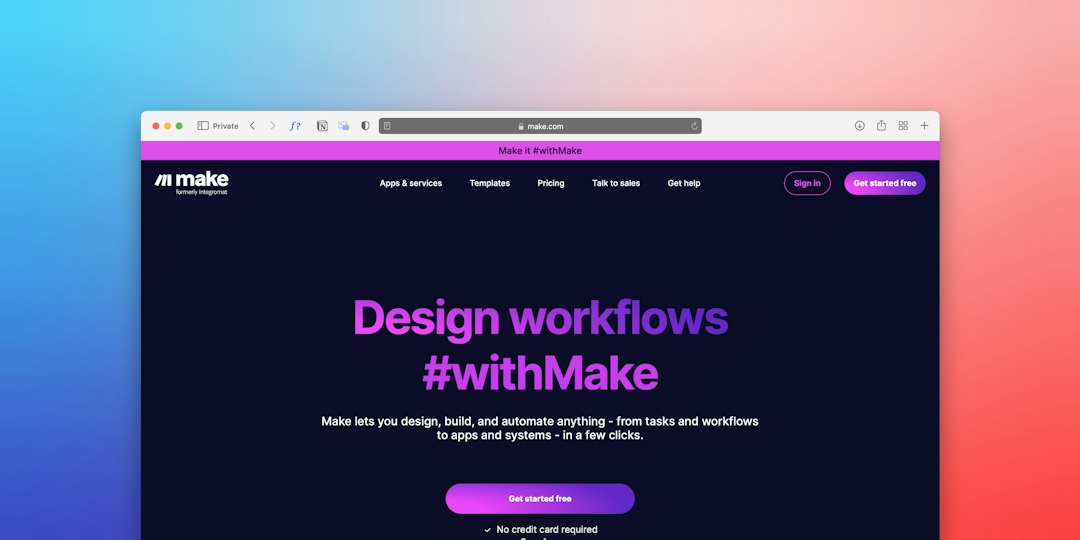
Framer is a strong pick for designers, photographers, product people, and creative studios. It gives you more visual freedom than Carrd, especially for animations, responsive layouts, and modern page sections.
If your portfolio has to impress in the first 5 seconds, Framer is worth considering. The templates look sharp, and the design system feels close to tools like Figma. That makes it easier for visual thinkers to build a page that does not look copied from a generic template.
- Best for: design portfolios, product pages, agency profiles.
- Main strength: strong visual design and smooth interactions.
- Weak spot: small text edits can feel oddly fussy if you only need a basic page.
Expect to waste time on tiny spacing details if you are picky. Framer makes nice work possible, but it also invites you to keep adjusting things.
4. Webflow: best when you need control and room to grow
Webflow is the most capable option on this list. It is also the least casual. Use it when you need a personal brand site today, but may add case studies, CMS pages, landing pages, or client-facing pages later.
Webflow gives you serious control over layout, classes, CMS items, responsive behavior, and SEO basics. That is great for people who care about structure. It is not great if you want to publish during a lunch break.
- Best for: larger portfolios, consultant websites, growing personal brands.
- Main strength: design control and CMS power.
- Weak spot: the learning curve is real.
If you are comparing this type of website builder with WordPress-style options, Webflow sits closer to a professional site tool than a quick bio-page builder.
5. Linktree or Bio Sites: best for custom link pages
Linktree and Bio Sites are not full Carrd replacements for portfolios, but they are excellent for link pages. If your main goal is to send people from Instagram, TikTok, YouTube, or X to your best links, they are faster than building a full site.
Use these tools when you need a mobile-first page with buttons, social links, email signup, embeds, and simple analytics. The setup is usually quick. The downside is that many pages look similar unless you spend time adjusting colors, images, and layout.
- Best for: creators, musicians, podcasters, influencers, newsletter owners.
- Main strength: fast link management and mobile-friendly pages.
- Weak spot: limited brand depth compared with Dorik, Framer, or Webflow.

How to choose the right Carrd alternative
- Choose Dorik if you want the safest middle ground.
- Choose Typedream if writing and speed matter most.
- Choose Framer if your site must look premium.
- Choose Webflow if you need structure, CMS features, and control.
- Choose Linktree or Bio Sites if you mainly need a link-in-bio page.
Final pick: Dorik is the best Carrd alternative for most simple portfolio sites and personal pages. Framer is better for visual polish. Webflow is better for long-term control. For plain link pages, do not overbuild it. Use Linktree or Bio Sites and move on.