Photographers who want a Lightroom alternative should first pick based on workflow: cataloging, RAW quality, presets, batch speed, or one-time pricing. Lightroom remains popular, but its Photography plan starts at $9.99 per month in the US [source: Adobe], which is exactly why many users try other tools.
TLDR: The best Lightroom alternatives include Capture One, ON1 Photo RAW, DxO PhotoLab, Darktable, RawTherapee, ACDSee Photo Studio, and Exposure X7. For example, a wedding photographer processing 1,200 RAW files may prefer Capture One for color work, while a hobbyist editing 200 travel shots may save money with Darktable. Batch presets can cut repeat edits by 30% to 60% when exposure, sharpening, and color styles stay consistent. The right pick depends less on hype and more on how many files need sorting each week.
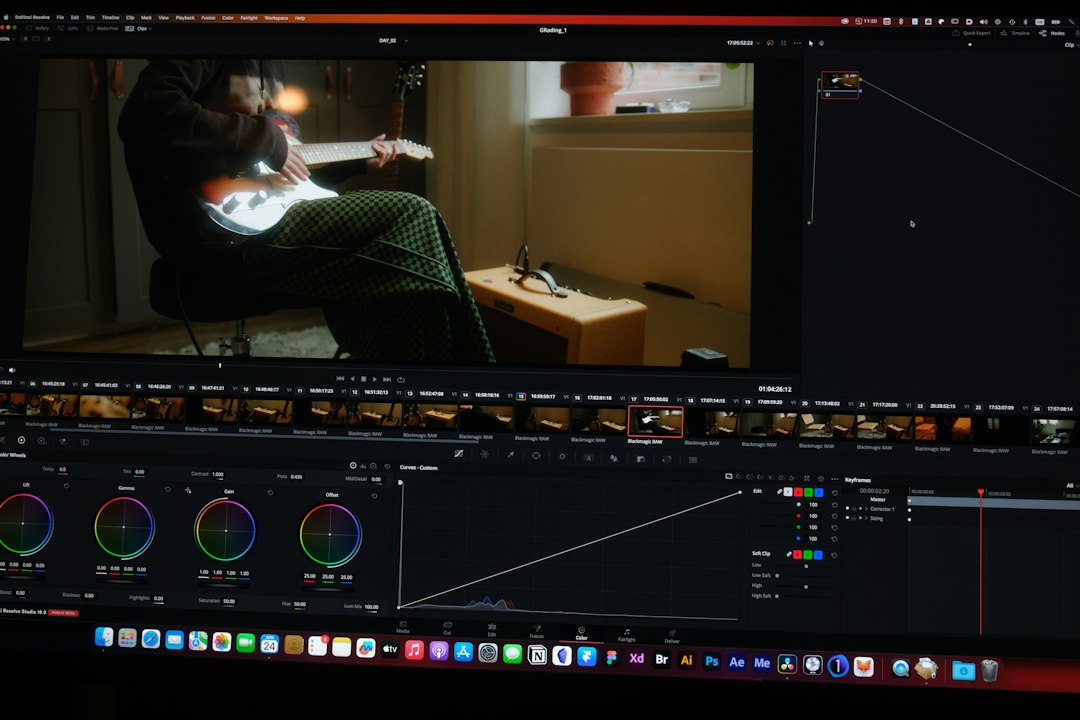
1. Capture One
Capture One is often the strongest choice for studio, fashion, and commercial photographers. Its color tools are excellent. Skin tones look clean, and tethered shooting is fast. Many pros also prefer its layer-based editing because it feels closer to a retouching workflow.
The catch is the learning curve. New users may spend a few evenings just finding common tools. It also costs more than many rivals. Still, for serious RAW processing and camera profiles, it is one of the best options.
- Best for: studio work, portraits, product photography
- Strengths: color control, tethering, layers, sessions
- Weak spot: price and setup time
2. ON1 Photo RAW
ON1 Photo RAW suits photographers who want editing, organizing, effects, and presets in one place. It includes layers, masking, AI tools, resizing, and portrait cleanup. It also supports batch work well, which helps when processing large shoots.
Honestly, it feels like ON1 tries to do everything at once. That is useful, but the interface can feel busy. On older laptops, previews may lag by a few seconds. Still, it gives strong value, especially for users who dislike monthly fees.
- Best for: all-in-one editing without Adobe
- Strengths: presets, effects, masking, batch export
- Weak spot: can feel crowded
3. DxO PhotoLab
DxO PhotoLab is a top pick for image quality. Its noise reduction is the main draw. DeepPRIME and DeepPRIME XD are especially useful for high ISO files from events, wildlife, and indoor shoots. DxO also has strong lens correction profiles.
It is not the best pure catalog manager. It works well for editing, but large library control feels lighter than Lightroom or ACDSee. For photographers who care most about clean RAW output, that tradeoff may be fine.
4. Darktable
Darktable is free and open source. It supports RAW processing, non-destructive editing, masks, styles, and batch exports. It can run on Windows, macOS, and Linux, which makes it popular among users who want full control without a subscription.
It drives some photographers mad that simple edits can feel buried under technical modules. The tool names are not always friendly. Still, patient users get a very capable editor at no cost.
- Best for: budget users and Linux photographers
- Strengths: free, powerful, flexible
- Weak spot: less beginner-friendly
5. RawTherapee
RawTherapee is another free RAW editor with deep technical control. It is strong for sharpening, demosaicing, tone mapping, and color correction. It is less polished than paid apps, but its output can be excellent.
RawTherapee works best for photographers who enjoy fine control. It is not ideal for fast culling or huge client galleries. Expect to spend time building a routine before it feels quick.
6. ACDSee Photo Studio
ACDSee Photo Studio is one of the best Lightroom alternatives for photo management. Its digital asset tools are strong. Users can sort by keywords, ratings, folders, categories, color labels, and metadata. It is built for big archives.
The editing tools are solid too. They may not beat Capture One for color or DxO for noise, but they cover most jobs. Batch renaming and batch conversion are especially useful for teams with repeat delivery rules.
- Best for: large image libraries
- Strengths: organizing, metadata, batch tools
- Weak spot: editing feels less modern in places
7. Exposure X7
Exposure X7 focuses on creative editing and film-style presets. It is fast to use and does not force users into a heavy catalog system. Photographers can browse folders and start editing quickly.
Its presets are the main appeal. Wedding, portrait, and lifestyle photographers may like its film looks, grain, and soft color styles. It is not the strongest tool for advanced asset management, but it feels smooth for creative batches.
Which Lightroom Alternative Fits Best?
- For best color: Capture One
- For best all-in-one value: ON1 Photo RAW
- For best noise reduction: DxO PhotoLab
- For free editing: Darktable or RawTherapee
- For large archives: ACDSee Photo Studio
- For creative presets: Exposure X7
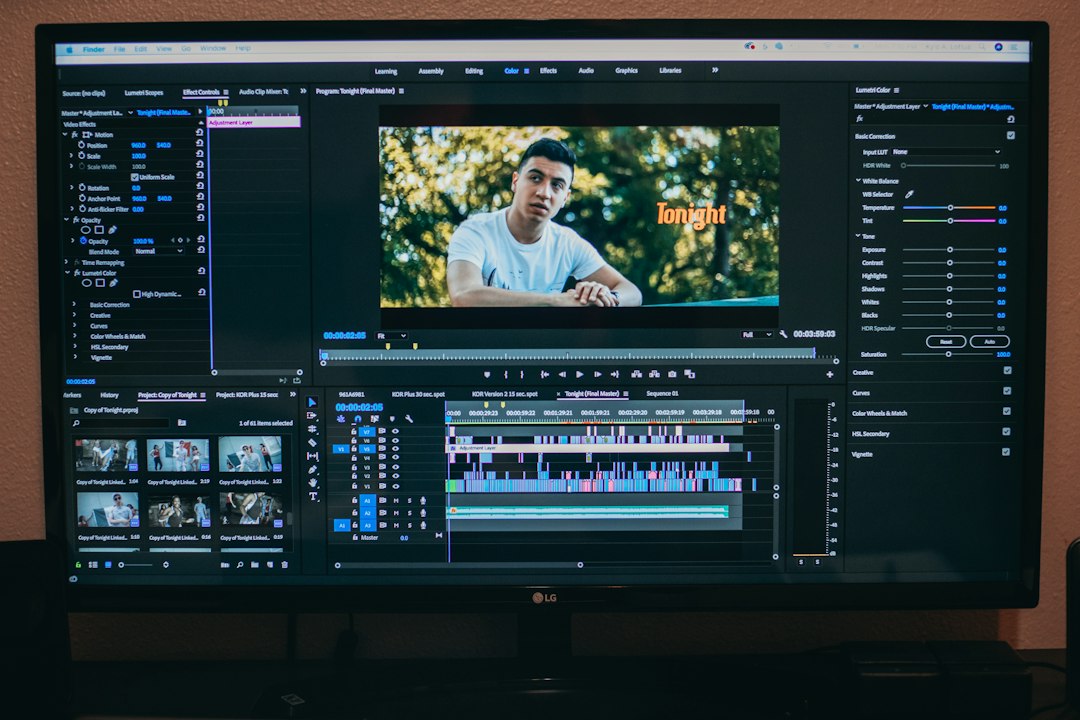
The smartest approach is simple: photographers should test one tool with a real shoot. A folder of 300 RAW files says more than any feature list. Import speed, preview lag, preset quality, and export time matter in daily work.
FAQ
What is the best Lightroom alternative overall?
Capture One is the best overall choice for many professionals, especially for color work and tethered shooting. ON1 Photo RAW is better for users who want many tools in one app.
What is the best free Lightroom alternative?
Darktable is the best free option for most users. RawTherapee is also strong, especially for detailed RAW control.
Which tool is best for batch editing?
ON1 Photo RAW, ACDSee Photo Studio, and Capture One are strong for batch workflows. They handle presets, exports, and repeated adjustments well.
Which Lightroom alternative has the best presets?
Exposure X7 is the strongest choice for film-style presets. ON1 Photo RAW also offers many creative looks and effects.
Can these tools edit RAW files non-destructively?
Yes. Most modern Lightroom alternatives use non-destructive editing. The original RAW file stays untouched while edits are saved as instructions or sidecar data.